Why an open ERP, including API & MCP access, matters today
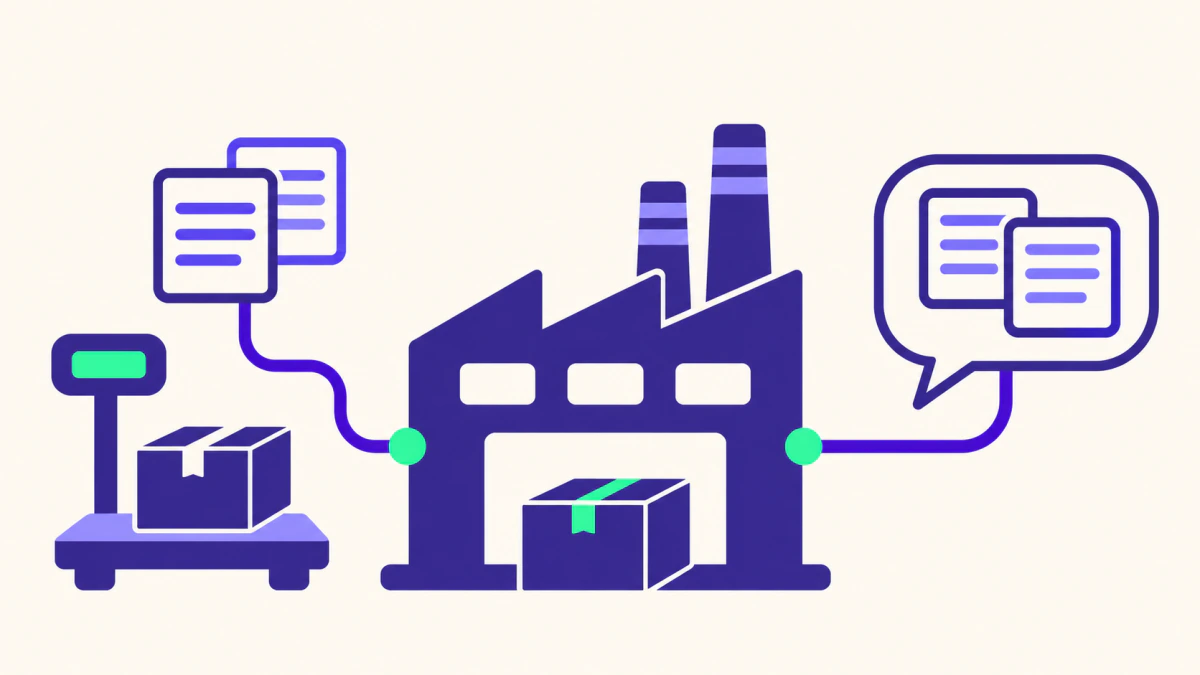
At Bonx, we believe manufacturers should be able to choose which software and AI assistants they use with their ERP. For example, you should be able to keep the accounting system your finance team trusts, connect the equipment you already use, and try a new AI assistant when it can help with a real task.
That’s why we built Bonx, the AI-native manufacturing ERP, with APIs for connecting other systems and a read-only model context protocol (MCP) connector for compatible AI assistants. Both give you a supported way to use ERP data in and with the tools you choose.
Some ERP vendors limit that access by plan. In other systems, getting to the records your team actually needs to develop a custom application can take a custom development project. Those limits shape what you can automate today and how much work it takes to bring in the next tool.
Sometimes it’s a commercial decision. Odoo, for example, makes its external API available on its Custom pricing plans. A manufacturer that wants to connect another system has to factor API access into the cost of choosing a plan.
Sometimes the constraint is how the ERP was built. Say your team adds a field to record a customer’s approval before production starts. The planner can see it on the order screen, but the standard API may never expose it. Microsoft Dynamics 365 Business Central, for example, requires developers to create a new API page when they need to extend what an existing API page exposes. That means someone has to build, test, and maintain the extra access.
The same constraints carry over to MCP. A vendor can choose to make standard order records available first. If approvals live in a separate module or custom extension, the team building the connector also has to give it access to those records, link them to the right orders, and enforce the permissions. Until then, the assistant can report the scheduled date, but your planner still has to look up the approval to explain why production is on hold.
An API lets one system read information or carry out an authorized action in another. For example, your ERP can send an invoice to your accounting software, or pick up a measurement from a system on the factory floor.
At Recyc Matelas, we connected Bonx to the weighbridge the team already used to weigh incoming materials. The weight goes straight into the operational record, saving the intake team a second entry. Recyc Matelas also kept its existing billing tool, and Bonx sends invoices straight to it through a separate integration.
Bonx offers REST and GraphQL APIs, webhooks that notify other systems when events happen, and a proprietary integration engine. Depending on the integration, you can choose which fields Bonx sends and receives.
For authentication, examples, and the REST and GraphQL references, see the Bonx API guide.
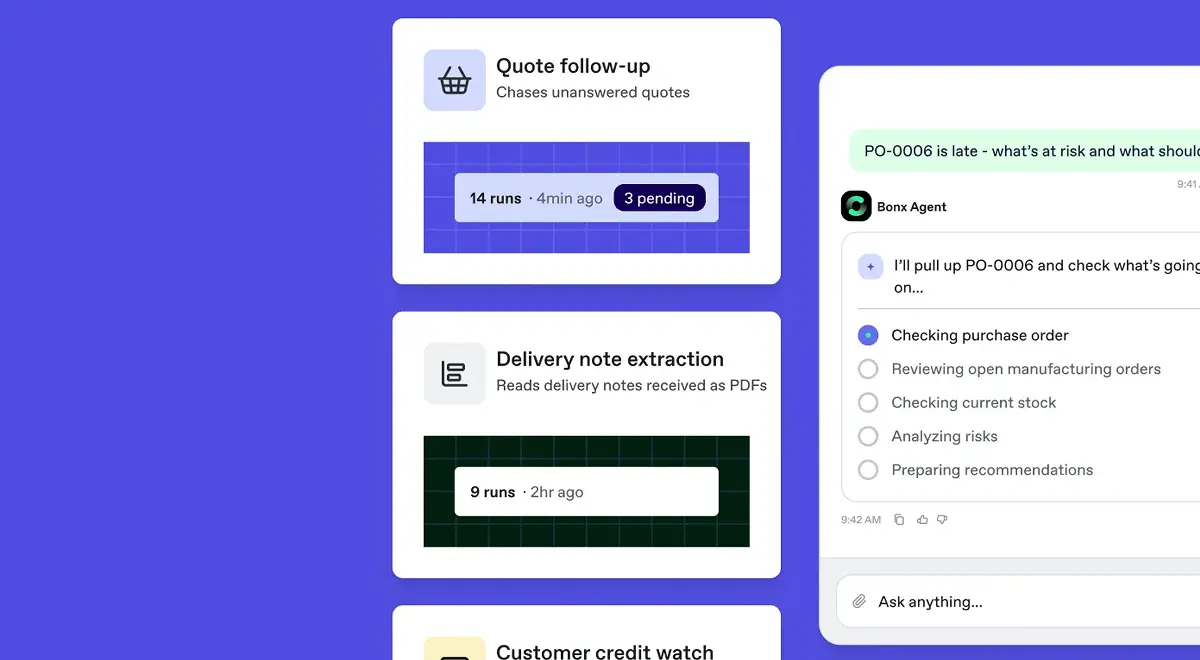
A planner preparing for a new product’s first production run can ask Bonx’s built-in AI assistant whether any outstanding purchase orders could delay it, then open the relevant records and follow up in Bonx.
But say you’re building a board presentation in Claude using a finance forecast and notes from your leadership team. When you get to the slide on a new product launch, you can ask Claude to pull the current status of the first manufacturing orders directly from Bonx and use it in the deck.
MCP is the standard that lets AI assistants pull those records into the conversation. The Bonx connector gives active managers read-only access under their existing Bonx permissions. Other compatible assistants, such as ChatGPT, can use the same standard when they support the connection. See the Claude setup guide to connect it to Bonx.
Say a retailer needs to approve the packaging artwork before you can start a production run. In Bonx, you can record that sign-off in a custom field on the production order or link the order to a separate approval record. A connected scheduling tool can retrieve the approval through the GraphQL API and show the planner whether the artwork has been signed off. If another retailer adds a label approval, your team can configure that step in Bonx and update which fields the scheduling tool receives.
If you’re evaluating an ERP, ask the vendor to show you a handoff your team handles manually today. Use one of your own records and include a field your team added for a reason. Ask them to demonstrate what the connected software or assistant can retrieve, who can access it, and how you’d update the connection if your process changed.
Bring that workflow to a Bonx demo and we’ll walk through how to connect it.


Contact us
So were we. That's why we built Bonx, the AI-native manufacturing ERP.