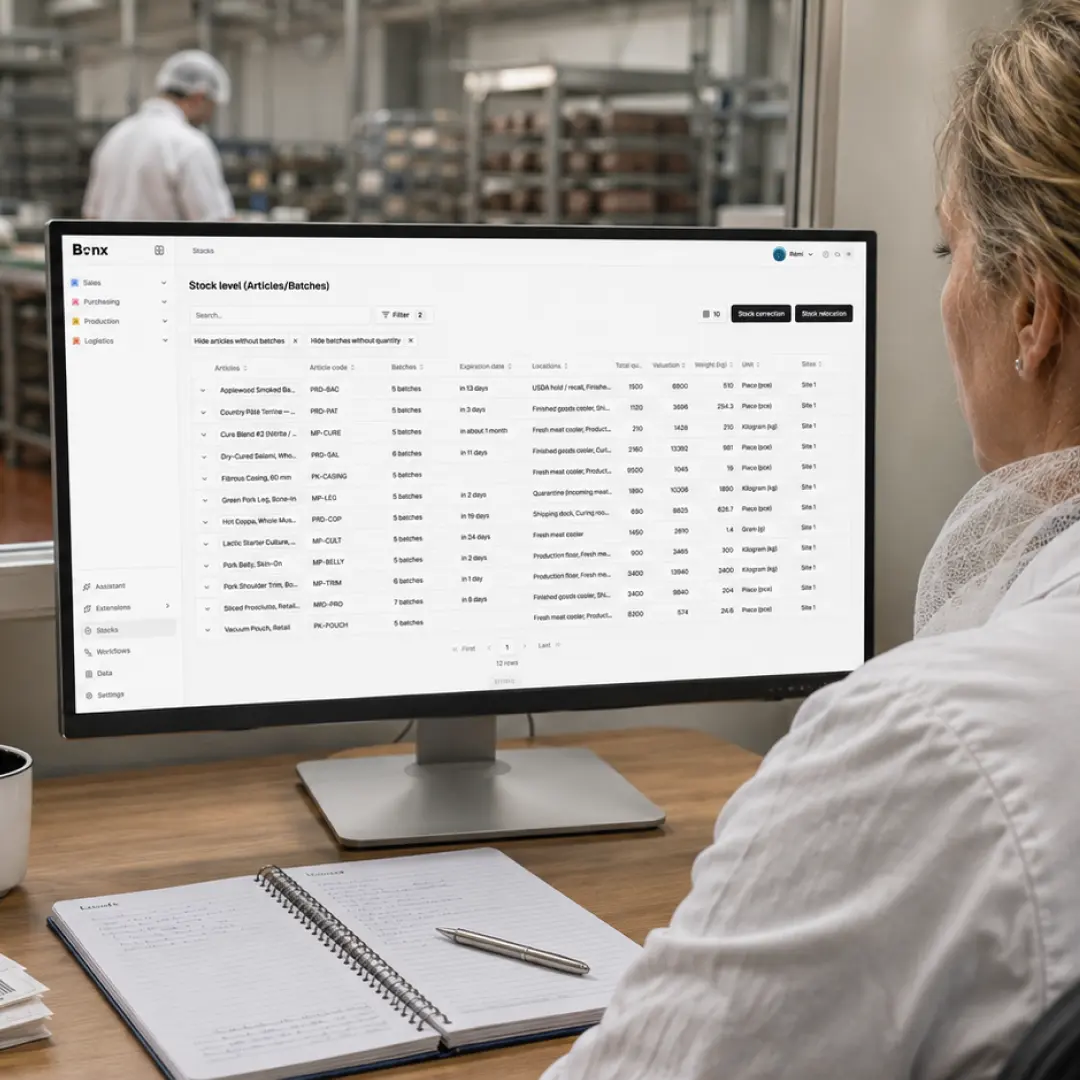
“Bonx is the backbone of our fully automated factory.”
Romain Adamowicz
CEO at SomethingAdded


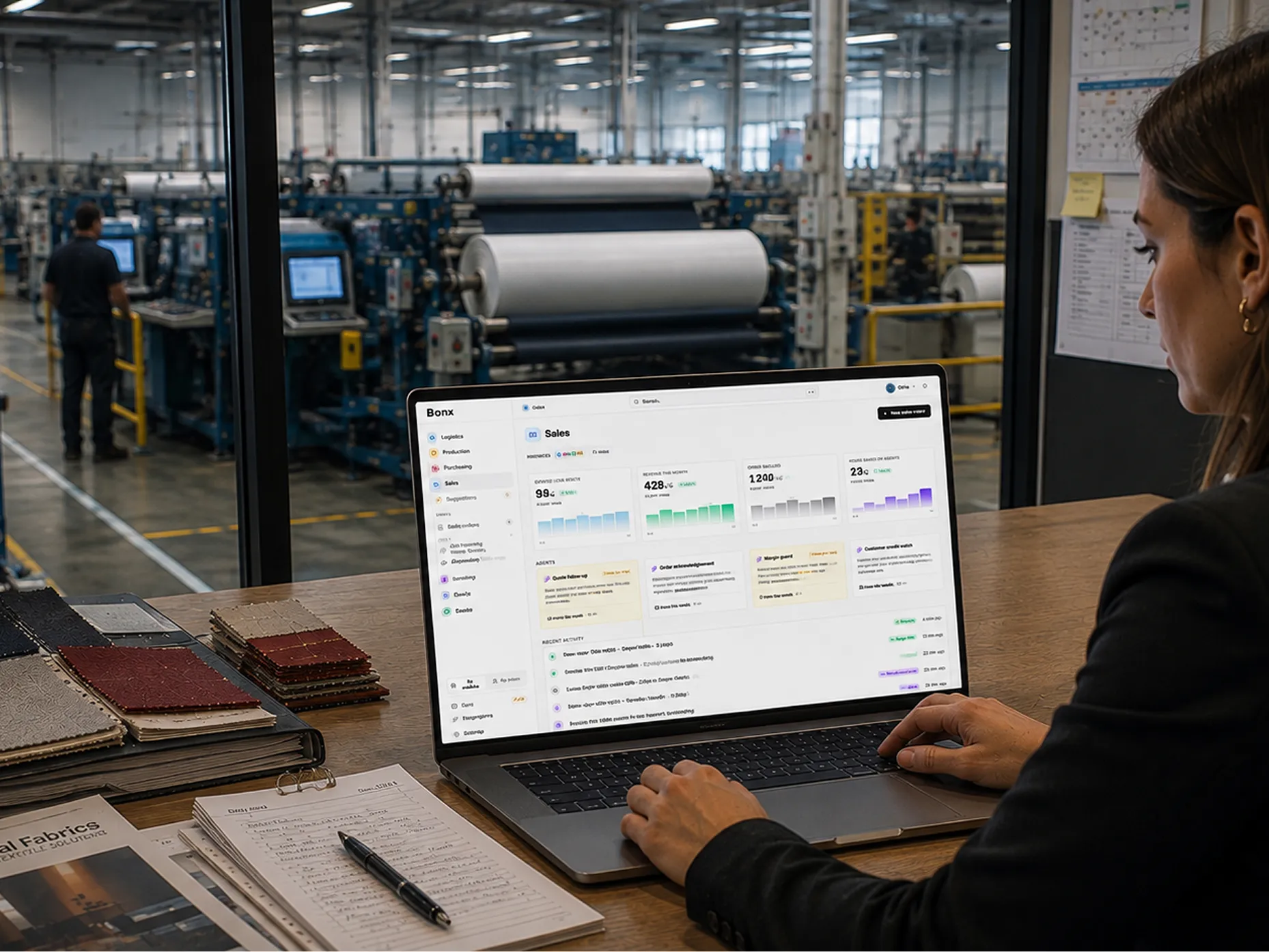
Amazon, marketplaces, Shopify, EDI and email orders land in the same order list.
Omnichannel orders
X12 EDI with big-box retailers and distributors, with ASNs that keep chargebacks away.
Retail EDI
Availability on every order, and work orders released from the order when stock is short.
Inventory and production
Every order ships from the right site, and backorders are created automatically.
Routing and backorders
Your order steps, handled by AI agents, with the full order history.
Process and AI agents
Invoices created from shipments, with the margin of every order.
Invoicing and accountingSales channels
Every order arrives in Bonx with its customer, payment terms, currency and prices. Your order desk no longer switches between Seller Central, the online store, the EDI portal and the inbox.
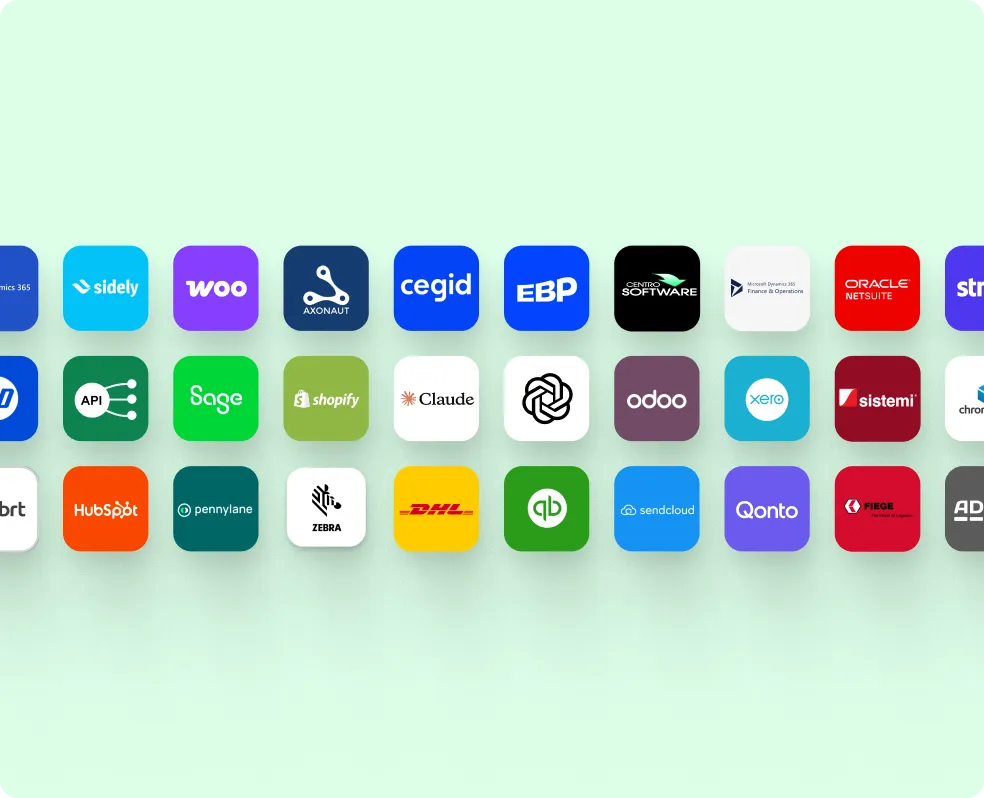
Amazon and marketplace orders flow into Bonx, with their listings mapped to your items.
Store orders flow into Bonx. Available stock goes back to Shopify location by location, so you never sell online what is already allocated.
A purchase order received by email, as a PDF, a photo or an Excel file becomes a sales order. Bonx finds the customer and the items, and flags anything it doesn't recognize before approval.
EDI
Bonx exchanges X12 documents directly with your EDI provider. Retailer POs land in Bonx as soon as they are sent, every inbound document is acknowledged with a 997, and the documents your trading partners expect go out from Bonx.
Each 850 becomes a Bonx sales order for the right customer and ship-from site, and 860 changes update it.
Bonx sends the acknowledgment with the quantities and dates you accept.
The ASN carries the quantities actually shipped, and GS1-128 pallet and carton labels print from Bonx, so retailers have no reason to charge you back.
Invoices go out as 810s, and 846 inventory advice tells Amazon and your retailers what you can ship.
Availability
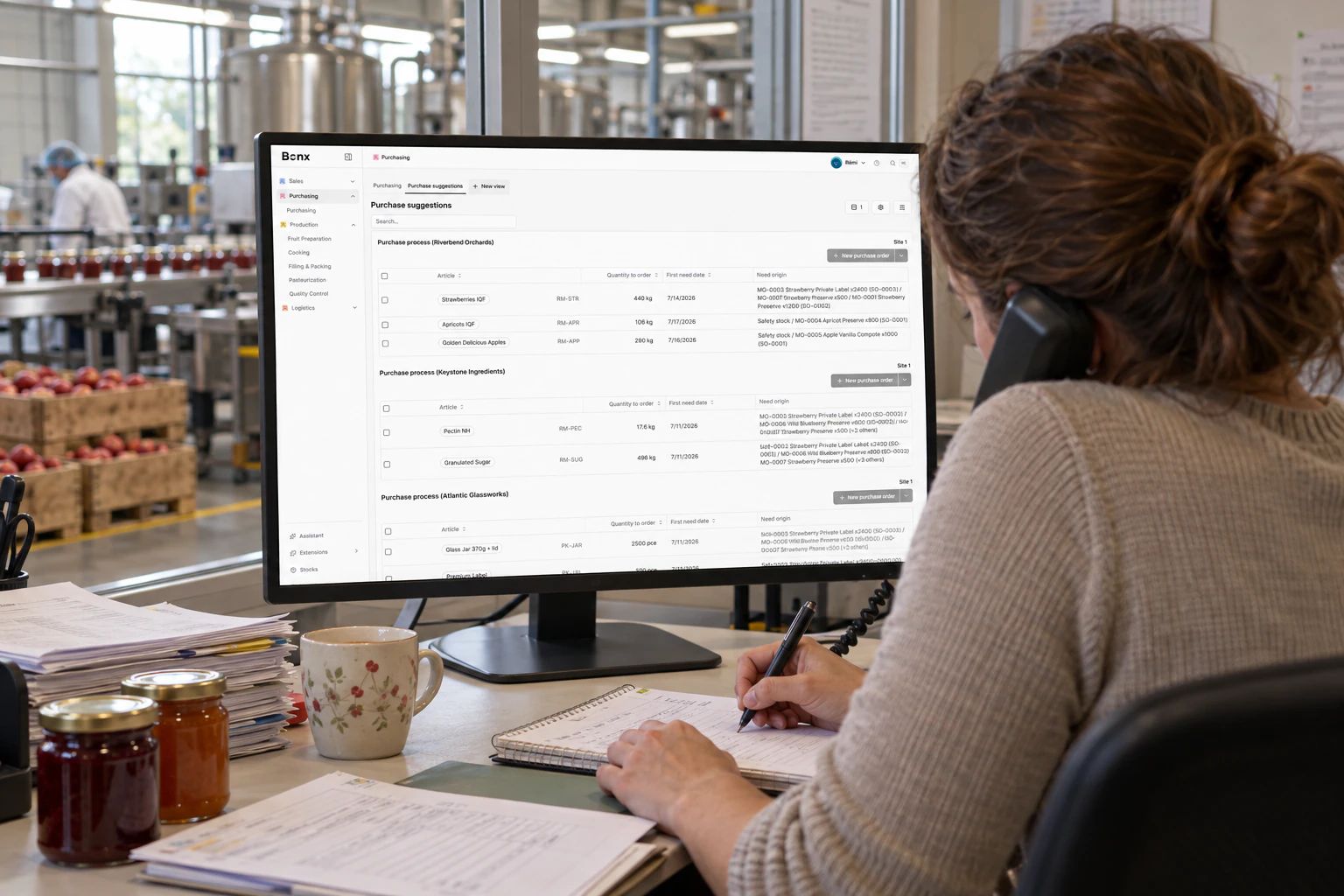
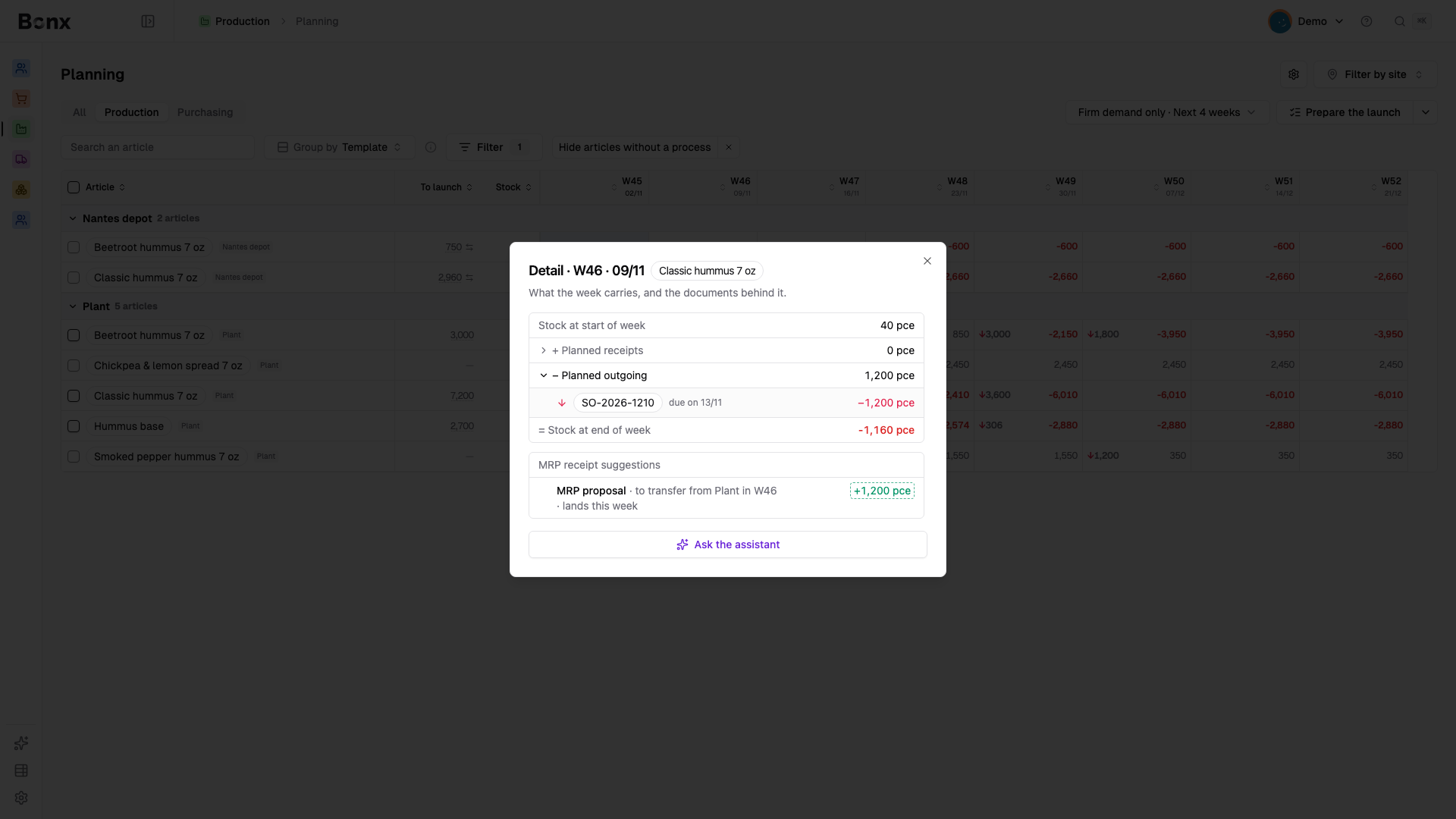
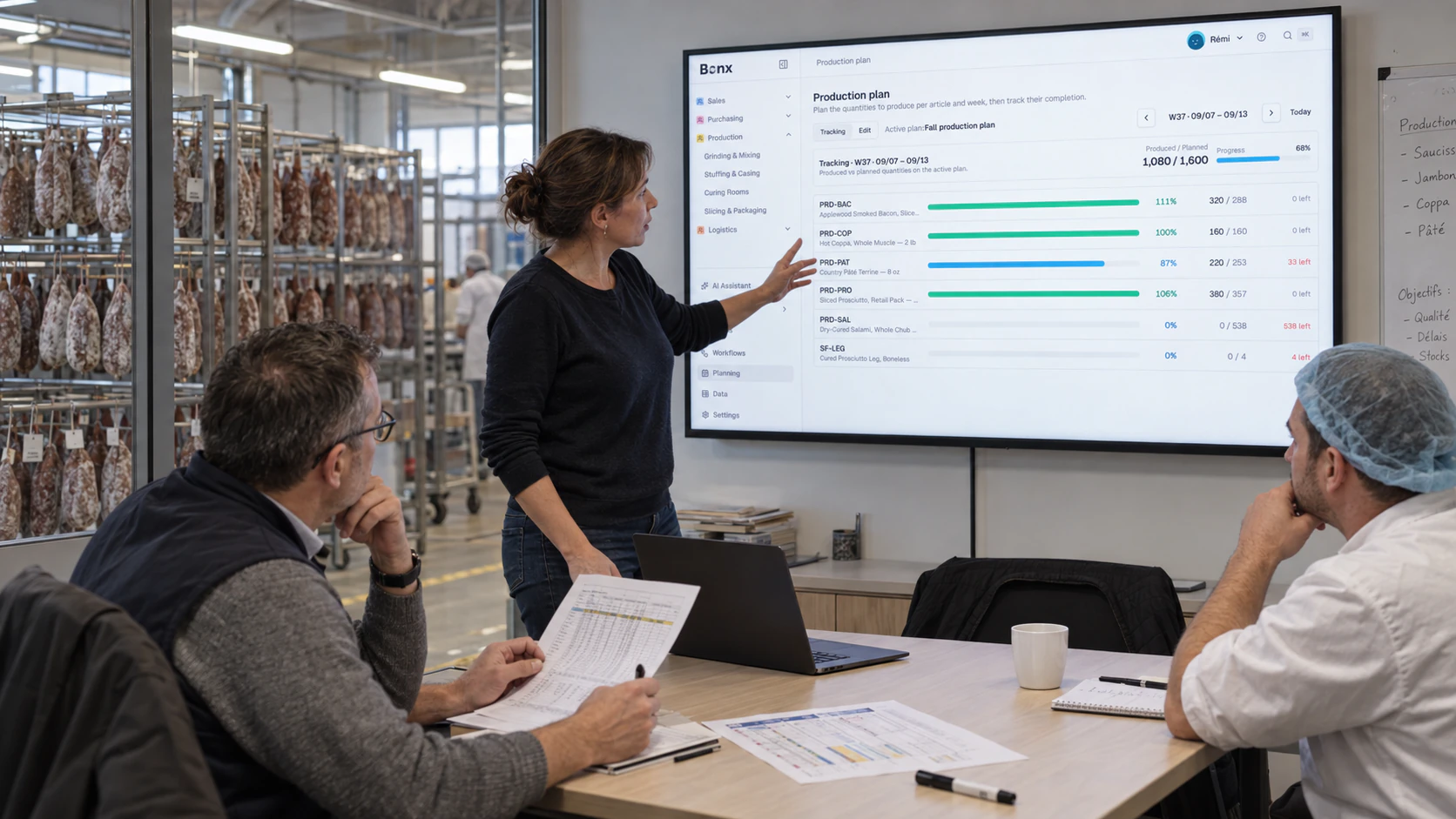
Every order shows its availability: in stock, reserved, incoming or out of stock. For what is missing, the order releases production and stays linked to its work orders.
Stock is reserved for the order, and the reservation is split across partial shipments.
Work orders are released from the order's Manufacturing tab, for the quantities that are missing.
Bonx shows whether open purchases and production cover the order on time, component by component.
Routing and backorders
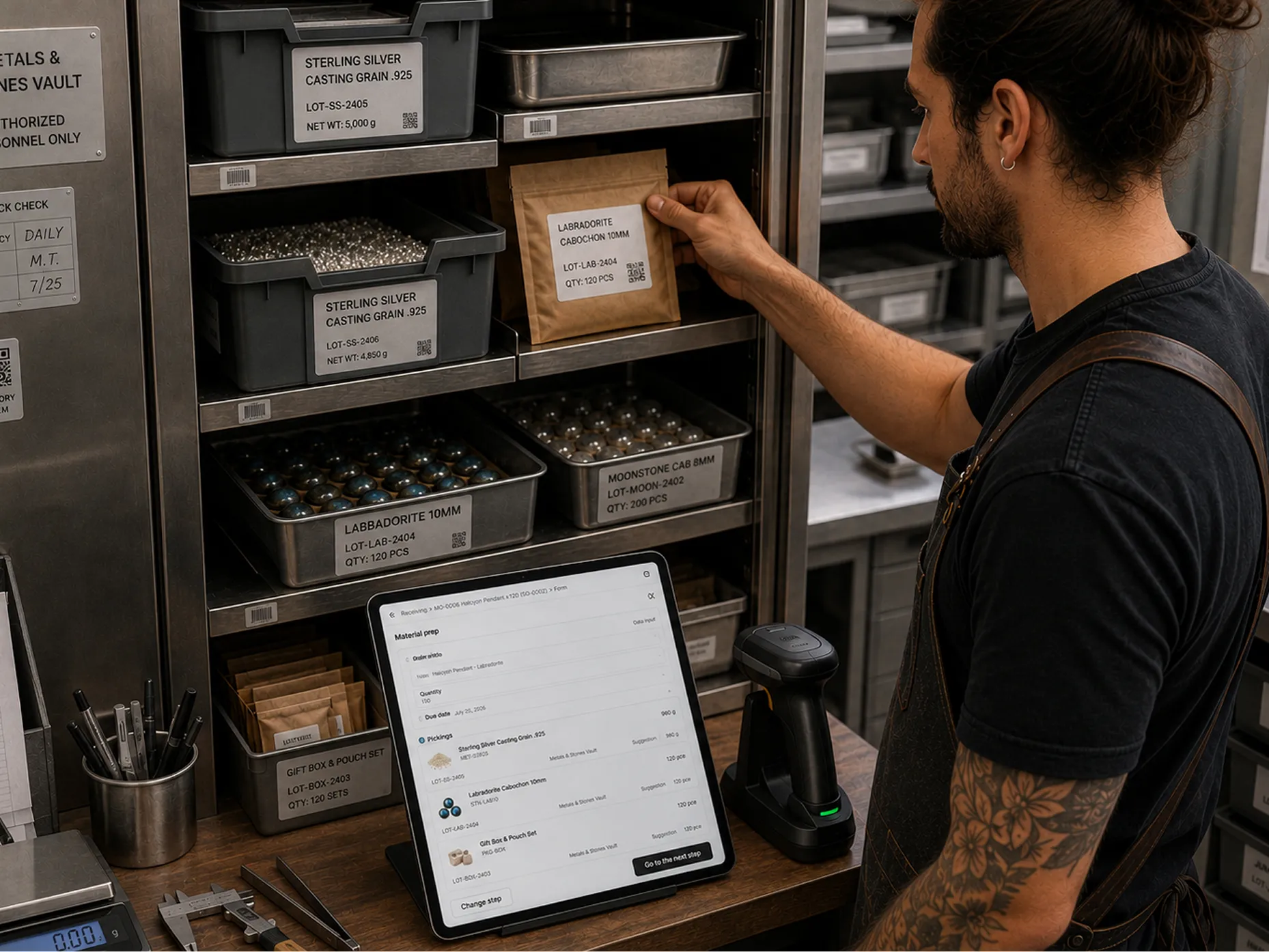
A Bonx automation or an AI agent assigns each order to the site, warehouse or 3PL that should ship it, based on your rules. Whatever cannot ship right away becomes a backorder, tracked until it is delivered.
Ship-to region, stock by site, customer type: you write the rule, and the automation or the agent applies it to every new order.
Orders routed to a 3PL go out as 940 warehouse shipping orders, and the 945 confirms what actually shipped. An order that needs stock from two warehouses ships in two shipments.
When a shipment goes out short, Bonx creates the backorder for the remaining quantity. Bonx also warns you when a shipment takes stock from an order due earlier.
Order process
You define the steps of an order, for example picking, palletizing, waiting for the carrier and shipped, ready to invoice. At each step, Bonx can reserve stock, create the shipment, prepare the invoice or hand the order to an AI agent.
An agent picks up the order at the step you choose and follows your instructions, written in natural language. Its decisions come to you for approval whenever you want to review them.
An automatic step confirms the picks and moves the order to the next step.
Every change is logged with who made it and when, next to the emails, the comments and the automations that ran.
Order-to-cash
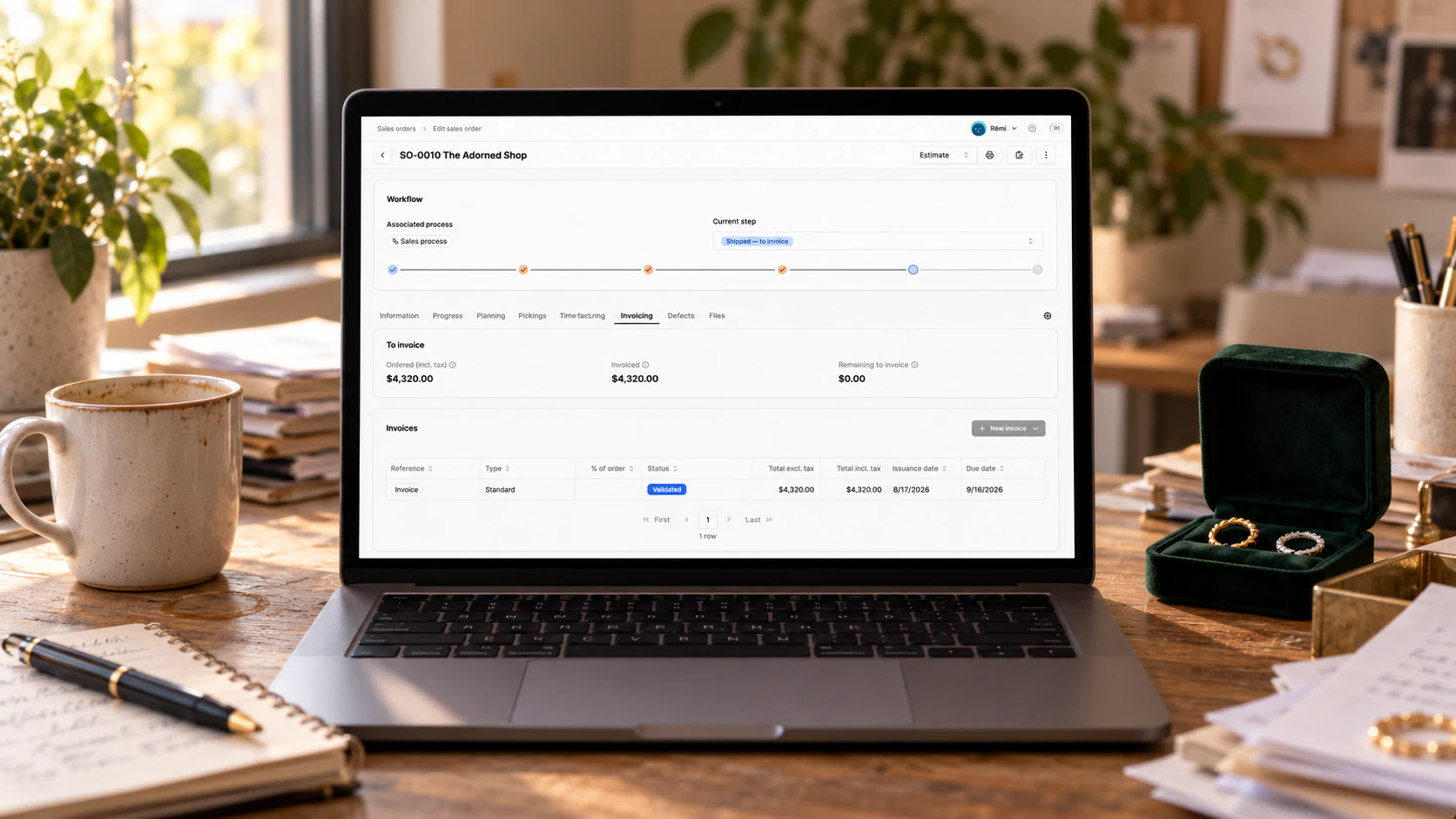
Invoices are created from the order or from the shipments, one by one or as a summary invoice. The amount invoiced matches what shipped, and the order margin is calculated from the cost of goods shipped.
Deposit, final and summary invoices, and partial credit memos prorated on discounts.
Revenue ordered and shipped, cost of goods shipped and actual margin, on every order.
Invoices go to QuickBooks, Xero, NetSuite or Sage Intacct with their PDF, and the journal entry can be checked before posting.
Romain Adamowicz
CEO at SomethingAdded
Marjolaine Nantillet
Founder at L’Atelier du Ferment

David Nicolas
Founder at Féroce

Romaric Duretz
Plant director at La Maillecotech

Contact us
An OMS (order management system) brings together orders from every channel and tracks them through fulfillment. An ERP also covers inventory, purchasing, production and accounting. In Bonx, order management is part of the ERP: the order sees real stock and releases production, with no sync between two systems.
EDI, Amazon, marketplace, Shopify, WooCommerce and email orders flow into Bonx on their own, and PDF or Excel purchase orders are read by AI. An automation or an AI agent then routes each order to the right site, and the next steps (stock reservation, shipment, backorder, invoice) follow the process you have defined.
Bonx handles the X12 documents retailers expect: 850 purchase orders and 860 changes, 855 acknowledgments, 856 ASNs with GS1-128 labels, 810 invoices, 846 inventory advice and 997 functional acknowledgments. With a 3PL, Bonx sends 940 warehouse shipping orders and reads 945 shipping advice.
Yes. Amazon and marketplace orders flow into Bonx, in the same list as your EDI, e-commerce and email orders, with their listings mapped to your items.
A manufacturer needs more than an order list: the order has to see available stock, release production for what is missing and invoice what actually shipped. Bonx is built for manufacturers who make what they sell, with order management, inventory, production and invoicing on the same data.
No. Bonx connects to your store: Shopify orders flow into Bonx, and available stock and tracking go back to Shopify. WooCommerce orders are imported.
Yes. Once shipped, the order shows revenue ordered and shipped, the cost of goods shipped and the actual margin. Inventory is valued at weighted average cost or FIFO.