Quality management software for manufacturers
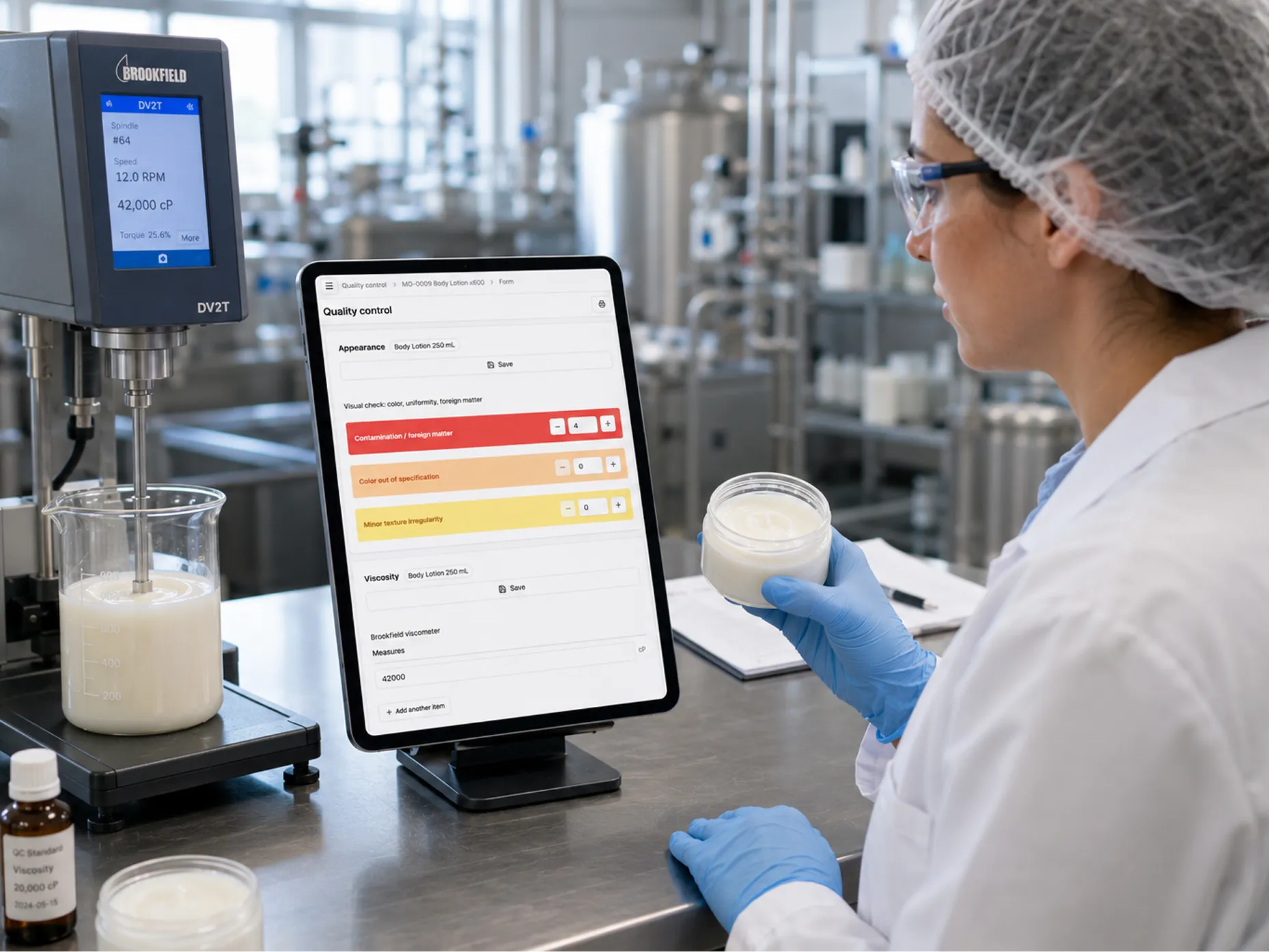
Attach an inspection plan to an item and place it on a step of the process: receiving, production or shipping.
Enter one or more measurements with their unit. Out-of-tolerance values are flagged immediately.
Classify defects as minor, major or critical to decide whether to accept or reject the lot.
Inspect 100% or use AQL sampling: Bonx calculates the sample size.
A nonconformance records the defect, the lot and the quantity, and moves the stock to a nonconforming location. Its status tracks what happens next: to repair, repaired, beyond repair.
A machine can report a defect directly in Bonx through the API.
Trace back from a finished product to the supplier lots, or forward from a raw material to every product and customer affected, across ten levels.
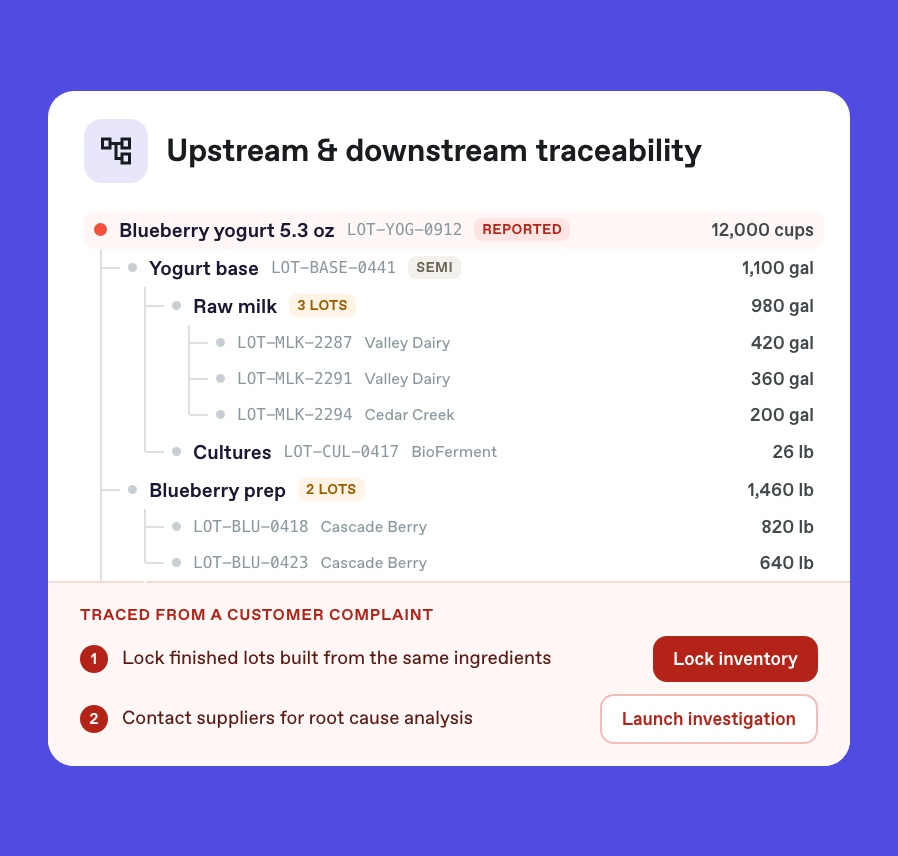
A quarantined lot cannot be sold or picked until it is released; the release is recorded with the person and the date.
Romain Adamowicz
CEO at SomethingAdded

Marjolaine Nantillet
Founder at L’Atelier du Ferment
David Nicolas
Founder at Féroce

Romaric Duretz
Plant director at La Maillecotech

Contact us
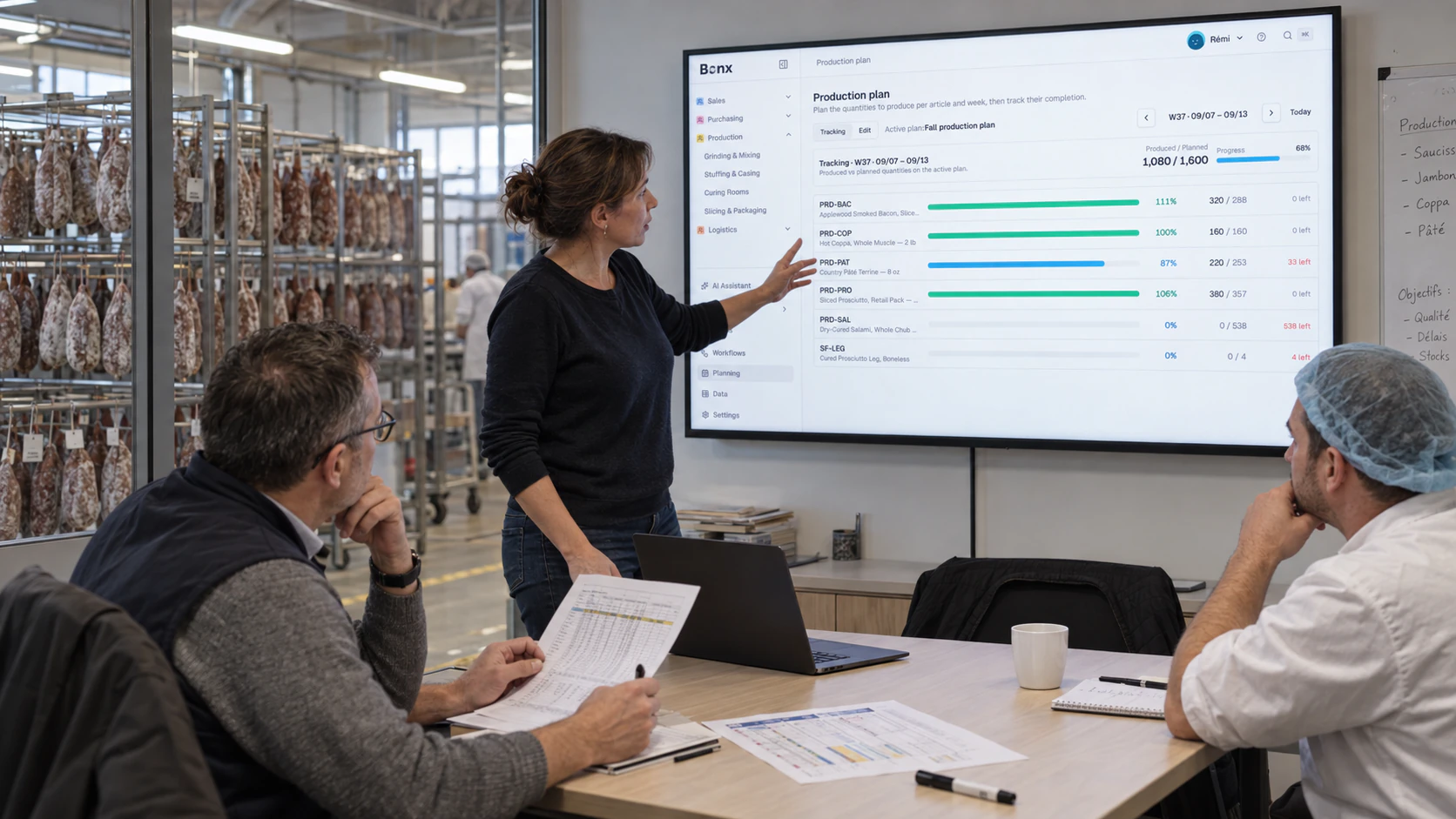
When an inspection fails, you create a nonconformance with the defect type, the lot and the quantity involved. The stock moves to a nonconforming location, and the nonconformance follows its handling: to repair, repaired or beyond repair.
Yes. An inspection task placed on a step of the process shows up for the operator at the right time. Machines can also report defects directly through the API.
Yes. Each result is linked to the lot, work order or receipt involved. Backward and forward traceability lets you find every product and customer affected by a lot.