Your operational backbone

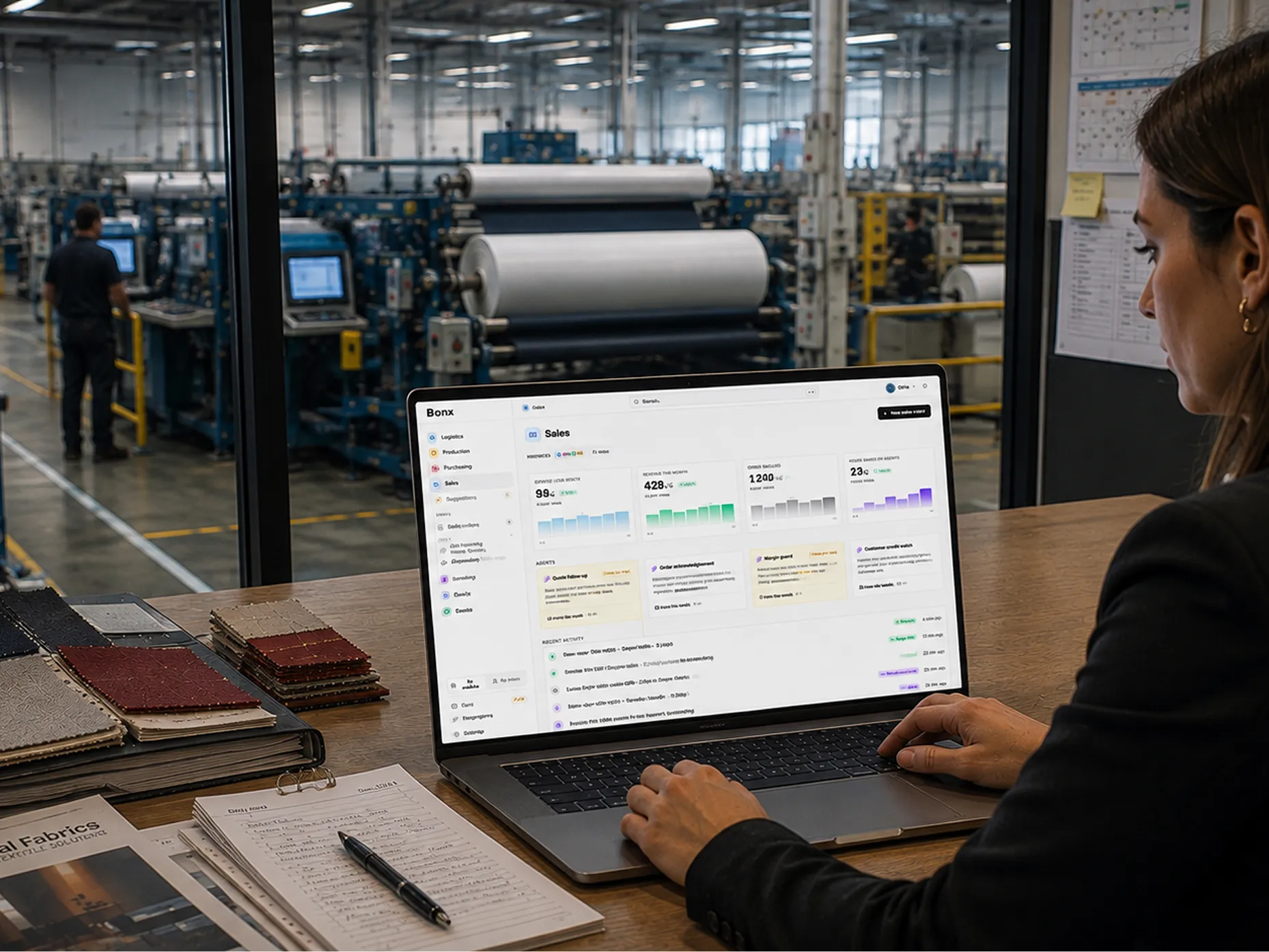
Every order lands in one place no matter which channel it came from and is connected with the rest of your operations for full transparency into order status.
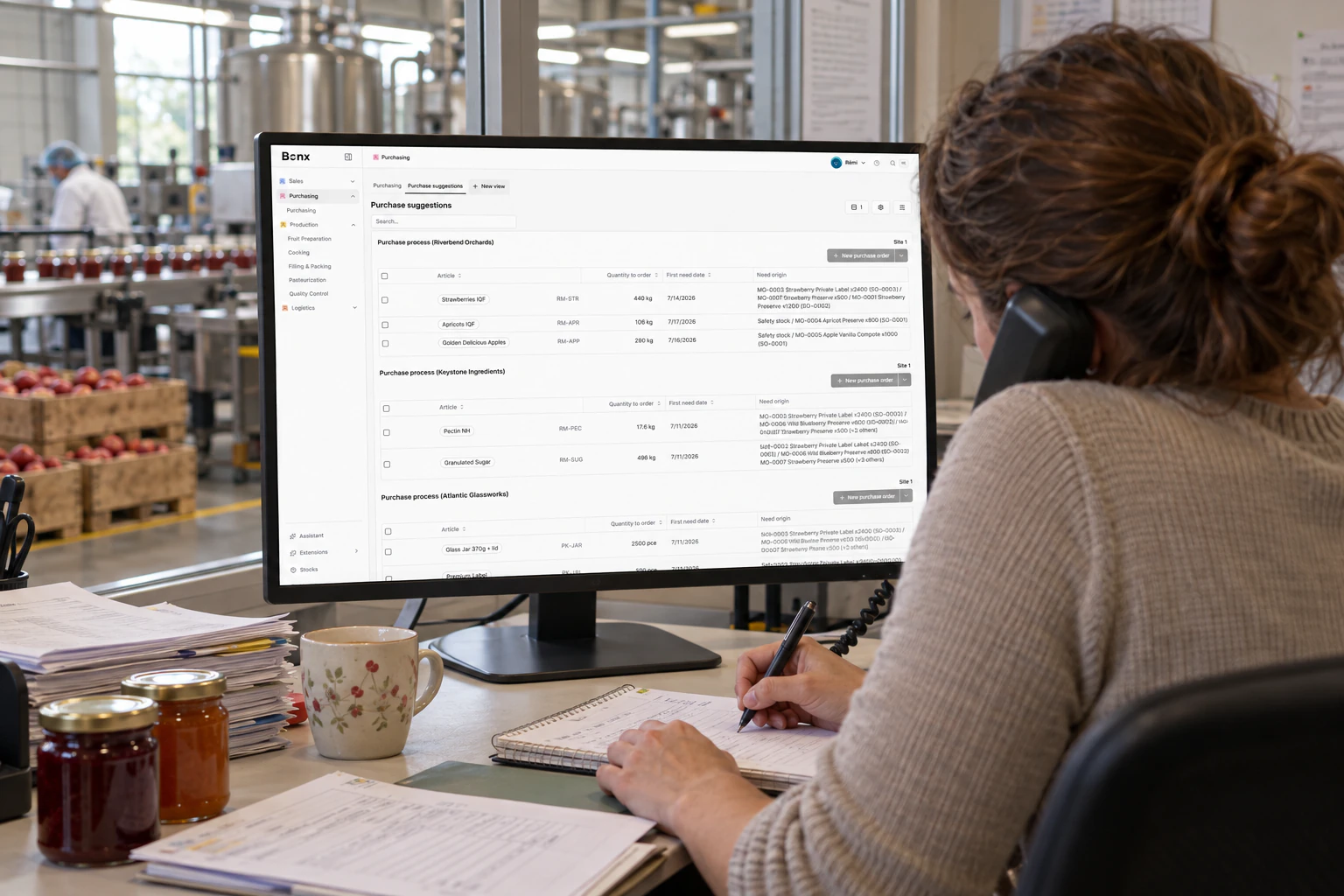
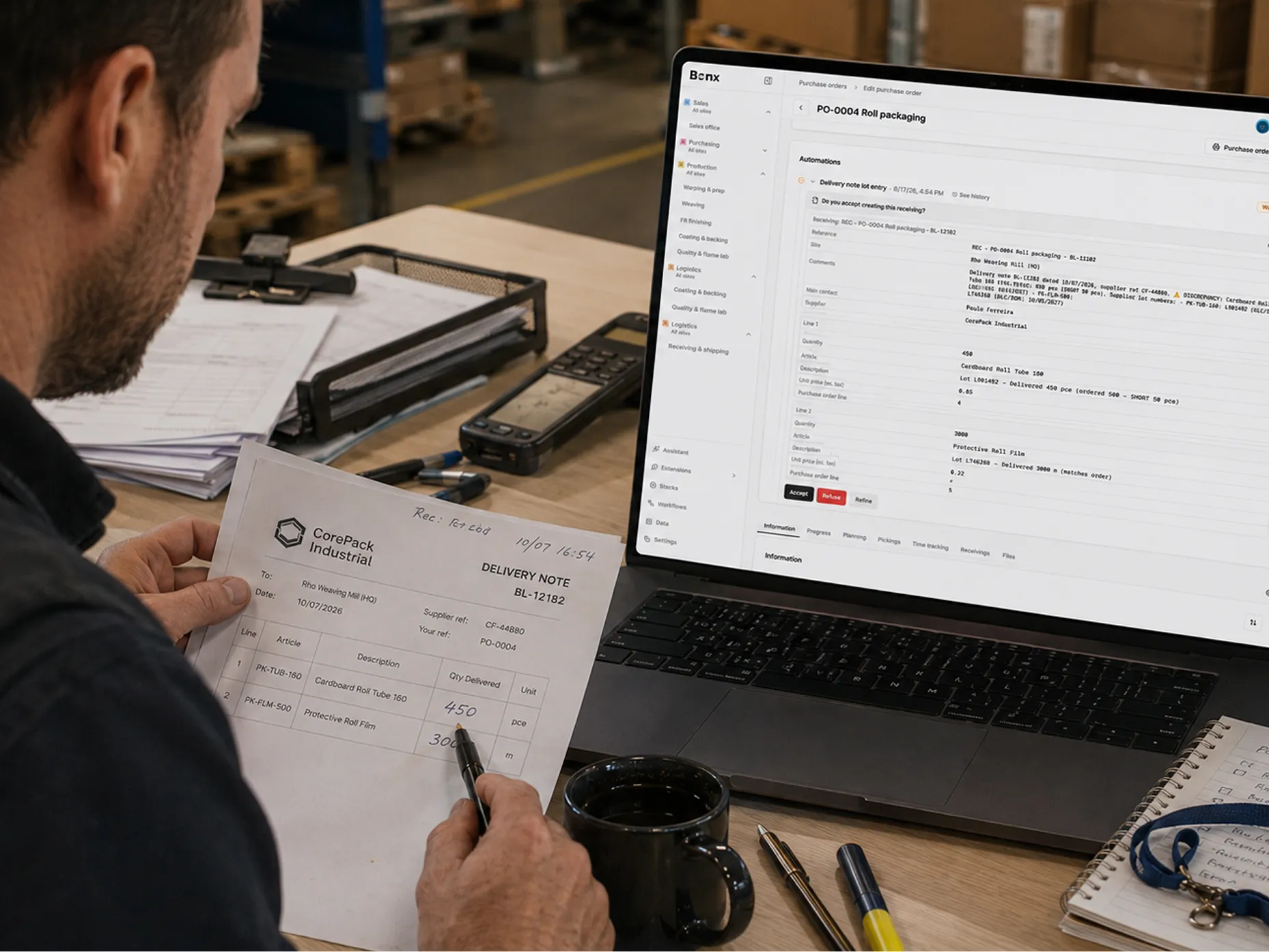
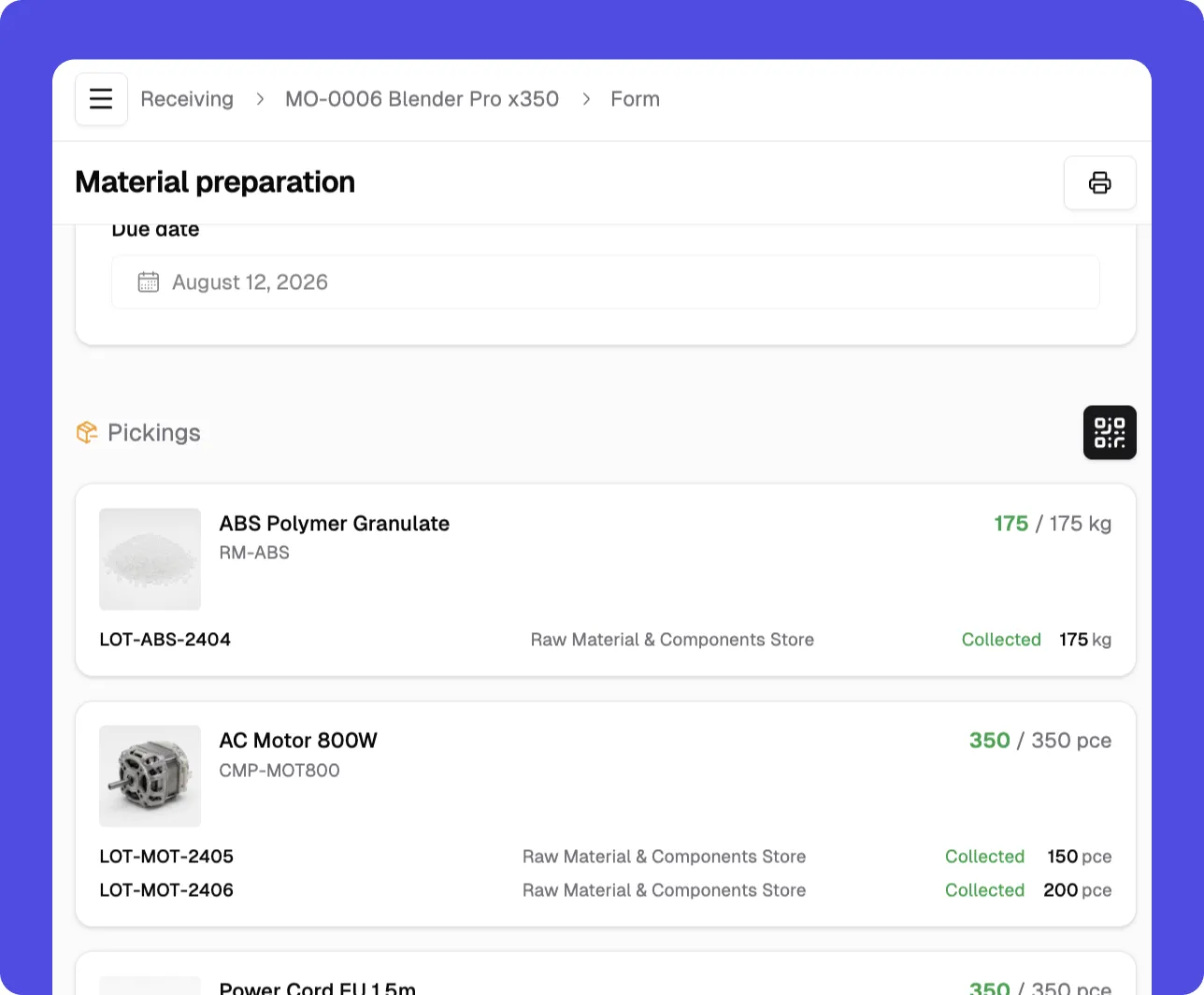
Purchase orders, suppliers, and receiving, connected to the rest of your operation. What you need drives what you buy, and what you receive updates production and stock instantly.
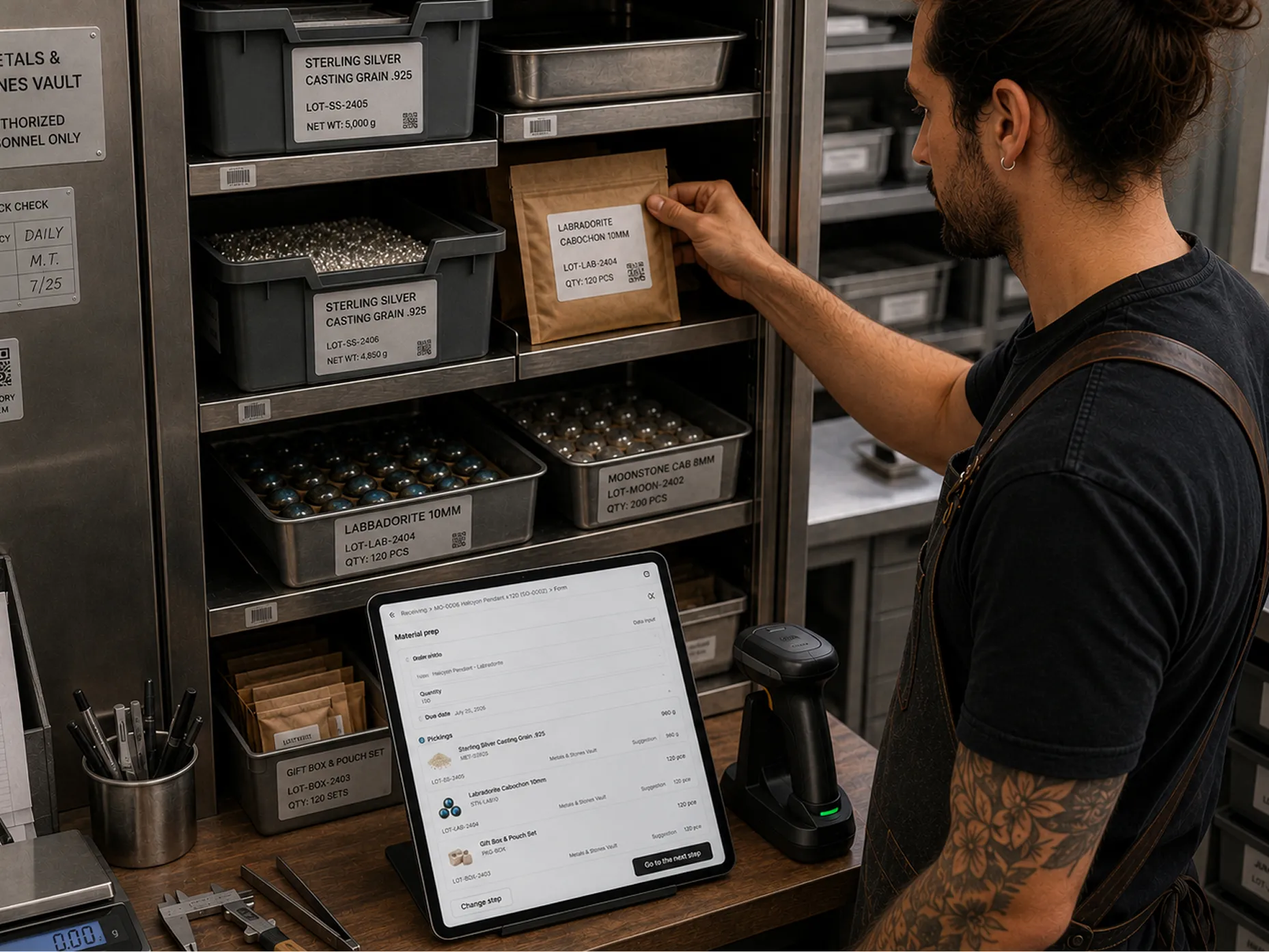
Manufacturing orders, work instructions, and floor declarations in one place so that the office sees what’s happening on the floor as it happens, not at the end of the shift.
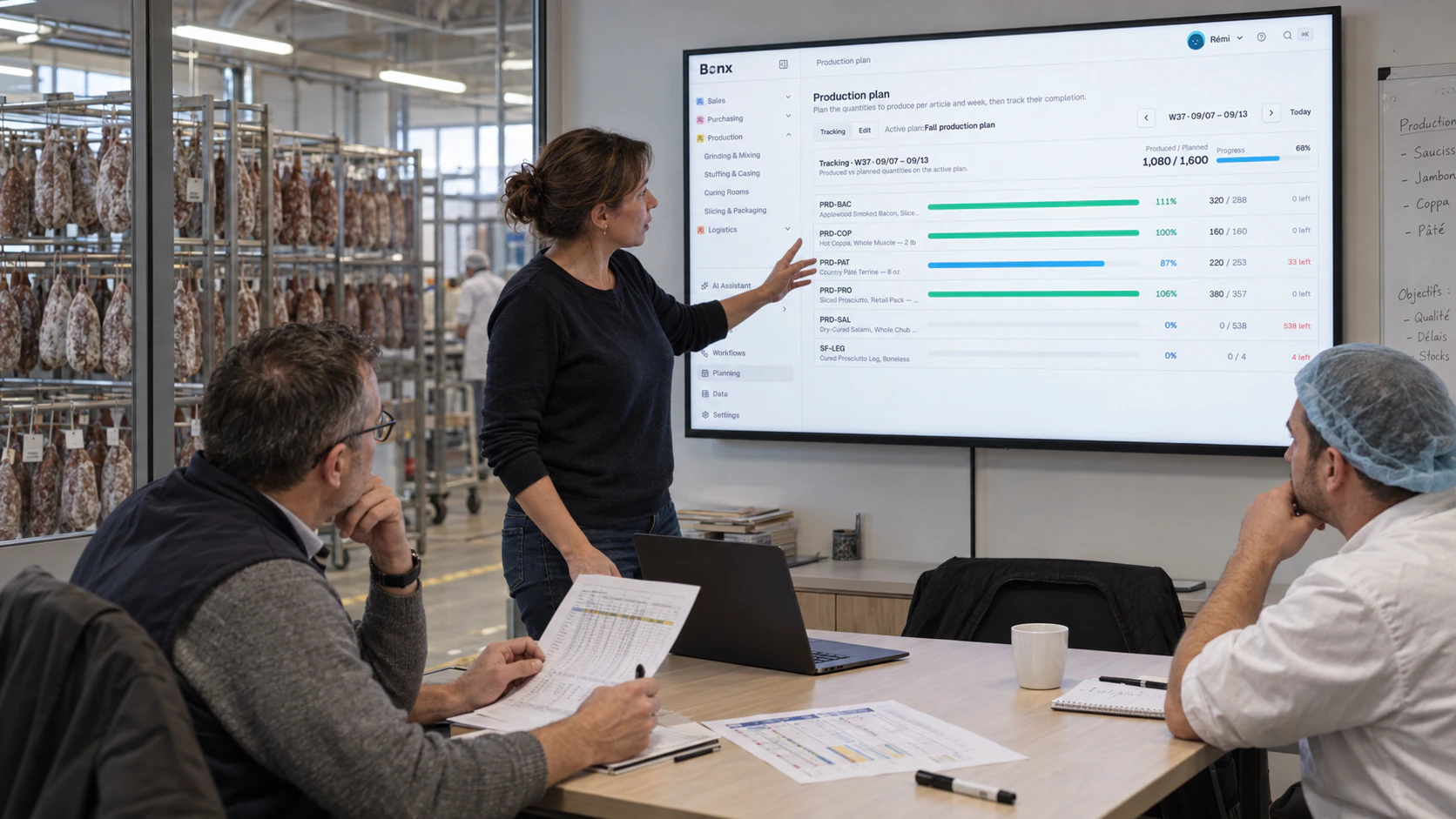
Plan production against real-time demand, capacity, and materials, then schedule the work across your resources (and reschedule as priorities shift).
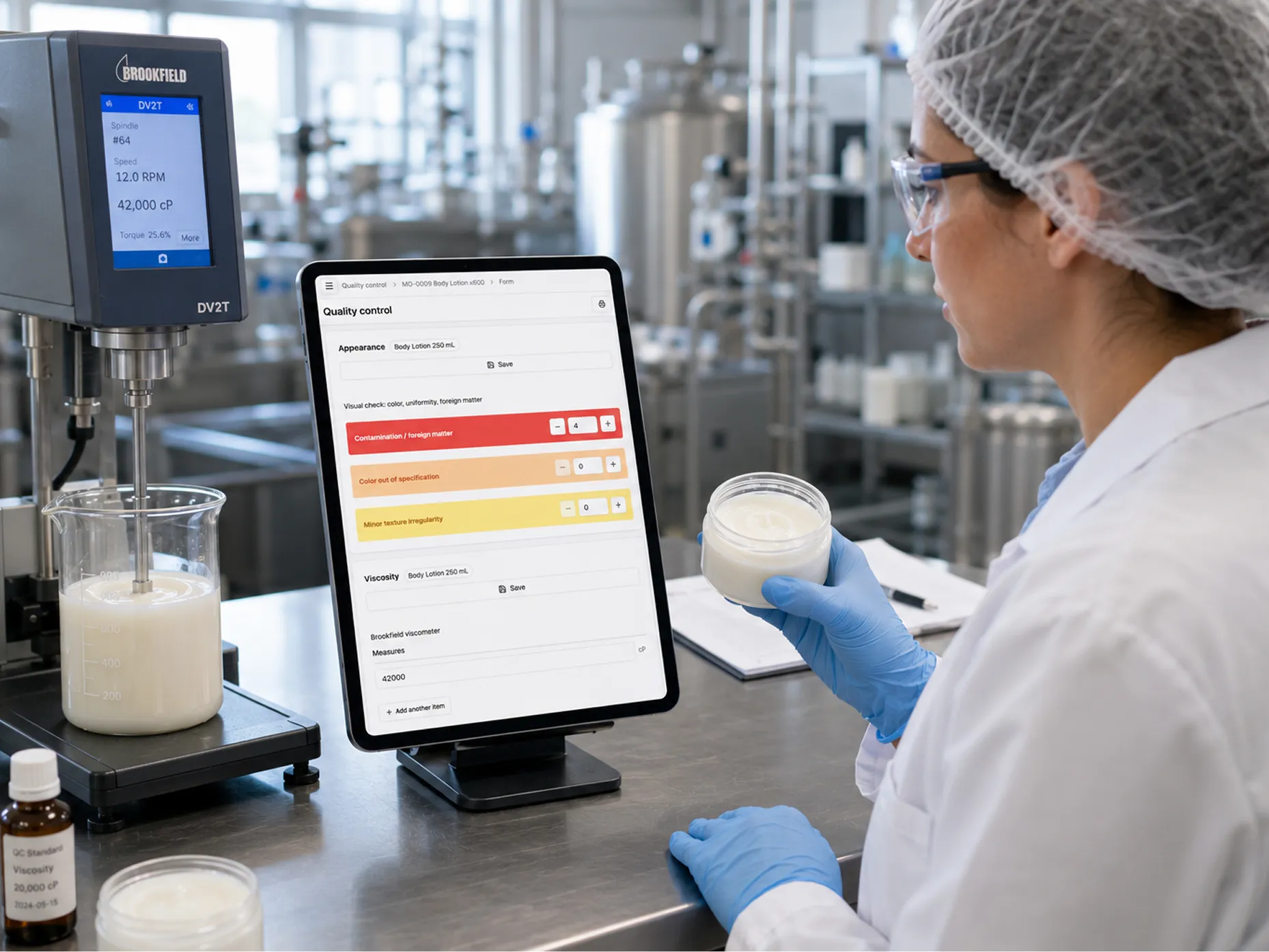
Quality checks at reception, in process, or before shipping, linked to everything around them. A failed check can hold the batch downstream, and every result traces back through production.
Picking, packing, shipping, and transfers between locations all stay in step with what's happening upstream.

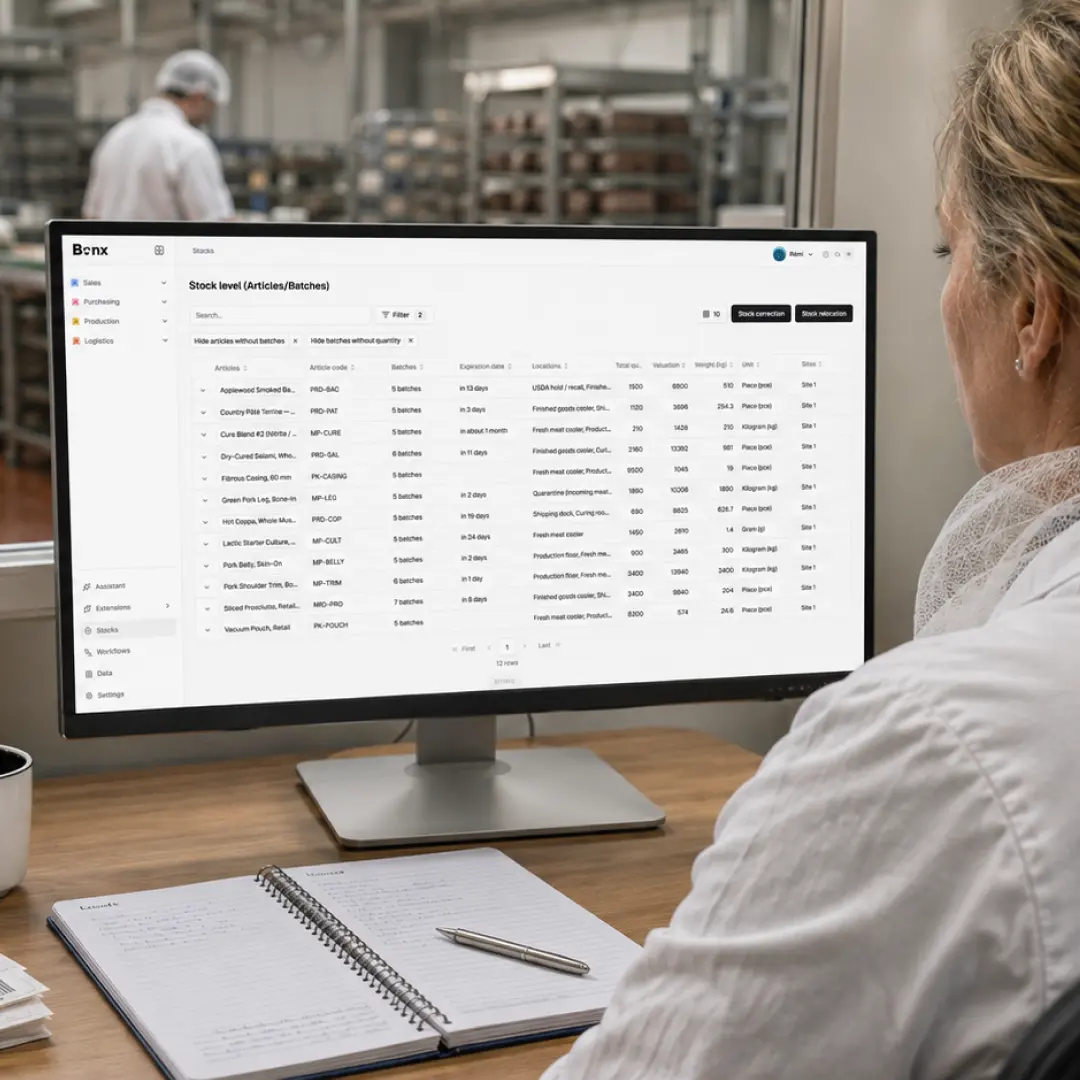
Stock stays accurate in real time across the locations, batches, and units of measure you use, declared on the floor as it moves.

Real invoicing, built in: legal numbering, VAT, PDF, e-invoicing. What you bill always matches what you sold, and your accounting tool keeps the books.
What happens when a sales order comes in? Maybe it reserves stock or waits for a margin check. Behind each module are workflows and processes defined and controlled 100% by you. No project, no consultant.
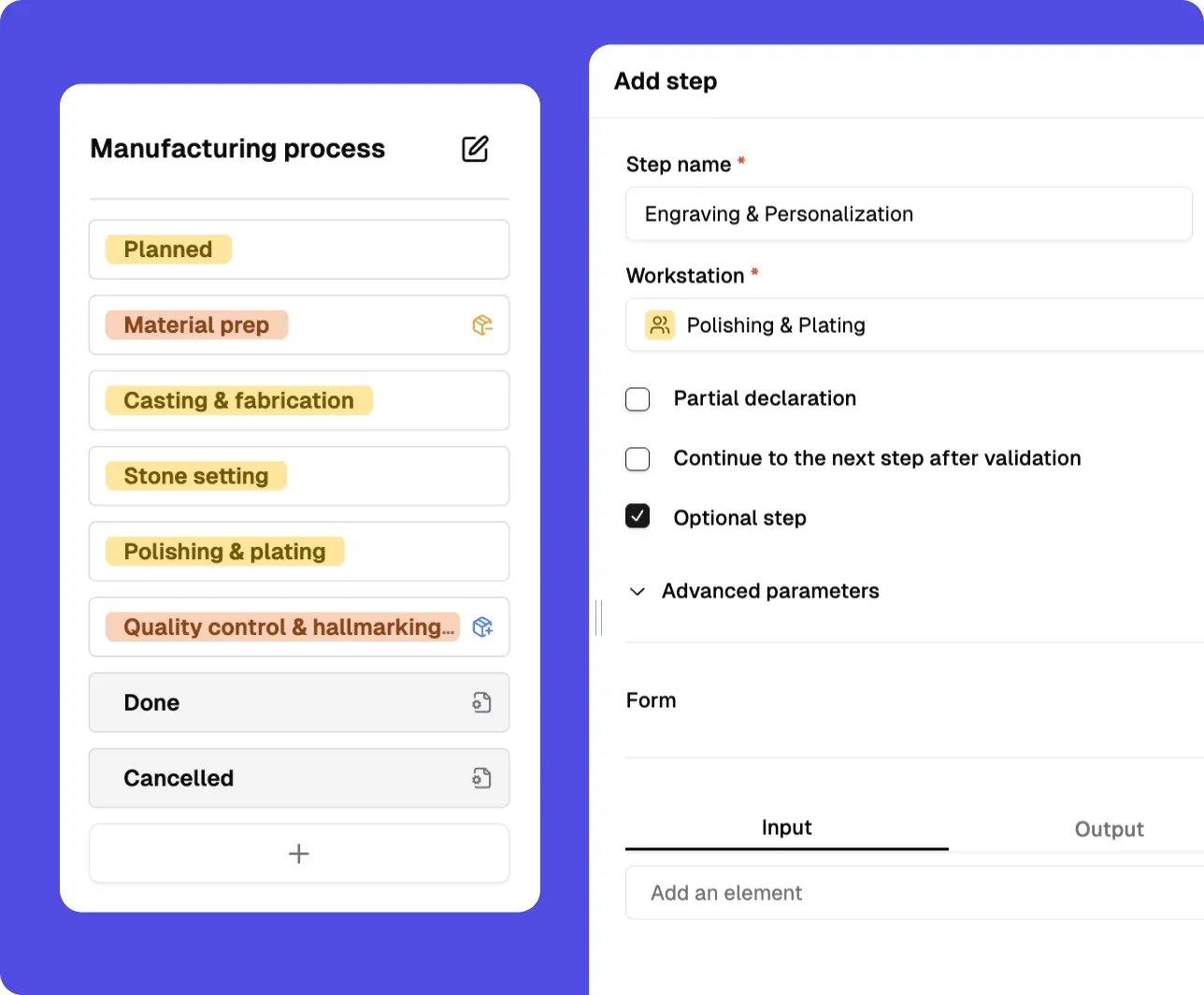
Change a stock level and planning sees it. Declare production and inventory moves. There is no integration project between your own modules; they read and write the same live data.

A module only works if operators actually use it. Bonx modules are built for the workstation: declarations in seconds, screens that match the work, no training manual required.
Romain Adamowicz
CEO at SomethingAdded

Marjolaine Nantillet
Founder at L’Atelier du Ferment

David Nicolas
Founder at Féroce

Romaric Duretz
Plant director at La Maillecotech

Contact us
Bonx includes the core modules manufacturers need to run daily operations: sales and order management, purchasing and supplier management, planning and scheduling, production, quality management, logistics and shipping, stock and inventory management, and invoicing. These modules work from the same live operational data, so orders, materials, production, quality, stock, and shipments stay connected instead of being reconciled by hand.
Legacy ERP modules often feel like separate systems stitched together by configuration, consultants, or batch updates. Bonx modules are connected by design. When an order changes, planning sees it. When materials arrive, stock updates. When production is declared on the floor, inventory and logistics move with it. The result is one operational system that reflects what is happening now.
Yes. Bonx helps manufacturers plan production against demand, material availability, capacity, and priorities. Sales orders can drive purchasing requirements, manufacturing orders, and schedules, while planners keep visibility into what is blocked, what is ready, and what needs to move as priorities change.
Yes. Bonx tracks stock across locations, batches, lots, serial numbers, and units of measure. Because inventory is connected to purchasing, production, quality, and logistics, every movement can be traced back to the operational event that created it: a receipt, a production declaration, a quality check, a transfer, or a shipment.
Yes. Quality checks can happen at reception, during production, before shipping, or anywhere your process requires them. Results stay linked to the related supplier, material, batch, manufacturing order, or shipment, so quality is part of the operational flow rather than a separate spreadsheet or after-the-fact report.
Yes. You can adapt workflows, fields, statuses, approvals, screens, and automations to match your actual process. If your team calls a step something specific, needs a special validation, or wants an operator screen that mirrors the workstation, Bonx can be configured (no code, no project, no consultant) around that way of working.
Yes. Bonx connects with the tools manufacturers already rely on, including CRM, accounting, e-commerce, EDI, hardware, and other operational systems. Bonx becomes the operational layer where manufacturing work happens, while the rest of your stack stays in sync around it.
No. Bonx runs manufacturing operations and includes native invoicing capabilities such as legal numbering, tax, PDFs, and e-invoicing. It does not replace a full accounting system with a general ledger, bank reconciliation, or statutory bookkeeping. Instead, Bonx sends clean operational and invoicing data to your accounting tool.
No. You can start with the workflows that matter most, such as inventory, production, orders, or purchasing, then expand from there. Because Bonx modules share the same data model, adding more scope later does not mean starting again with a disconnected implementation.