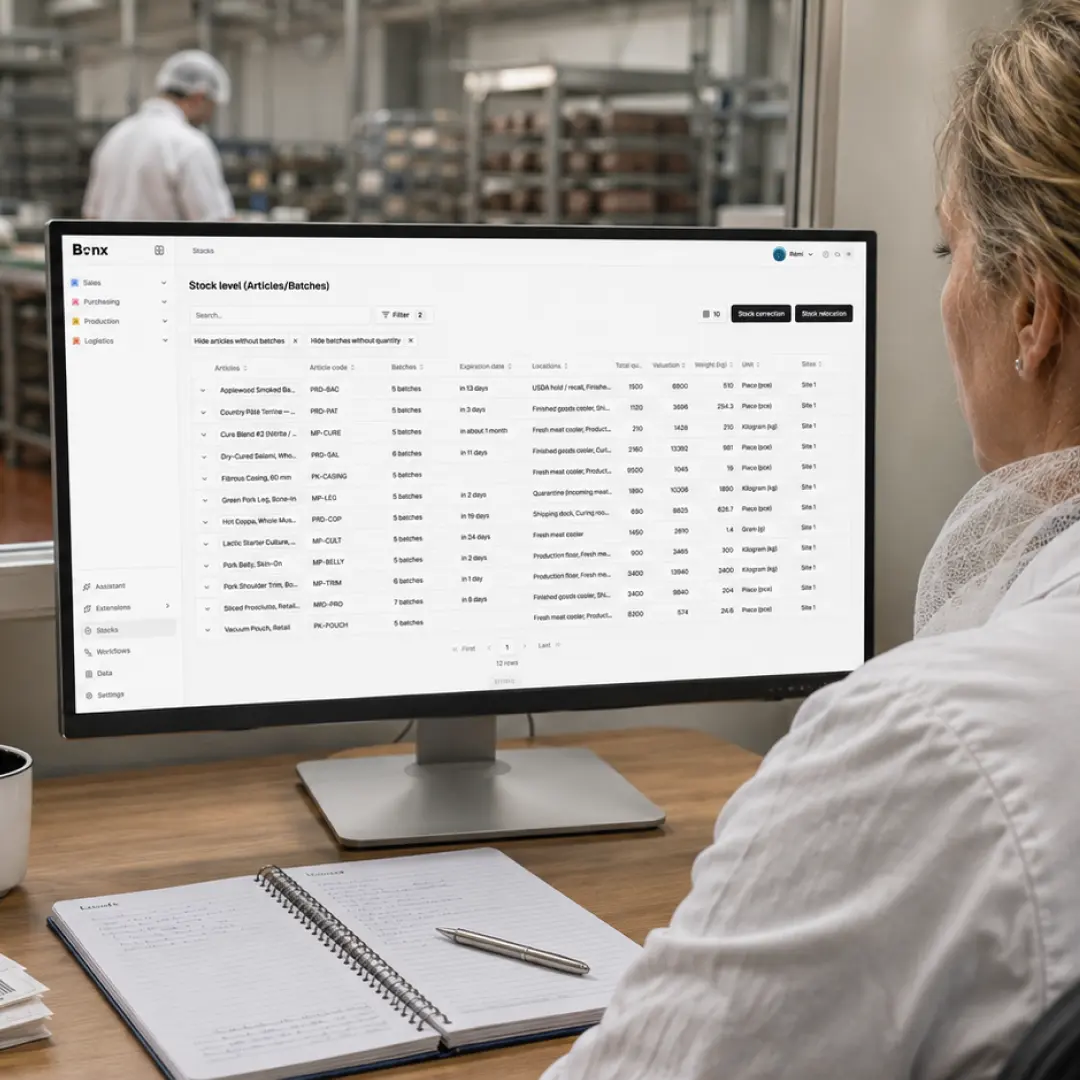
“Bonx is the backbone of our fully automated factory.”
Romain Adamowicz
CEO at SomethingAdded

Inventory management

Stock sent in real time to Shopify and your other tools, with advanced sync rules.
Inventory sync
On-hand, reserved, available and incoming stock, so you only promise what can actually ship.
Stock reservations
Stock by site and location, transfers between sites with their lots.
Multi-site inventory
From material lots to delivered customers, across ten manufacturing levels.
Upstream and downstream traceability
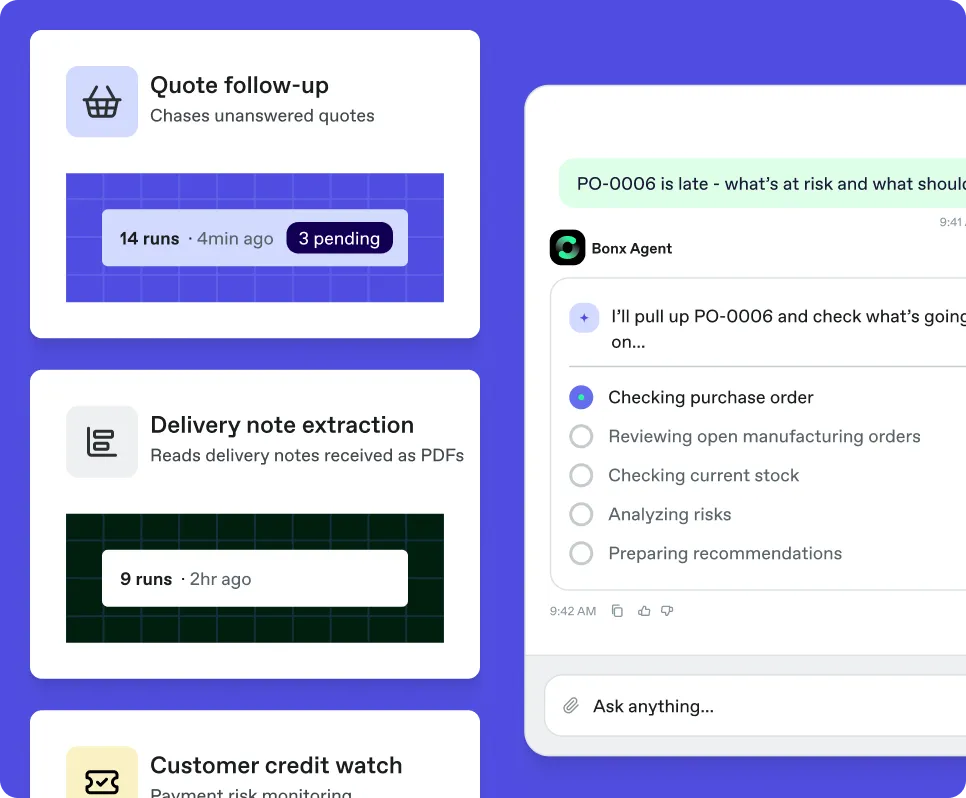
Plain-language requests to the assistant, such as moving the lots that meet several conditions.
Native AI management
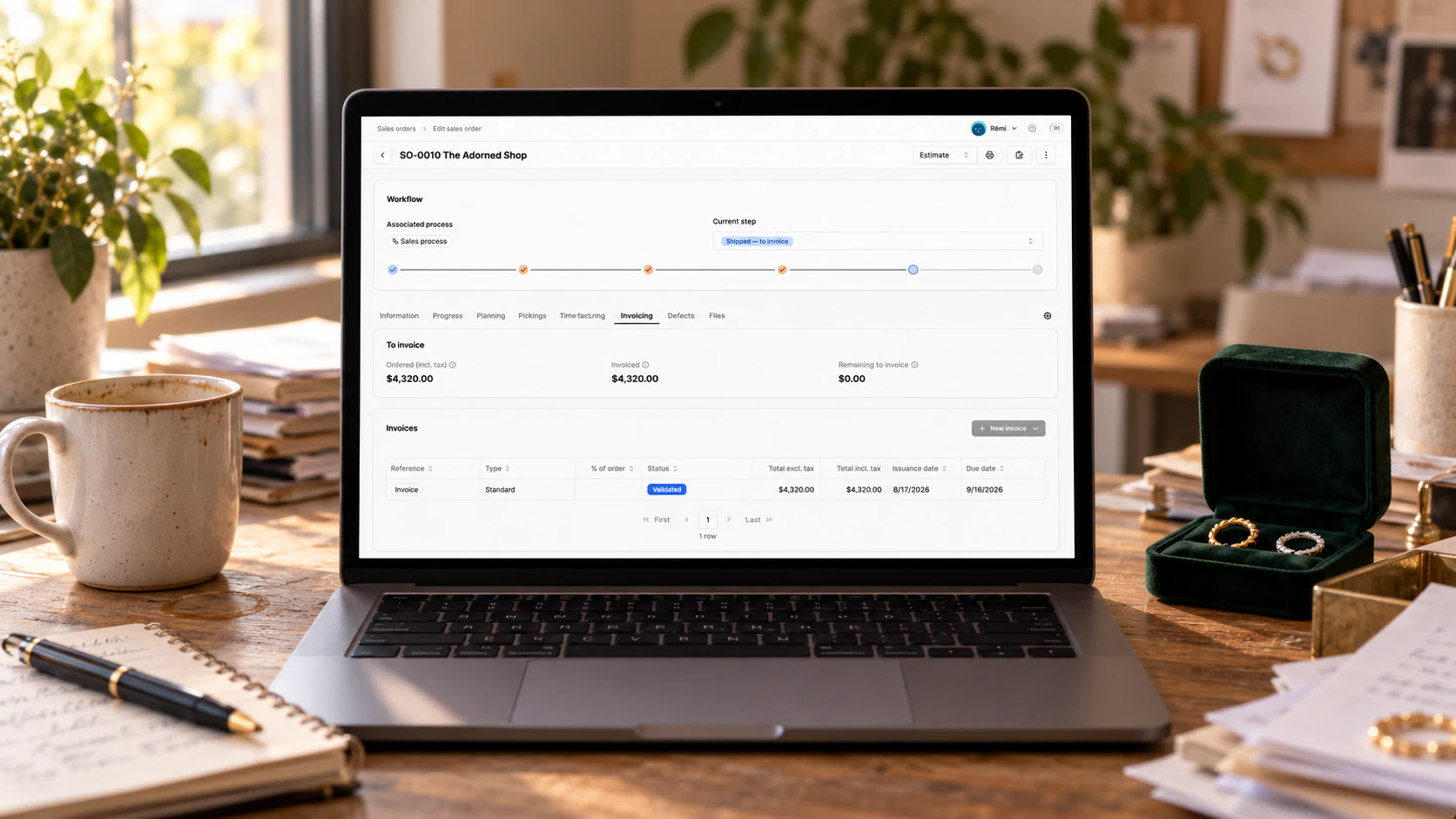
Valuation including landed and production costs, with margin per order.
WAC and FIFO at actual costFundamentals
Stock updates with every receipt, consumption, production report and shipment. Purchasing, production and sales work from the same quantities, by site, location and lot.
For consumables and items that don't need lot tracking, such as packaging.
Each lot keeps its number and quantity, plus its expiration date when it is perishable.
For products tracked one by one, from receipt to the customer.
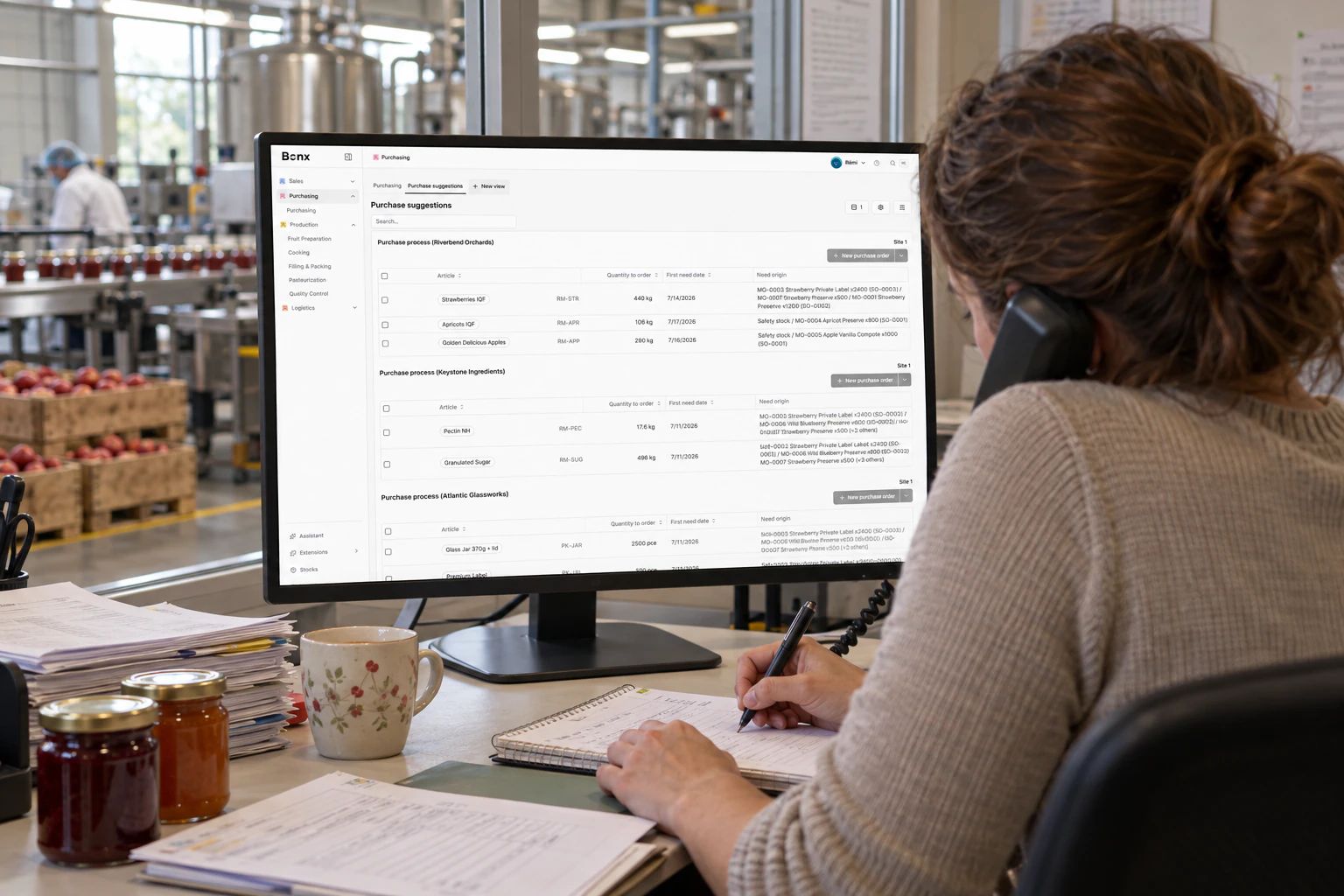
Requirements planning takes each item's safety stock into account and suggests the purchase or production order to launch, within minimum order quantities.
Inventory sync
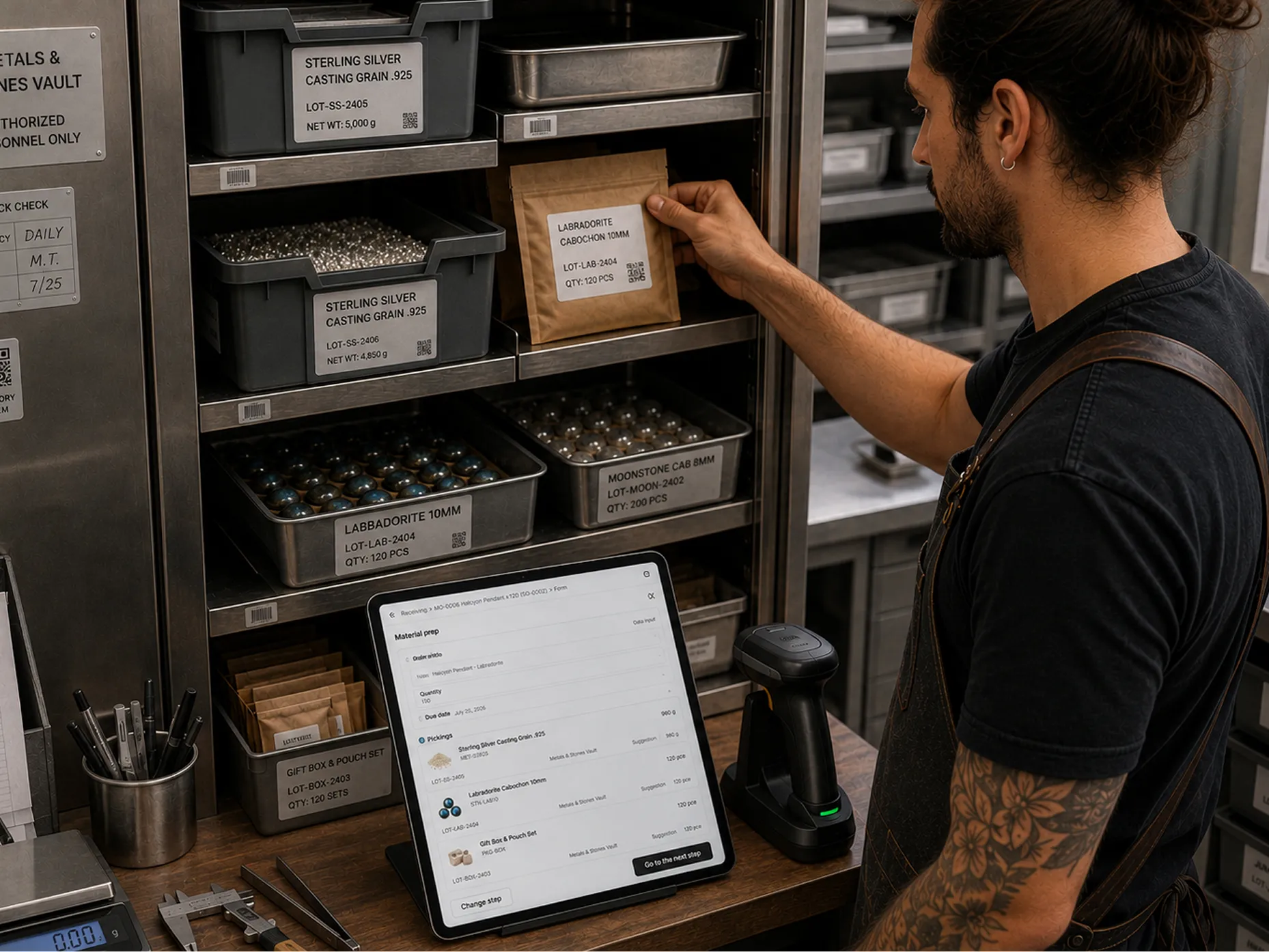
Bonx centralizes inventory and sends each tool the quantity it should show. No more re-entering stock in your online store.
Available stock goes to Shopify with every movement.
An online product doesn't always match one item: a bundle groups several items, a store only sells one site's stock. You set what each tool receives.
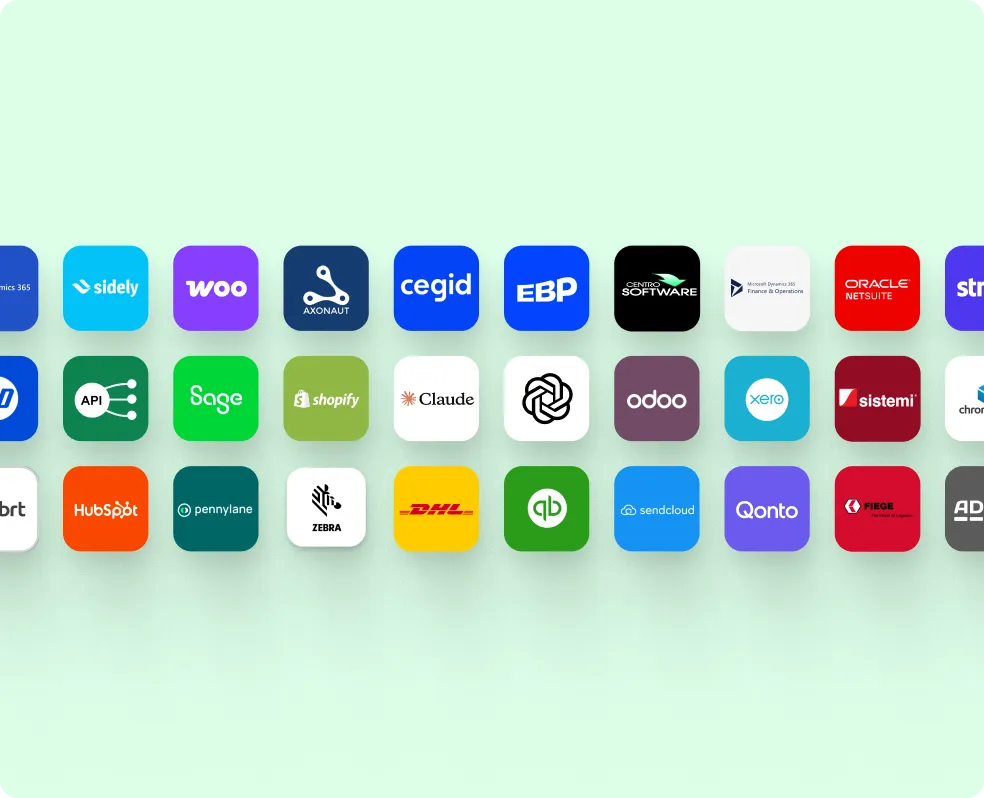
Orders from Shopify, WooCommerce, PrestaShop and retailers over EDI become sales orders that reserve stock.
Stock reservations
Bonx distinguishes on-hand, reserved, available and incoming stock. A reserved quantity can't be promised to another customer.
Available stock is on-hand stock minus the quantities already reserved.
Supplier receipts and planned production show up before they arrive.
Multi-site inventory
Each site has its own locations, stock and settings. See an item's stock across all sites, or at just one.
Warehouse, cold room, receiving dock, shop floor: every location has its own stock, lot by lot.
A transfer takes stock out of the origin site, then receives it at the destination, keeping the lots.
When one site needs stock and another has it, planning suggests the transfer.
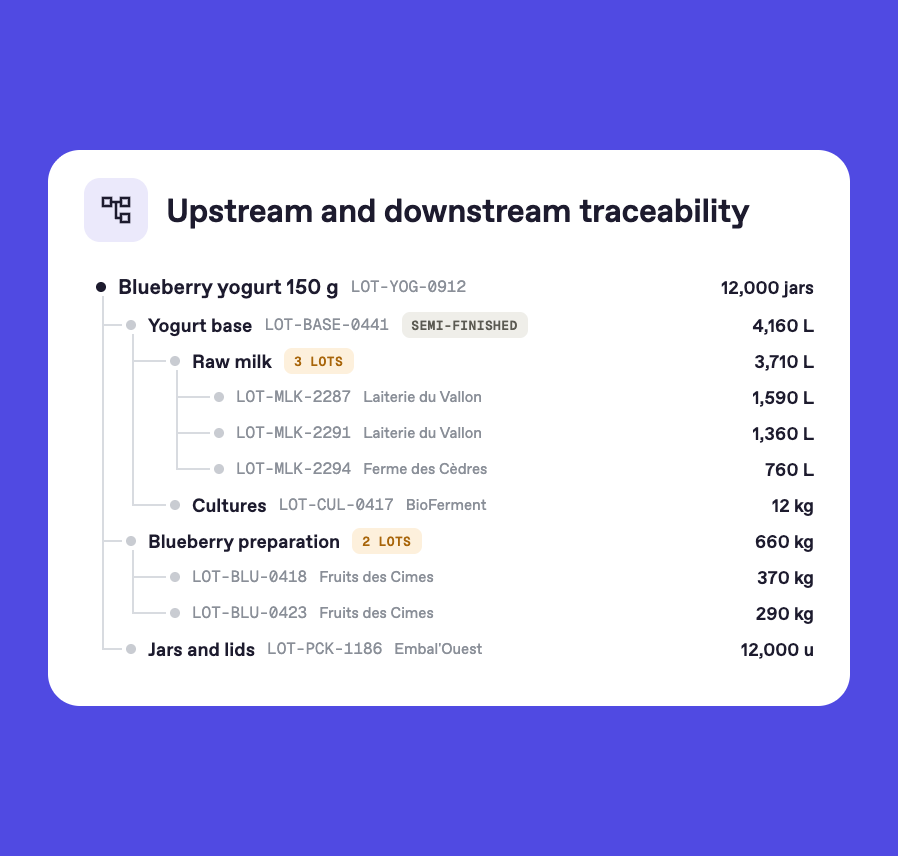
Upstream and downstream traceability
Every stock movement is linked to the event that created it: receipt, consumption, production report or shipment.
From a finished product, trace back to the material lots and suppliers.
From a material lot, find the products made with it and the customers who received them.
Traceability follows lots as well as serialized parts, across ten manufacturing levels.
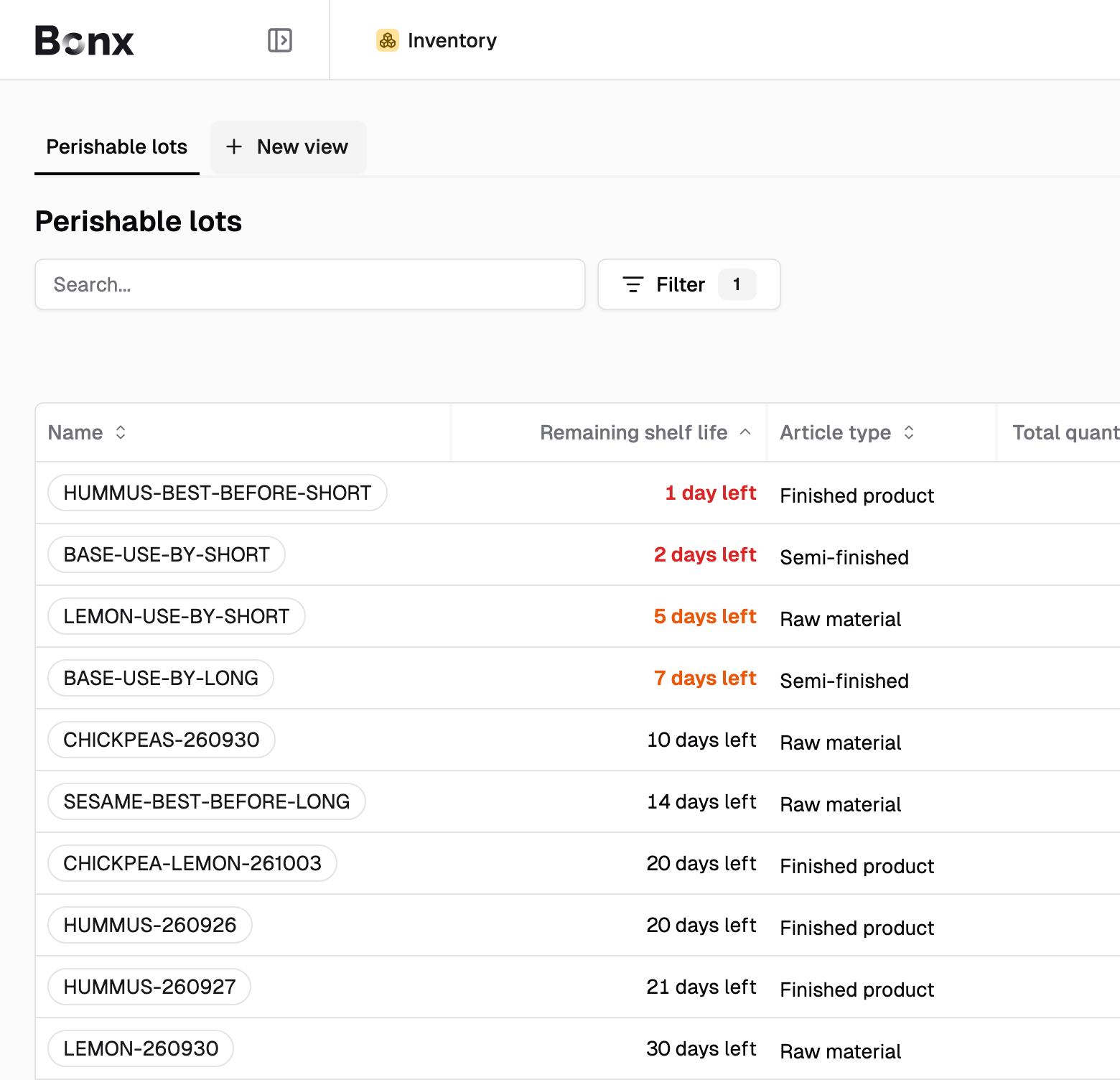
Perishable lots
Each lot carries its expiration date from receipt. Lots sort by days remaining, and those nearing their date show in orange, then red.
FEFO for perishable products, FIFO for items where the date matters less, such as sugar or packaging.
When a lot nears its expiration date, Bonx alerts you so you can use it, sell it or remove it from stock.
Ambient, chilled or frozen: each lot keeps its storage mode, and its expiration date is recalculated when it is frozen.
Inventory counts
Ask the assistant to “start a cycle count of the locations in zone A”. It prepares the count list, location by location.
By zone, location or item family, without stopping operations.
All the stock of a site, counted at once.
Discrepancies are posted as stock adjustments in or out. History is never rewritten, and every discrepancy stays visible.
Native AI management
Cycle counts on complex criteria, bulk transfers, automatically putting lots near expiration on hold, and much more.
WAC and FIFO at actual cost
Bonx values inventory at weighted average cost (WAC) or FIFO, chosen for the whole organization.
Purchase price, freight and landed costs, production costs.
Bonx compares actual cost with each item's standard cost.
Cost of goods sold is locked at shipment, and each order's margin is based on actual cost.
For month-end close or an audit.
Romain Adamowicz
CEO at SomethingAdded
Marjolaine Nantillet
Founder at L’Atelier du Ferment
David Nicolas
Founder at Féroce

Romaric Duretz
Plant director at La Maillecotech

Contact us
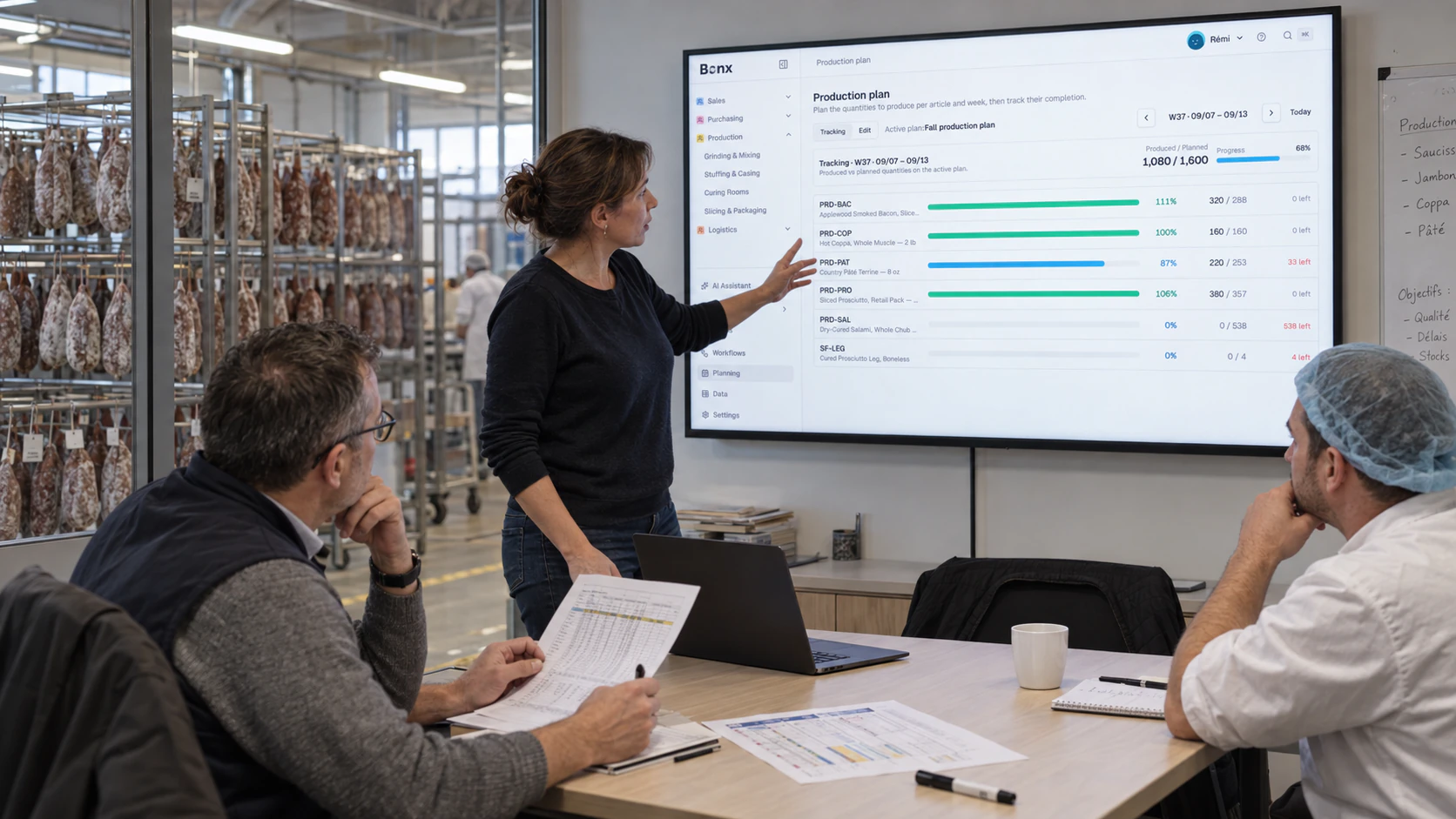
Inventory is accurate when every movement is recorded at the moment it happens. In Bonx, receipts, consumption, production reports and shipments update inventory directly, from the floor.
Yes. Items can be tracked by lot, by perishable lot or by unit. Each movement is linked to the event that created it, and backward and forward traceability covers up to ten levels.
Yes. Each item carries its EAN code, and quantities can be expressed in cases. Operators scan lots at the workstation to avoid picking errors.
Bonx values inventory at weighted average cost or FIFO, chosen for the whole organization. Cost of goods sold is locked at shipment, and inventory value can be checked at a past date.
Ask the AI assistant to start a count of a zone, a location or an item family. It prepares the count list. Once quantities are entered, discrepancies are adjusted and kept in the inventory history. You can also run a full count.
Each site has its own locations, stock and settings. A transfer takes stock out of the origin site, then receives it at the destination, keeping the lots. When one site needs stock and another has it, planning suggests the transfer.