Unpacking permissions and who can see what in an agentic ERP
In an agentic or AI-native manufacturing ERP like Bonx, orders, purchasing, stock, production, and quality are connected and share one data model. In part, that’s the advantage of the system; AI can use the relevant data and business rules to execute a workflow across teams from start to finish, with people stepping in when something needs their judgment.
However, it also brings up some important security questions. If your production team has limited access to costs in the ERP, could someone get the price by asking the AI? If they’re allowed to follow a recipe, could they ask an agent to change the master recipe for them? And when you connect the ERP to your accounting software, for example, can it change an entry that’s already been posted?
In this article, we’ll look at how permissions are handled in Bonx, exploring especially how permissions apply when Bonx Intelligence works with live operational data and when integrations exchange data with other tools.
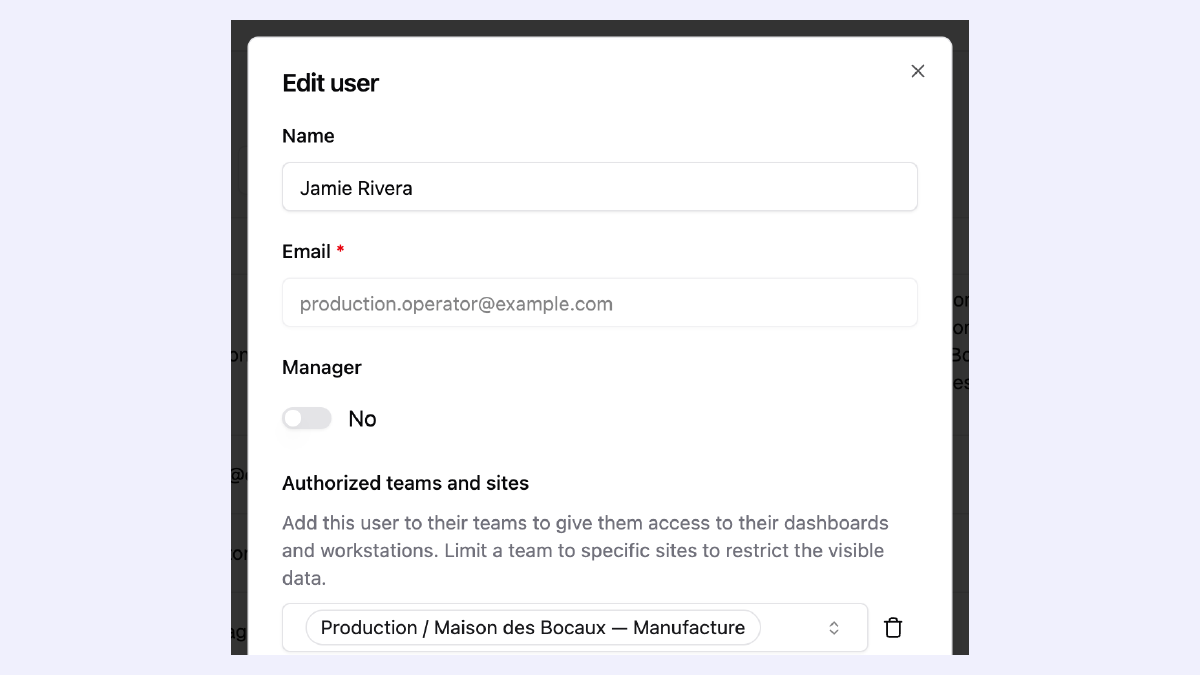
We designed Bonx to adapt to how your factory works, including how you divide responsibilities. You can assign each person access based on their teams and sites, then specify which record types, processes, steps, or fields that access covers. Viewing, editing, and validating are separate permissions.
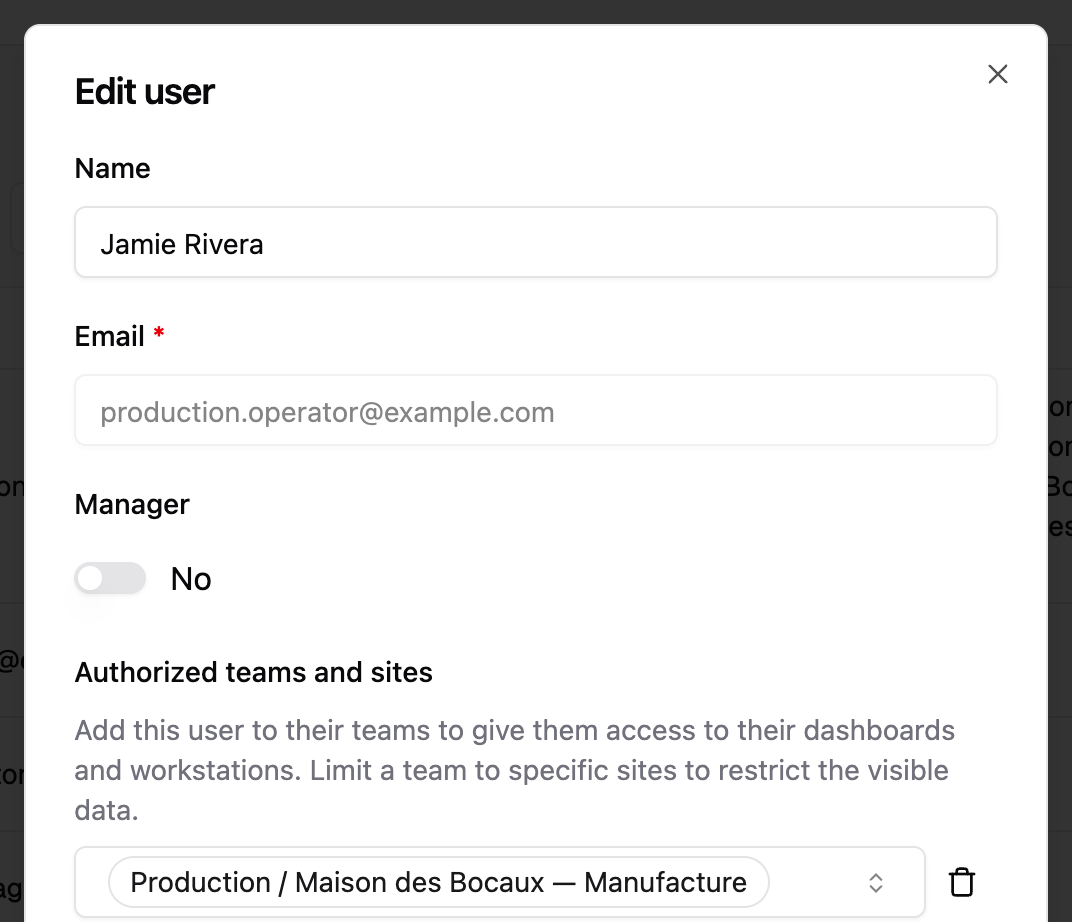
So for example:
The table shows one way a manufacturer could assign permissions by team in Bonx:
| Team | What they need to see | What they need to do |
| Production | Work orders and approved work instructions for their site | Record material usage and completed quantities |
| Purchasing | Supplier records, agreed prices, and open purchase orders | Update supplier terms and purchase orders |
| Quality | Inspection results and current product specifications | Validate quality checks or release finished goods |
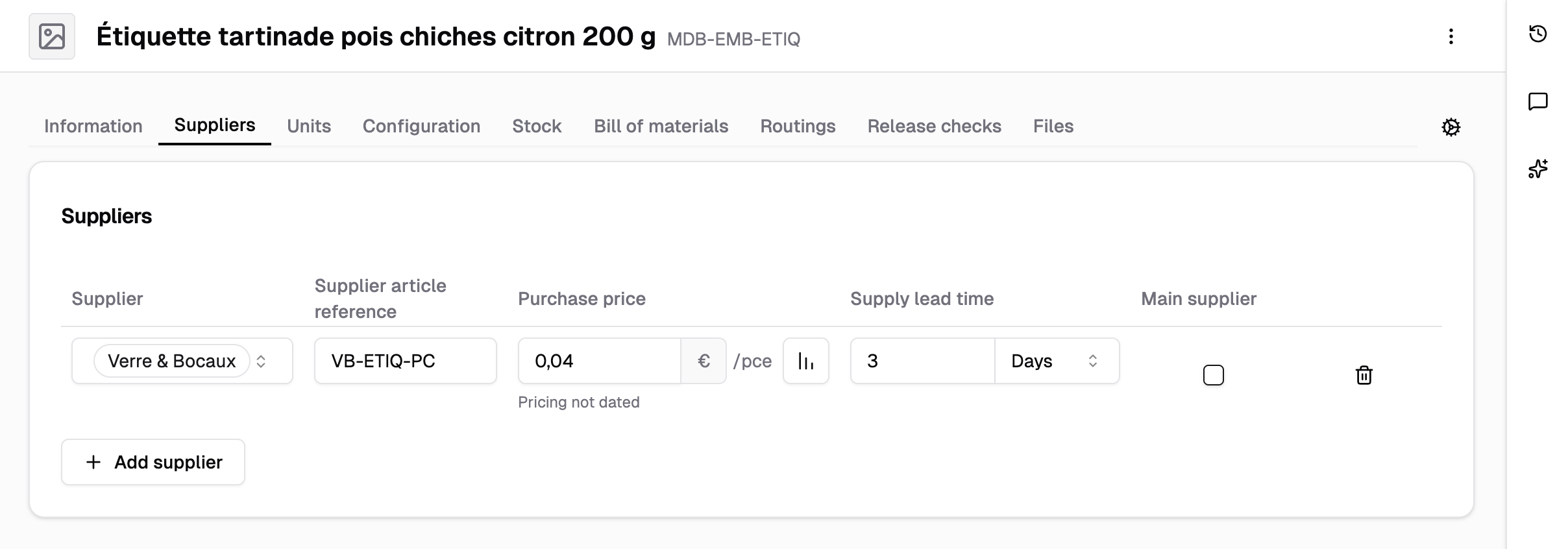
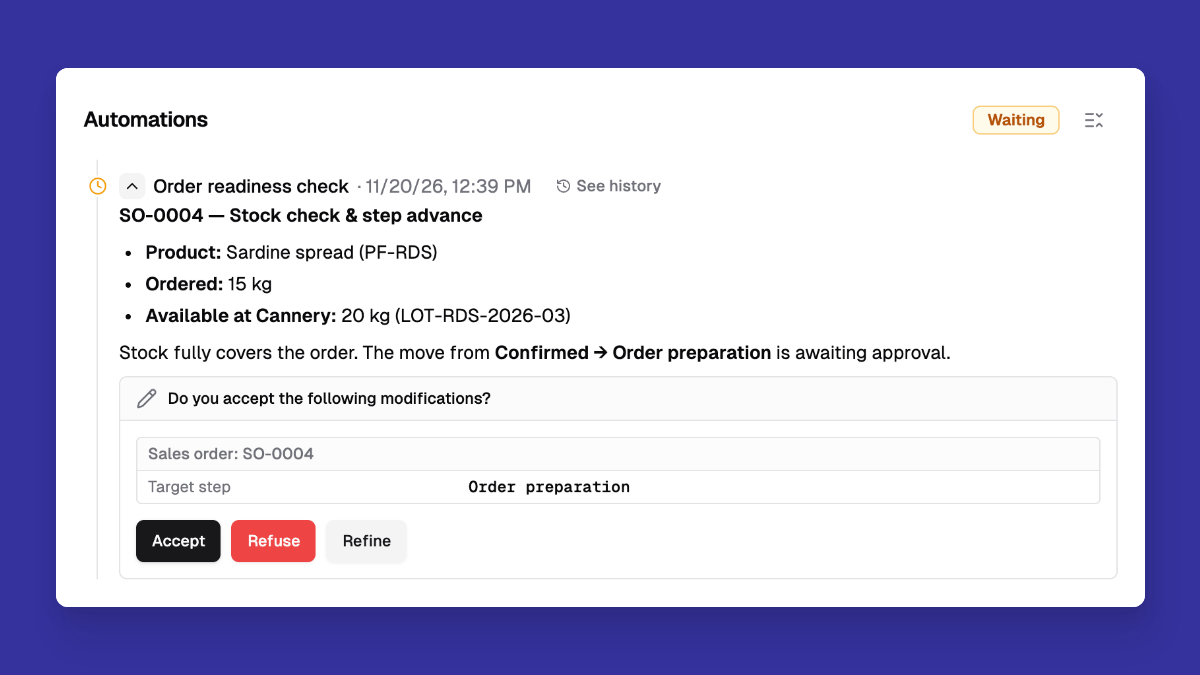
Say a delivery arrives short. An AI agent in Bonx can compare the delivery note with the purchase order and flag the discrepancy. This is just one example of the power of AI agents in Bonx, though that brings up important questions of permissions.
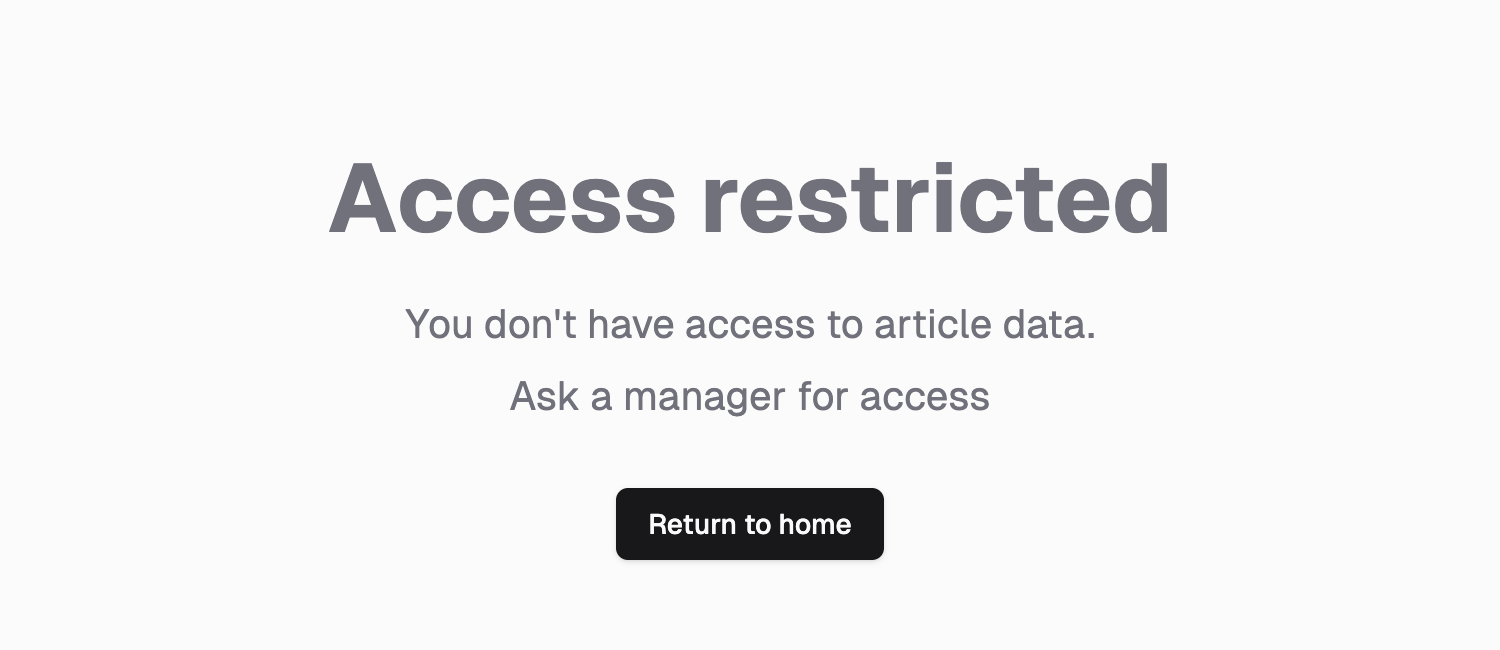
Before an agent reads or changes a record, Bonx’s code checks the permissions of the profile it runs under. If a prompt asks the agent to go beyond those permissions, Bonx blocks the request. Bottom line: if the profile can’t see, change, or access that information using clicks themselves in the ERP, the agent won’t let them do it either.
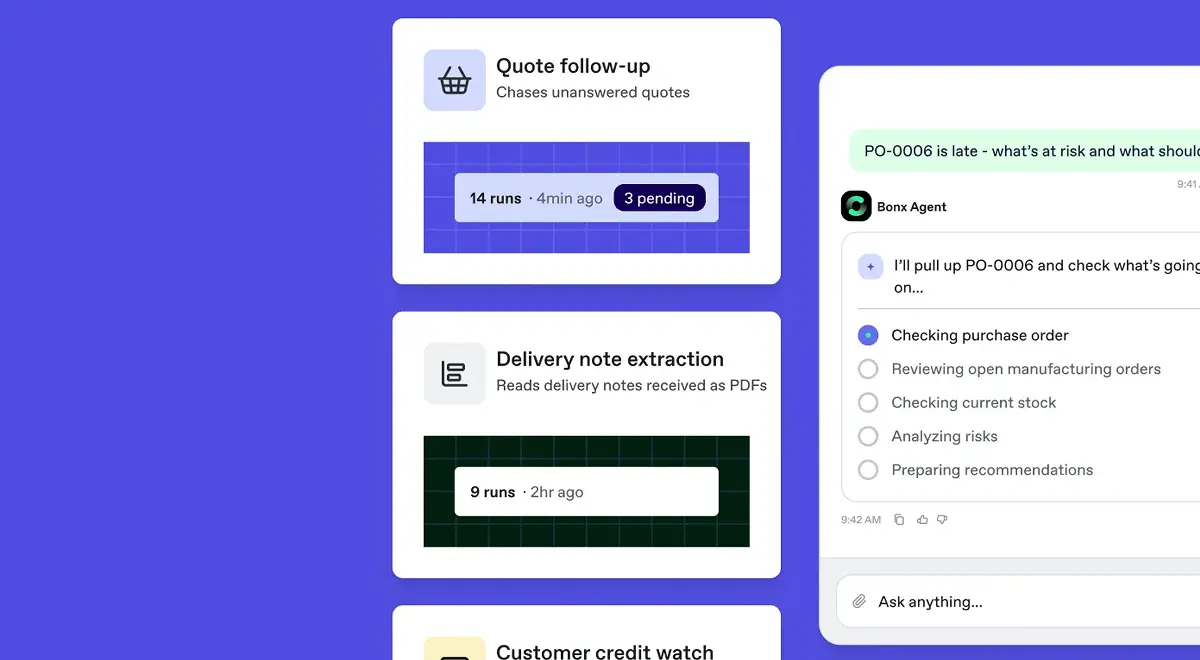
Another important point is that Bonx records every action the agent takes for traceability, so like you can see the actions of every person in the system (what exactly they did and when), you can see every action from agents as well.
A manager can also connect an external AI assistant such as Claude to Bonx through model context protocol (MCP). The assistant can look up live records within the permissions of the manager’s Bonx account; the MCP connection is read-only, which means no changes can be made to those records through the AI assistant.
If you still have doubts or want to make extra sure that certain people or teams don’t have access to sensitive data via the AI by accident, sign in to the Bonx assistant with that user’s account. Ask for it to provide that information, and check the assistant’s responses against what the account can see in the ERP and any reports it can open. That gives you a result for the exact information your team considers sensitive.
A connected tool can receive the fields you’ve configured its Bonx integration to send. If the tool requests data through the Bonx API, what it can read depends on the permissions of its API token or the Bonx account it uses.
For example, with invoice export to accounting enabled, Bonx sends the validated customer invoice along with the sales account, tax codes, and customer account. Your accounting software uses those details to post the journal entry. Changes to an already-posted entry are handled in the accounting system.
When you add a site, connect a new tool, or give a team more responsibility, you can adjust permissions in Bonx to match how the work is done. You decide who can see the data, who can act on it, and which steps need approval.
When you automate part of that work, choosing between fixed rules and AI agents starts with deciding what the system can handle on its own and where a person needs to step in.
Ready for a personalized Bonx demo? We’ll walk through what Bonx could look like at your factory.

Contact us
So were we. That's why we built Bonx, the AI-native manufacturing ERP.