Mago vs. Bonx for Italian food production

When Mago is working well for the office, changing your ERP can be a hard case to make. The accounts team knows the system, the commercial records are there, and replacing it would mean spending time and money on something that already does the job.
However, just because software is working well on the finance or accounting side doesn’t mean it’s working well on the factory floor. Operators may still be recording ingredient lots or calculating materials needs manually on paper, which can be both inefficient and prone to error. The accounts can be in good order while stock records wait for someone to manually work through the production sheets, even though the ingredients have already been consumed.
For an Italian food producer, extending Mago may be enough to bring that operational work into the existing system. Another route to consider is to introduce software for production while keeping the accounting setup as it is today.
Bonx is the AI-native manufacturing ERP that connects shop-floor work to stock movements and lot history, with bookkeeping left to a separate accounting system. In this article, we’ll compare the choice to extend Mago vs. implement a separate manufacturing ERP for production and why you might choose one over the other.
If your company already uses Mago, there is a practical advantage to building on it: you have an established system, and people who know how it works. Before taking on another ERP, it is reasonable to find out whether the functions you need are available in the product you already have.
Mago has a broader manufacturing offering than an accounting-only installation might suggest. Zucchetti's Mago4 product description lists bills of materials, production, material requirements planning (MRP), and mobile manufacturing. It also lists batch and serial-number management. A company running its factory on paper may never have implemented those modules.
There is also a food-specific option within the wider Zucchetti range. Infinity Traxal covers food production, warehouse operations, and traceability. On the other hand, it is a separate product, so you would need to understand the scope of integration work required to make Traxal and Mago work together seamlessly.
Ask your provider to show how an operator would record the ingredient lots used, update stock through that work, and retain the ingredient history against the finished batch. If your team can do that with the proposed modules, you may be able to remove the paper process without introducing a specialized manufacturing ERP like Bonx.
Whether or not it makes sense to invest in a separate manufacturing ERP like Bonx depends highly on how much you want to improve your operations. An all-in-one ERP like Mago likely can cover the basics, but pit otentially won’t help your teams get to the next level of automation and optimization.
One Italian chocolate producer evaluating Bonx described a setup in which Mago handled accounting and sales-agent activity, while operators wrote ingredient lots on production sheets. The sheets then went to the office for manual stock updates, with as many as 20 to process in a day during the busy season For this producer, the practical goal was to stop entering the same production information twice. Operators already recorded which ingredient lots they used. If recording that work also updated stock and linked those ingredients to the finished batch, the office would no longer have to work through a pile of production sheets afterward.
That gives the company a concrete requirement to test when comparing an expanded Mago setup with Bonx: can operators record production directly, and does that update the stock and lot records the office needs?
Bonx connects the production steps operators complete to the stock movements and lot relationships behind them. For a team working from paper sheets, this means the person recording production can also supply the information the office needs, without a separate transcription step.
A transformation order records the ingredients consumed and the outputs produced, linking their lots. When an operator completes a configured production step, the associated stock movements follow. Starting from a finished lot, the team can trace back through those transformations to its materials. Starting from an ingredient lot, it can follow the history through to produced lots, shipments, and customers.
Because that history depends on what operators record, the way they enter information deserves as much attention as the traceability view. Bonx runs on mobile devices and tablets, including devices with integrated barcode scanners. During picking, scanning a batch barcode can identify the corresponding lot in inventory. The form can show the instructions and required information for that step, so operators do not have to navigate an office-oriented record to declare their work.
Once production is recorded in the ERP, the team also needs a way to accommodate changes. For example, a food producer may take on a new packing format, introduce a check at receiving, or need to retain an additional customer reference. If adding that information is cumbersome, people have a reason to start another tracker beside the system they have just implemented.
In Bonx, teams can configure process steps, forms, required fields, and permissions themselves. A measurement needed during packing, for example, can become a required field at that step. Company-specific records and interfaces can sit alongside the standard manufacturing records. The team still needs to define and test a change, but it can express these requirements through the product's configuration, not through an IT or consulting project.
Configured workflows can also automate work the team would otherwise perform manually. Bonx's document extraction, for example, can read a supplier delivery note and prepare a receiving record with the supplier, articles, quantities, and lot details for review. Configurable agents can perform tasks at chosen process steps, including checking a draft invoice or selecting its printable template. The team can retain human approval where it needs it.
The takeaway: ask for the cost of changing the process after go-live as well as setting it up. A proposal should make clear which changes your team can configure, which need outside help, and what that help costs. That matters whether you extend Mago or introduce Bonx, because you will be maintaining and improving the process long after the initial implementation.
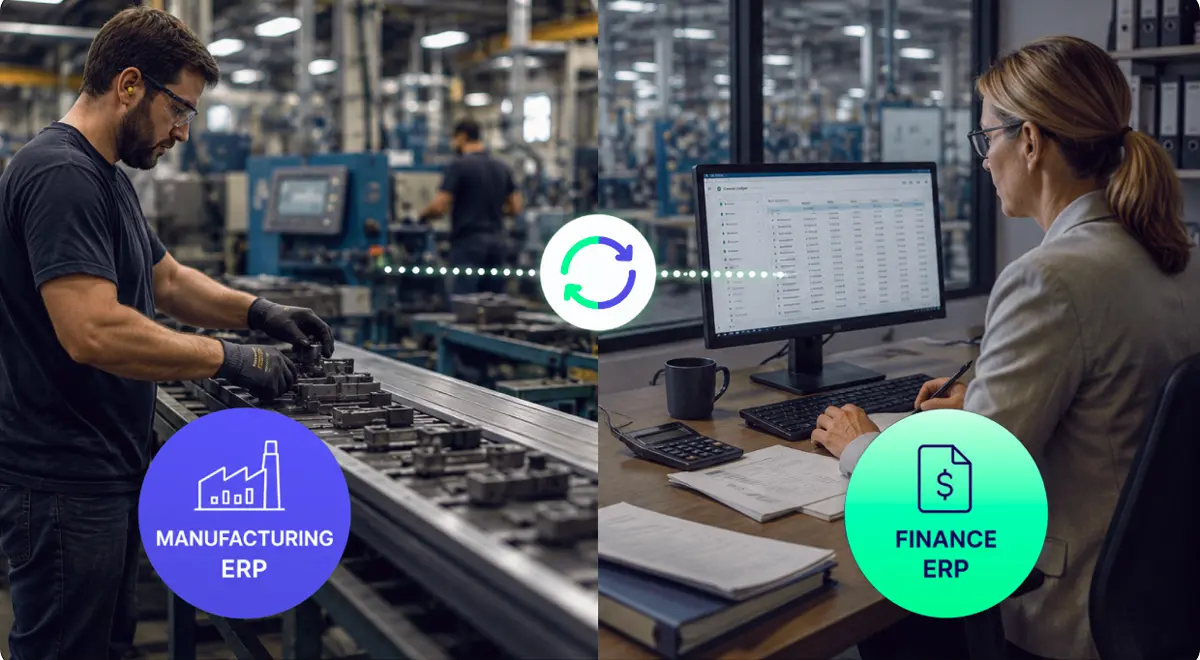
If you introduce Bonx for production while retaining Mago for accounting, the connection between them needs to be part of the project from the start.
Bonx invoices natively, creating the sales invoice and preparing the coded information for the accounting tool, which posts it to the books. The customer-order-to-accounting flow explains that division of work. Bonx does not keep the general ledger.
For a Mago connection, the project needs to establish the receiving interface and how customer, article, and accounting references map between the systems. When a record fails to transfer, someone must be able to see the failure, correct it, and reconcile the result; otherwise, the office can end up with another manual handoff to manage. The commercial responsibilities need to be clear, too. If invoices are created in Bonx, Mago receives them for accounting, and the two systems should not independently issue the same invoice. For an Italian deployment, agree which provider transmits electronic invoices and where the returned statuses will appear.
Keeping Mago offers continuity for finance, but the handoff will still change some of the team's daily work. Working through it before choosing Bonx lets finance judge whether the proposed setup would preserve what it values in the current system.
Compare the two proposals against the production work you are trying to remove. A Mago extension may be the better investment if operators can use it comfortably and you can change the process at an acceptable cost. Introducing Bonx adds another system and an integration; it should repay that work through less transcription, processes your team can configure, and routine tasks the software can carry out so that you take more manual work off your team over time.
Talk to the Bonx team to arrange a personalized demo based on your food production workflows and existing systems.


Contact us
So were we. That's why we built Bonx, the AI-native manufacturing ERP.