ERP for charcuterie & cured meat producers
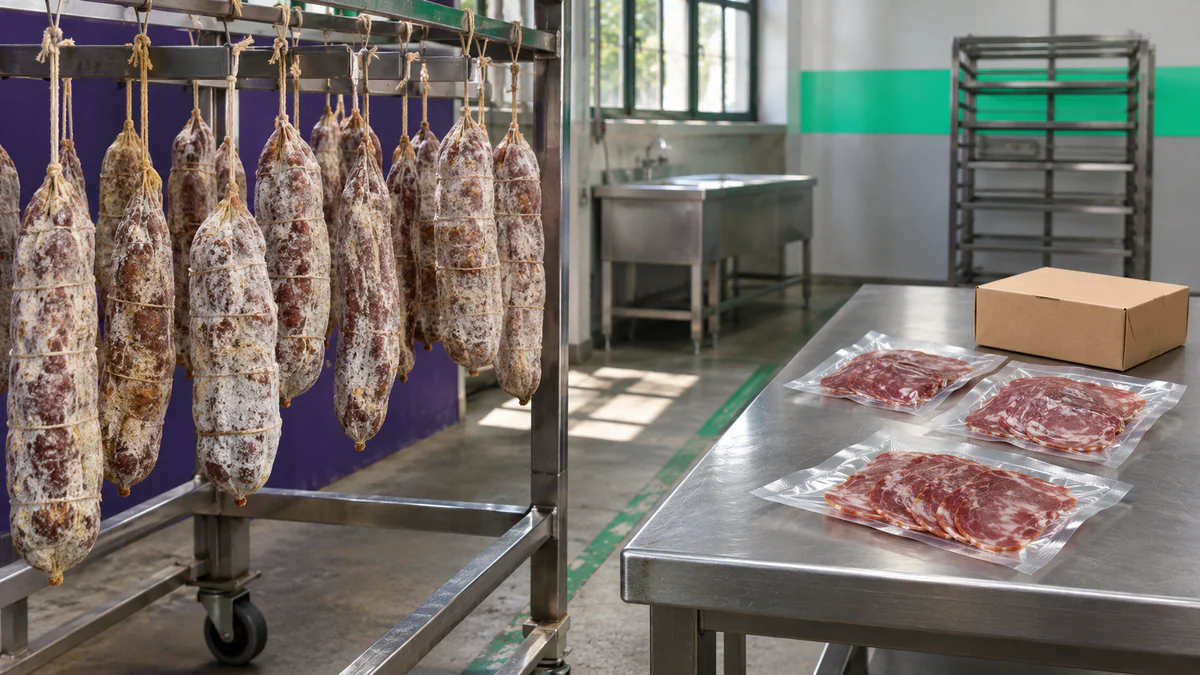
For charcuterie and cured meat producers, ERP fit depends on how well the system adapts to three features of their production process.
Bonx is the AI-native manufacturing ERP that connects production stages, stock movements, and lot records so teams can follow a batch from curing through dispatch. Here’s what to look for in an ERP for charcuterie and cured meat production and how Bonx supports those workflows.
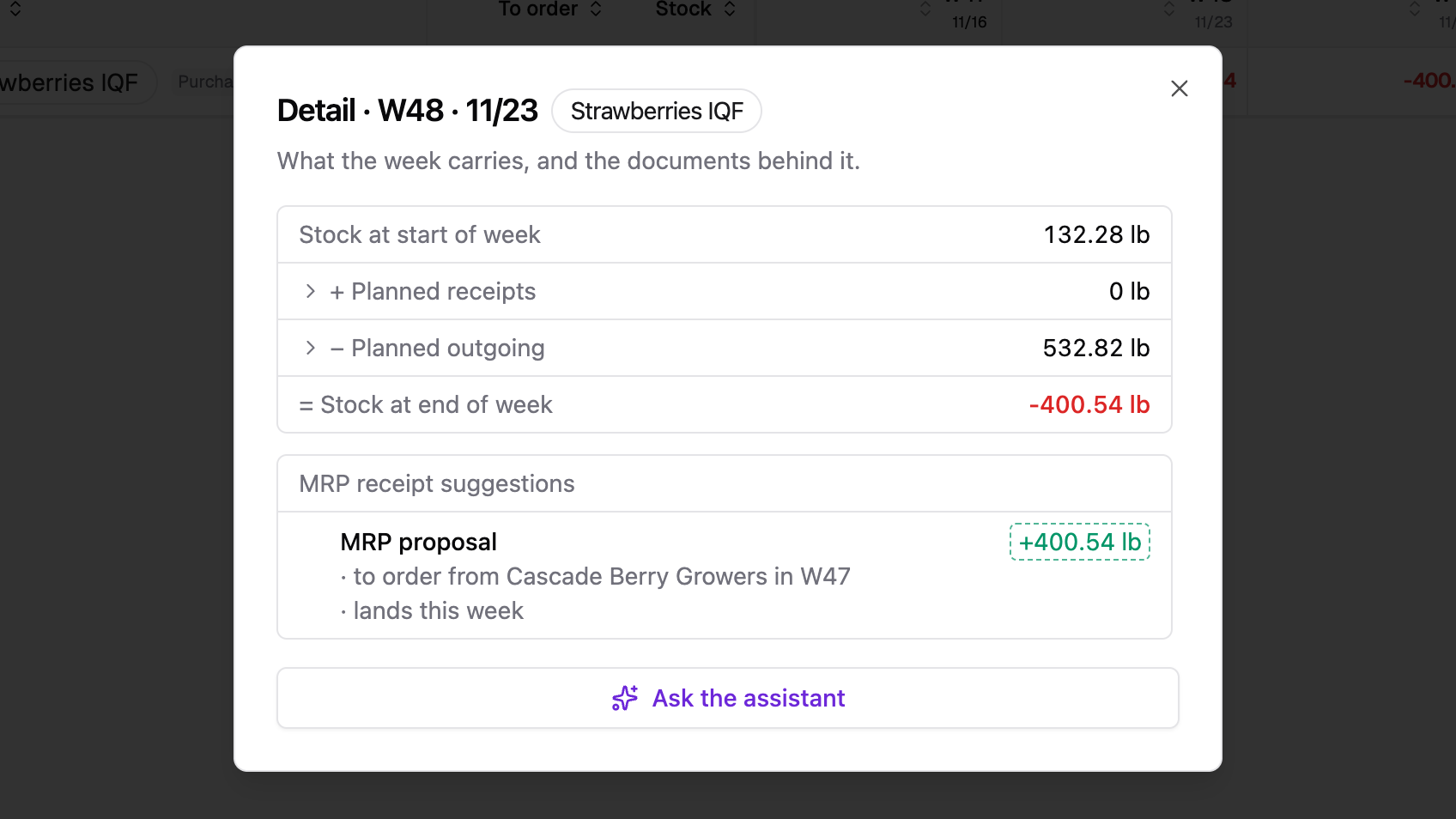
Cured products commit materials and working capital well before dispatch. Planners need to work back from the delivery date and allow time for curing, packing, and quality release. A batch might finish drying and get packed on Friday, then wait until Monday for the quality team to clear it for shipment.
For one cured-meat producer evaluating Bonx, meat could be available in less than a week, while labels and cartons took longer to arrive. A batch could be ready to pack while its packaging was still on order, which meant that planning around the meat supply alone would miss what was holding up the customer delivery.
The Bonx planning module connects production and purchasing requirements. Supplier lead times affect when a purchase order needs to be launched; manufacturing lead times affect when production should begin. Planners can inspect the requirements generated by firm orders and launch the necessary purchase or manufacturing orders.
A whole cured piece, a portion cut from it, and a finished pack are different stock items. If the ERP records only the raw material receipt and the final sale, production and quality teams have to reconstruct what happened in between.
Bonx supports configurable manufacturing and transformation processes. A transformation order can consume several inputs, produce one or more outputs, and retain the relationships between their lots. When a whole product becomes portions or packed goods, the team can trace the output lot back to the material consumed.
Operators record quantities, consumed lots, and completed steps in forms that combine production instructions with required fields and stock movements. The team chooses what each step records. As production changes, it can adjust those forms through Bonx's native process configuration.
In Bonx, you can configure drying as a step in the manufacturing workflow. Planners can see which orders are at that step and how much each is expected to produce. If you stock the dried product before slicing or packing, the operator can record the actual output as a lot in stock.
In an example discussed with a cured-meat producer, 800 pieces corresponded to 240 kg using the standard conversion, but 241 kg when weighed. The standard weight could serve for planning; keeping only the piece count and conversion, though, would lose the measured kilogram.
Bonx lets an item track weight alongside its stock quantity. Configured stock movements can retain both the piece count and the weight entered by the operator. The team chooses where to require an actual weighing and where to use a standard default, so production and stock teams can compare the quantities consumed and produced.
With a connected DIGI scale, Bonx can send the details for the selected lot to the scale and store the readings it sends back. To update inventory, the operator enters the measured weight when recording the stock movement in Bonx.
For orders priced by the kilogram, the invoicing team calculates the charge separately using the weight that actually shipped. If all 800 pieces go out, that means billing for 241 kg.
Finished goods can be sitting in the warehouse while quality has yet to clear them for dispatch. Your ERP needs to prevent their use until the required release checks are complete, while retaining the measurements operators collect during production.
The Bonx quality module supports checks on a lot before it can be released for further production or shipment. The user sees the required checks and records the results. Until the lot meets its release requirements, it remains blocked. These release controls are separate from checks performed within an ordinary production step.
When a supplier lot arrives in separate receipts, Bonx can create distinct sub-lots with their own release status. The quality team can hold one receipt while releasing another, even when both share a supplier lot number.
Your quality team defines the checks and makes the relevant decisions. Bonx records and applies the configured controls; the manufacturer remains responsible for its food-safety procedures and certification.
Cutting and repacking create new finished-product codes and lots. The quality team must still be able to find the original inputs and identify where the resulting goods went.
Bonx follows input and output lots through manufacturing and transformations, then forward to affected shipments and customers. If an ingredient lot is questioned, the team can investigate the connected finished batches and deliveries. The broader food manufacturing guide explains how those lot records connect to production planning.
The transformation flow also supports printing lot numbers with best-before dates. A finished pack's commercial label has requirements beyond internal lot identification. Check equipment templates and customer-specific information against the exact label your operation uses. Printing an internal lot number does not establish that every finished-pack requirement is covered.
Use one of your own products to evaluate how the proposed ERP handles the full batch cycle, including use cases like unfinished stock and a partial shipment. For a variable-weight product, follow it through to the invoice. The ordered unit, dispatched piece count, actual weight, and commercial calculation need to agree. Even with the right weight in the production record, the sales team may still have to reconstruct the amount to bill if those steps are not connected.
Talk to the Bonx team about a personalized demo based on your cured-meat production and quality workflows.


Contact us
So were we. That's why we built Bonx, the AI-native manufacturing ERP.