What is MRP software, and is it still relevant in 2026?
Material requirements planning (MRP) software helps manufacturers calculate what materials, components, and production orders are needed to satisfy demand. It sounds simple in theory, but in practice, the calculation is only as useful as the system around it.
This article looks at what MRP software does, where it should sit in the manufacturing tech stack in 2026, and whether you need a separate MRP tool if the right enterprise resource planning (ERP) system already handles the operational core.
At a basic level, MRP works from many core inputs: customer orders, forecasts, bills of materials (BOMs), current inventory, open purchase orders, open manufacturing orders, supplier lead times, production lead times, minimum order quantities, and safety stock rules.
If a manufacturer needs to ship 1,000 finished units next month, the system checks the BOM, looks at available stock, subtracts what is already ordered or in production, applies lead times, and tells the team what to buy or make.
Good MRP software should answer questions like:
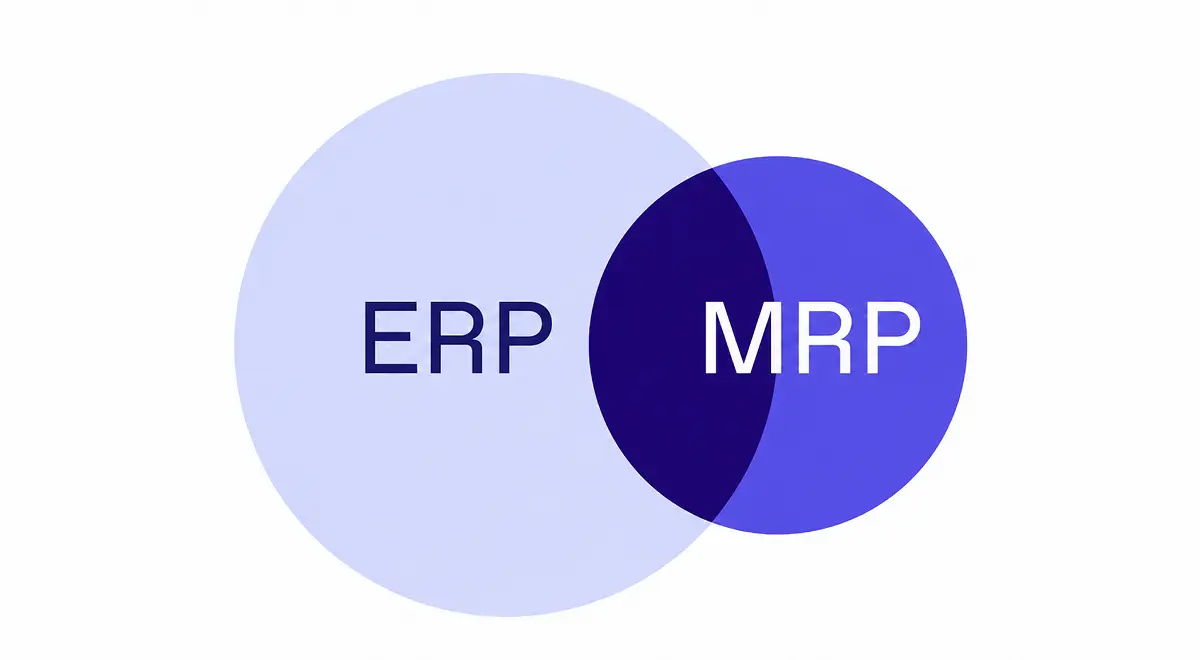
MRP focuses on material and production requirements: what needs to be bought or made, and when. ERP is much broader.
In manufacturing, an ERP can connect order management, inventory, purchasing, planning, production, quality, traceability, internal logistics, and reporting. Some ERP systems also include finance and accounting, while others, including Bonx, focus only on the manufacturing operations layer and connect to finance tools instead of replacing them.
While MRP and ERP are not the same, they are closely intertwined. MRP is only useful when it can trust ERP data, including live stock, BOMs, quality status, supplier dates, open purchase orders, manufacturing orders, and demand.
If inventory is wrong, MRP is wrong. If a batch is blocked by quality but still counted as available, MRP is wrong. If a supplier delay lives in an email but not in the system, MRP is wrong. If production progress is updated at the end of the day, MRP is late. You get the picture; ultimately, the planning calculation needs to stay close to the operational data it depends on.
The better question is not simply whether you need MRP software. It is where MRP should live: inside a manufacturing ERP that already connects demand, stock, BOMs, purchasing, production, and quality, or in a separate planning tool because the current system cannot carry that work.
If you already have a strong manufacturing ERP, you might not need a separate MRP product. What you do need in an ideal world is MRP logic inside the system that already knows your orders, BOMs, inventory, purchase orders, manufacturing orders, quality status, lead times, and operational rules.
If you have a finance-centered ERP, a lightweight ERP, spreadsheets, or no ERP at all, the answer is different. Separate MRP software can be a bridge when your current system cannot model manufacturing planning well enough. It can also be a signal that the deeper problem is not missing MRP, but missing an operations system that connects planning to purchasing, production, inventory, and quality.
The risk, of course, is adding another disconnected layer. The moment planners have to export ERP data, rework it in a spreadsheet or separate tool, then push decisions back into purchasing and production, the business has created another reconciliation job.
At that point, it is worth asking whether you really need a separate MRP tool, or whether what you need is a manufacturing ERP that can carry the operational flow properly.
MRP goes wrong when it works from stale inputs, rigid parameters, or a poor model of exceptions. The system may calculate the right answer for the data it has, but planners know the data is missing context: a supplier delay from an email, a quality hold, a temporary supplier change, a customer reservation, or a production order that moved this morning.
The spreadsheet survives because it captures exceptions faster than many planning modules do. It can hold the note that this month the team is buying from supplier B instead of supplier A, that a batch is excluded until quality releases it, that a specific customer gets 200 reserved units, or that a promotion changes demand for one region.
Classic MRP often forces planners to choose between changing global master data, with side effects everywhere, or handling the exception outside the system. So they choose the spreadsheet.
Trust is the other problem. When MRP says, "Buy 1,200 units of item A on week 24," planners need to know why. What was the projected stock on that date? Which safety stock rule applied? Which forecasts contributed? Which firm orders drove the demand? Why that date instead of another?
If the system cannot explain the answer, planners will check it manually. Once they have to check enough answers manually, the MRP module becomes a source of suggestions, not a planning system anyone trusts.
MRP answers material questions. It does not automatically solve every planning question.
MRP can tell you that materials are needed for a production order. It may not tell you whether a specific machine should run the job on Tuesday morning, whether a setup sequence should change, whether a subcontractor should receive overflow, or whether accepting an urgent order will break another customer promise.
Those questions move toward MRP II, finite capacity planning, production scheduling, and advanced planning and scheduling (APS). For a deeper comparison, read Bonx's guide to how APS differs from ERP-level planning.
The practical split looks like this:
Not every manufacturer needs APS. In many SMEs, a well-connected manufacturing ERP with MRP, planning, live stock, purchasing, manufacturing orders, and clear exceptions will solve much of the pain. APS becomes relevant when capacity constraints, sequencing rules, and scenario planning are too complex for ERP-level planning.
The trap is buying APS because the ERP's basic MRP is unusable. Sometimes the planning problem is advanced. Sometimes the ERP simply does not have the right operational data.
The standard for MRP software should be higher than a calculation engine and a long list of planned orders.
A buyer should be able to see whether a purchase suggestion came from a sales order, a forecast, a safety stock rule, or another requirement. A planner should be able to connect each suggestion to the demand behind it, not accept a quantity and date because the system says so.
MRP should also connect directly to action. If the system recommends purchasing material, the buyer should be able to add the suggestion to an existing purchase order or create a new one without rebuilding the line manually. If duplicate needs point to the same article, the system should group them clearly. If product variants are parametric, the interface should help the team search, group, and review them without turning the suggestions screen into a maze.
At minimum, modern MRP should support:
If MRP cannot explain the need, connect to the next step, or reflect the exceptions planners already know, it will keep pushing planning back into Excel.
Bonx is an AI-native manufacturing ERP. Our view is that manufacturers should not have to buy a separate MRP tool just to connect demand, stock, purchasing, production, quality, and logistics. MRP logic should live inside the ERP that already understands the operational flow.
Bonx helps manufacturers move from disconnected records to an ERP that actually helps run the operation. It not only stores orders, stock, and production status; it helps turn operational events into procurement suggestions, manufacturing orders, alerts, and next steps the team can inspect and approve.
For example:
Food manufacturer L'Atelier du Ferment connected production planning, batch traceability, Sidely, and Pennylane with Bonx. Bonx helps generate manufacturing orders and procurement suggestions based on sales, shelf life, and cold storage capacity, while supporting traceability across more than 100,000 bottles.
Additive manufacturer Something Added deployed Bonx in two months with a native HP 3D printer integration. Bonx groups orders, generates manufacturing orders, assigns jobs to machines based on predefined industrial rules, and supports 24/7 production with more than 10,000 parts produced each month.
For a broader view of the operational layer around planning, read Bonx's guide to manufacturing ERP for SMBs and why manufacturers should separate operations ERP from finance ERP.
Yes. MRP is still relevant because manufacturers still need to turn demand into material and production decisions.
The decision is where that capability should live.
If your ERP already connects demand, BOMs, stock, purchasing, manufacturing orders, quality status, lead times, and exceptions, MRP should usually live inside that ERP. If your ERP is finance-centered, too lightweight, or too disconnected from manufacturing reality, a separate MRP tool may look tempting, but the better question is whether the operations layer needs to change.
MRP stands for material requirements planning. It is a planning method that calculates what materials and production orders are needed based on demand, bills of materials, inventory, lead times, and open supply.
MRP software helps manufacturers plan material purchases and production requirements. It uses customer orders, forecasts, bills of materials, inventory, purchase orders, manufacturing orders, and lead times to recommend what should be bought or made.
Yes. MRP is still relevant because manufacturers still need to connect demand to materials, purchasing, and production. What is changing is the expectation: modern MRP should use live operational data, explain recommendations, and help trigger action instead of only producing static planning reports.
MRP focuses on material and production requirements. ERP is the broader operating system for the business, covering areas such as orders, inventory, purchasing, planning, production, quality, logistics, and finance handoffs. In manufacturing ERP, MRP is usually one planning capability inside a larger operational system.
Not always. If your ERP already connects demand, BOMs, inventory, purchasing, manufacturing orders, quality status, lead times, and planning rules, MRP should usually live inside that ERP. If your current ERP is weak in manufacturing planning, too finance-centered, or unable to support your real planning constraints, that may be a sign you need a stronger manufacturing ERP rather than another planning silo.
If you do not have an ERP yet, treat MRP as part of the broader operations-system decision. You may need MRP logic, but you also need reliable inventory, BOMs, purchasing, manufacturing orders, quality status, and operational workflows around it. Buying standalone MRP without fixing those foundations can create another planning silo.
MRP focuses on what materials and production orders are needed. APS, or advanced planning and scheduling, goes deeper into finite capacity, sequencing, constraints, scenarios, and scheduling decisions. Some manufacturers need both, while others can solve much of the planning problem inside an operations-centered ERP.
Classic MRP fails when inputs are stale, manual, or incomplete. If inventory, lead times, bills of materials, quality status, supplier dates, or production progress are wrong, the MRP recommendation will be wrong too. It also fails when exceptions are too rigid to model inside the system, which is why planners often keep using spreadsheets.



Contact us
So were we. That's why we built Bonx, the AI-native manufacturing ERP.