Warehouse management software vs. ERP for manufacturers
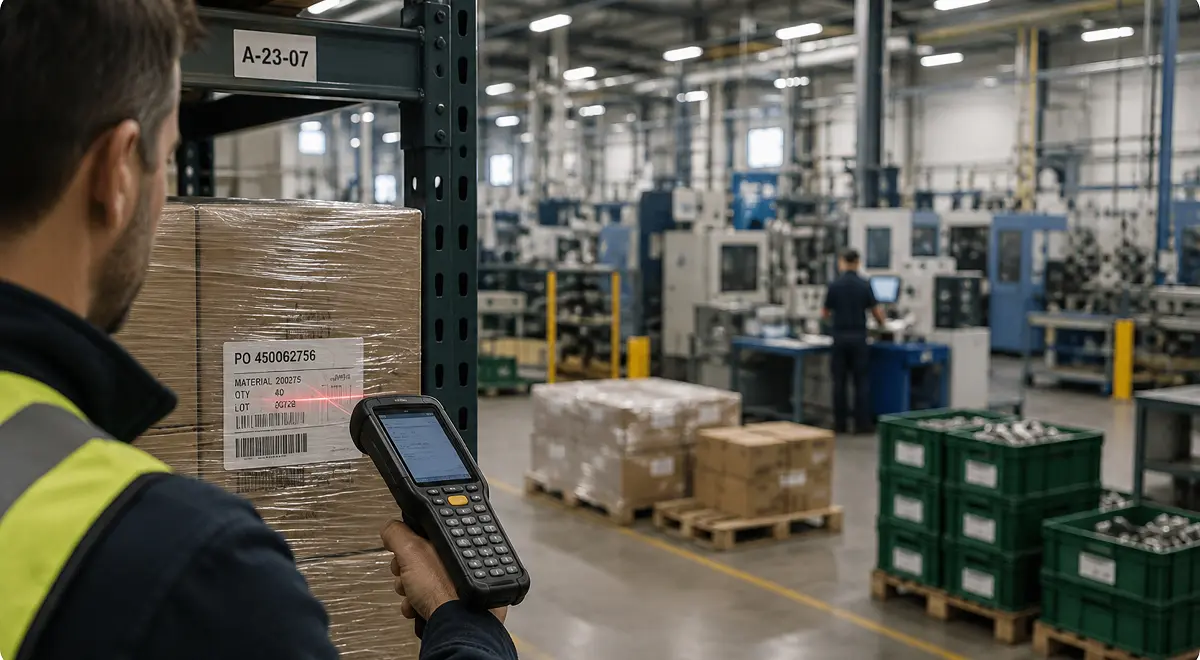
The question of whether the business needs warehouse management software usually comes up when stock gets harder to control. This can happen, for example, when the number of locations has multiplied quickly. Some common symptoms are production continually asking where materials are, or finished goods waiting longer than necessary to ship.
For manufacturers, the risk is buying a warehouse management system (WMS) for a problem that is not only happening in the warehouse, but across production as well. This piece compares what a WMS does, what a manufacturing ERP logistics module should cover, where the two overlap, and when manufacturers should use WMS only, ERP only, or both. The goal is simple: choose the smallest setup that lets the factory, warehouse, quality team, and delivery team work from the same stock picture.
Warehouse management software helps companies manage the physical work inside a warehouse. It is strongest when receiving, storing, picking, packing, and shipping have become complex enough to need their own execution system.
A WMS can cover work like:
A real WMS is more than an inventory list with locations. It helps warehouse teams move faster and make fewer mistakes, especially when order volume, picker activity, location depth, and shipping work are high.
For a distributor, retailer, third-party logistics provider (3PL), or large fulfillment operation, the WMS may sit at the center of daily work. The warehouse is the operation, so the software needs deep warehouse logic.
A manufacturing ERP's logistics module should manage stock movements in the context of the work that creates, consumes, blocks, reserves, and ships stock. In a manufacturing business, logistics usually touches:
Warehouse management software often focuses on how goods move inside the warehouse, whereas ERP logistics should know why each movement matters to the rest of the operation.
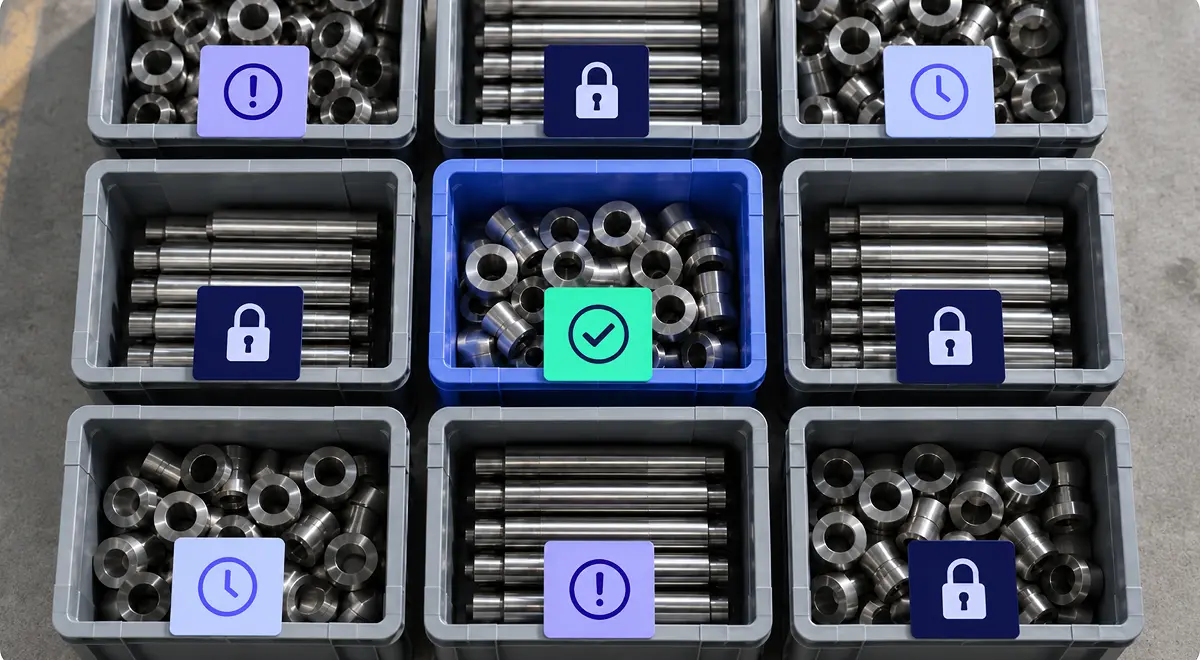
For example, if quality blocks a batch, the system should stop treating that stock as available. If a customer order is ready to ship, logistics should be aware of that in real time, not after a human has reconciled data in a spreadsheet.
Our take is that manufacturing SMBs should be careful before adding a standalone WMS. The warehouse work may be real, but the bigger problem may be that inventory, production, quality, and logistics are not connected closely enough.
The bottom line is that WMS and ERP sit at different layers of the operating system. A WMS runs warehouse execution, whereas a manufacturing ERP connects warehouse work to the broader operational flow.
For manufacturers, the practical question is whether warehouse execution should be separated from the manufacturing flow, or whether logistics should stay inside the ERP until the warehouse is complex enough to justify its own system.
Most manufacturers fall into one of three patterns:
WMS-only can make sense when the warehouse is the main operation and production is not the hard part of the system.
That is common in distribution, retail fulfillment, or 3PL operations. The business receives finished goods, stores them across many locations, picks and packs high order volumes, manages many operators, and coordinates shipping across several carriers. In that world, warehouse execution is the main source of operational complexity.
Some manufacturers may also start with WMS-only if they already have a stable ERP or finance system, and the urgent problem is a specific warehouse execution gap: too many picking errors, weak barcode scanning, poor location discipline, carrier documentation issues, or warehouse labor that cannot be managed well enough in the existing system.
The challenge here is whether the WMS can solve the pain without creating a new reconciliation job. If warehouse data still has to be copied back into production, quality, or purchasing by hand, then going WMS-only is probably too narrow.
For many SMB and mid-market manufacturers, using an ERP is the better starting point. This is especially true when warehouse work is part of the factory flow. For example, raw materials arrive for production, components move to a work center, stock is consumed by manufacturing orders, finished goods come out of production, etc.
A standalone WMS may add depth inside the warehouse, but it can also split the work across two systems before the business has enough complexity to justify that split. The team may get better bin scanning and still have to reconcile whether stock is available, reserved, blocked, consumed, produced, or ready to ship.
Bonx is an AI-native manufacturing ERP, and its logistics module is a strong fit for manufacturers that need internal logistics connected to orders, stock, production, quality, and delivery. A pallet can move from received to blocked, released, reserved, consumed, produced, packed, or shipped in the same day. If those statuses do not sit close to production and quality, people carry the context outside the system.
Nervures uses Bonx for production and logistics tracking. The system generates manufacturing orders, tracks production progress, supports scheduling by operator, adds quality checklists, and creates production dashboards. The textile manufacturer reduced manual data re-entry by 95% across production and logistics workflows.
That is ERP-only at its best: a connected manufacturing operating system where logistics does not drift away from production.
Some manufacturers do need both ERP and WMS.
That usually happens when warehouse execution has become complex enough to need its own tool, while the ERP still needs to own the operational flow around demand, purchasing, production, quality, traceability, and delivery commitments.
You may need both if you have:
In that model, the WMS can own detailed warehouse execution, while the ERP owns the manufacturing context around that execution.
However, the architecture only works if ownership is clear. Examples of where this can be risky and cause problems include if ERP says the batch is blocked but WMS says it is available, or if WMS ships an order but ERP does not receive the batch, serial, or shipment status back, meaning that traceability is incomplete.
Two systems can make sense in some cases, but they can also create two versions of stock truth that introduce more complexity and confusion if the integration is not done right.
When a manufacturer needs both ERP and WMS, integration has to do more than move records between two databases. The ERP usually sends the WMS:
The WMS usually sends the ERP:
The hard part is operational ownership. Which system owns availability? Which one owns the exact bin? Which one decides whether stock is blocked? Which one creates the shipment? Which one owns the traceability record after the product leaves the warehouse? Which one should planning trust tomorrow morning?
If those questions are not answered, the integration can cause more problems than it solves, leaving you worse than where you started. Bonx's guide to common manufacturing integration scenarios covers the same ownership problem when manufacturers connect e-commerce, 3PLs, WMS tools, warehouses, subcontractors, and accounting systems around one operational ERP.
To decide whether a WMS or ERP, or both, is the right move, start with what problem the team is actually experiencing and how the system might help resolve it:
If the pain is warehouse density, picker productivity, carrier workflows, or advanced location control, a WMS may be the right tool. If the pain is that stock, production, quality, traceability, and delivery do not move together, start with the ERP logistics layer.
For manufacturing SMBs, that second case is more common than you might expect. The team may describe the problem as warehouse management because the symptoms show up in the warehouse, but the root cause is often earlier in the flow: production updates arrive late, quality status is disconnected, reservations are unclear, or the system cannot distinguish stock that exists from stock that can actually be used.
The right setup is the smallest one that lets the operation trust its own stock data. If logistics is part of the manufacturing flow, start with a manufacturing ERP that can keep goods-in, stock movements, production consumption, quality status, traceability, and shipment preparation connected. A standalone WMS may still come later, but it should not be the first answer to every stock-location problem.
If warehouse execution is the bottleneck, buy the WMS deliberately and integrate it well. Make sure it owns a real warehouse problem, not a weakness your ERP should be solving.
Warehouse management software, often called a warehouse management system or WMS, helps companies manage warehouse execution: receiving, putaway, storage locations, picking, packing, shipping, cycle counting, and warehouse tasks.
A WMS focuses on warehouse execution. ERP connects the broader business and operational flow. For manufacturers, ERP logistics should connect stock movements to purchasing, production, quality, traceability, and delivery, while WMS goes deeper into warehouse tasks and location execution.
ERP can replace the need for a standalone WMS when warehouse work is closely tied to manufacturing and does not require advanced warehouse execution. If the business needs deep picking logic, warehouse labor management, automation, or 3PL-style fulfillment, a dedicated WMS may still be the better tool.
Some do, but many SMB and mid-market manufacturers should start with ERP logistics before adding WMS. If the problem is that production, stock, quality, traceability, and delivery are disconnected, a WMS will not fix the core issue by itself.
Consider a standalone WMS when warehouse execution has become complex enough to need its own system: high-volume picking, many warehouse operators, advanced location rules, carrier workflows, automation, multiple warehouses, or 3PL operations. Before adding it, decide exactly what the WMS owns and how it will stay synchronized with ERP.


Contact us
So were we. That's why we built Bonx, the AI-native manufacturing ERP.