3 things to do before choosing a manufacturing ERP
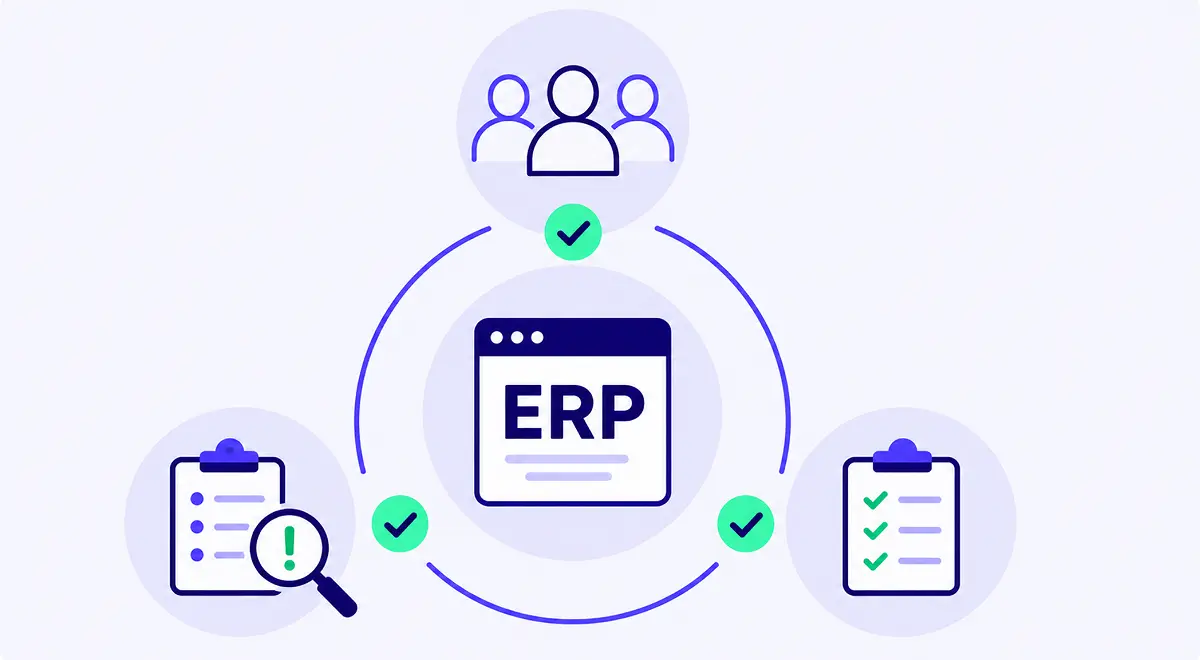
Most ERP buying processes get heavy too early. Teams write long requirement documents, compare feature grids, sit through polished demos, and ask whether each system has planning, purchasing, and reporting modules (check, check, and check!). Those questions are not wrong, but they are too broad to help you choose the right ERP.
A manufacturing ERP is supposed to run the operational core of the business: order management, inventory, purchasing and supplier management, planning, production, quality, and logistics. If the selection process does not begin there, the company risks buying a system that looks complete in a demo and still disappoints the people who need to use it every day.
This article gives you three practical things to do before choosing a manufacturing ERP: put operations at the center, gather the real situations your current setup cannot handle well, and test vendors against those situations instead of a generic checklist.
Finance, of course, needs to be involved in an ERP decision, even if it’s specifically a manufacturing ERP and not a finance ERP. The finance team cares about reliable numbers, clean controls, margin visibility, purchasing discipline, reporting, and the data that eventually lands in accounting. Those needs matter, and ignoring them only creates problems later.
However, a manufacturing ERP should not be chosen as if the factory were just a source of data for month-end reporting. If finance owns the ERP project alone, the company can end up with a system that is strong on control and weak in daily operations. The numbers may be cleaner, but planners still rebuild schedules outside the system, operators still record work after the fact, sales still asks production for answers the ERP should make visible, purchasing still reacts late because demand, stock, and supplier constraints are not connected tightly enough, etc.
Operations should lead the manufacturing ERP question because operations knows where the current setup fails under pressure. In other words, the people responsible for production, planning, purchasing, quality, stock, logistics, and customer promises should define what the ERP has to make easier, faster, or more reliable.
Finance should stay in the room, as they bring discipline on data, governance, cost, margin, and reporting. But the center of gravity should be operational, because the manufacturing ERP will only create value if the people running the factory floor can use it in the normal flow of work.
This distinction matters even more for companies moving from spreadsheets to ERP for the first time. In those businesses, the spreadsheet often exists because operations had to invent its own system long before the company was ready to buy one. Do not throw that knowledge away. The spreadsheet may be fragile, but it usually contains the logic the future ERP needs to respect and the scenarios (see the next sections!) that the new software needs to handle well.
As we said in the opening of this piece, the instinct for an ERP project can often be to start large, laying out all the needs and requirements in detail. This is where many teams go too wide. They try to map every flow, document every exception, and write down every possible requirement before speaking to vendors. The result is usually a large document that says a lot and decides very little.
The reality is, it’s often better to start with three to five operational situations your current setup cannot handle well. That setup might be a legacy ERP, spreadsheets, no-code tools, paper, or a mix of all of them. The point is to find the places where better software would clearly change the game, providing immediate return on investment, then expand from there if needed.
For example, at Bonx, one of our customers — a lighting equipment manufacturer — did exactly this. The company did not start by trying to redesign the entire business with its ERP. It started with a sales-side process that was painful enough and important enough to improve first. That gave the ERP conversation a real anchor: not “which system has the most modules?” but “which system can help us run this process better?”
The result was taking a team of 10 sales engineers who spent all their time making quotes, talking and emailing back and forth with their customers gaining about 80% time back to actually grow the business. The team went live with Bonx sales order agents quickly to achieve this, opening the door to addressing more processes with the ERP implementation once they proved success fast.
A good operational situation is not an ERP feature, but a real moment in the business where the current system fails, slows people down, or leaves too much room for error. Additional examples of common friction points and processes to improve might include:
These situations force the ERP conversation into reality, showing where the company needs better coordination, better data, fewer manual steps, or clearer decisions and where the ERP should have the most impact.
Once you have the operational situations, use them. Many ERP evaluations still drift back to feature checklists. The vendor confirms that the system has material requirements planning (MRP), purchasing, inventory, quality, traceability, barcode scanning, dashboards, integrations, and reporting. Everyone ticks the boxes. The demo looks fine.
Then the system goes live, and the real questions appear. Can the planner see what changed when sales updates an order? Can purchasing understand which supplier delay affects which production order? Can quality block stock without making it disappear from planning? Can operators update production without creating more admin work? Can sales get a reliable answer without calling three people?
A feature checklist will rarely answer those questions, but a scenario test certainly will.
Take the three to five situations from the previous section and ask each vendor to walk through them in the system as working, end-to-end flow (ideally with real data, if possible).
For example, instead of asking, “Do you support traceability?” ask:
A batch fails quality control after some finished goods have already been reserved for customer orders. Show us how the system identifies affected stock, blocks what should not ship, updates the relevant orders, and helps the team decide what to do next.
Instead of asking, “Do you have production planning?” ask:
A large customer order arrives earlier than expected, while one supplier shipment is late and one production line is already full. Show us how the system helps the planner decide what to make, what to buy, what to delay, and what sales can safely promise.
Instead of asking, “Do you integrate with our sales tool?” ask:
Sales confirms an order with custom details, delivery constraints, and a promised ship date. Show us how that order becomes operational work without someone re-entering the same information into another tool.
That is a much harder test, and that is the point. A manufacturing ERP can have the right modules and still fail the daily situations that matter. The system may support purchasing in theory, but still leave buyers chasing information. It may support production in theory, but still make operators update work after the fact. It may support inventory in theory, but still leave teams arguing over which number to trust.
Scenario testing also exposes how much the vendor expects you to adapt to the software. To be clear, some adaptation is normal. No company should preserve every old habit just because “that is how we do it.” But if the answer to every real scenario is that your team needs to change the way it sells, plans, produces, checks quality, moves stock, or manages exceptions, be careful. At the end of the day, the system should make your operations clearer and easier to run.
This is especially important for growing manufacturers, because your business will keep changing after go-live. New products, new customers, new suppliers, new channels, new quality rules, and new production constraints will appear. When you test vendors, ask how the system changes after implementation. If every improvement becomes a consultant project, you are not only buying software. You are buying a dependency.
For more on the implementation traps that show up after selection, Bonx’s article on why ERP implementations fail for manufacturers goes deeper into long timelines, finance-led projects, and the danger of accepting generic ERP processes as “best practice.”
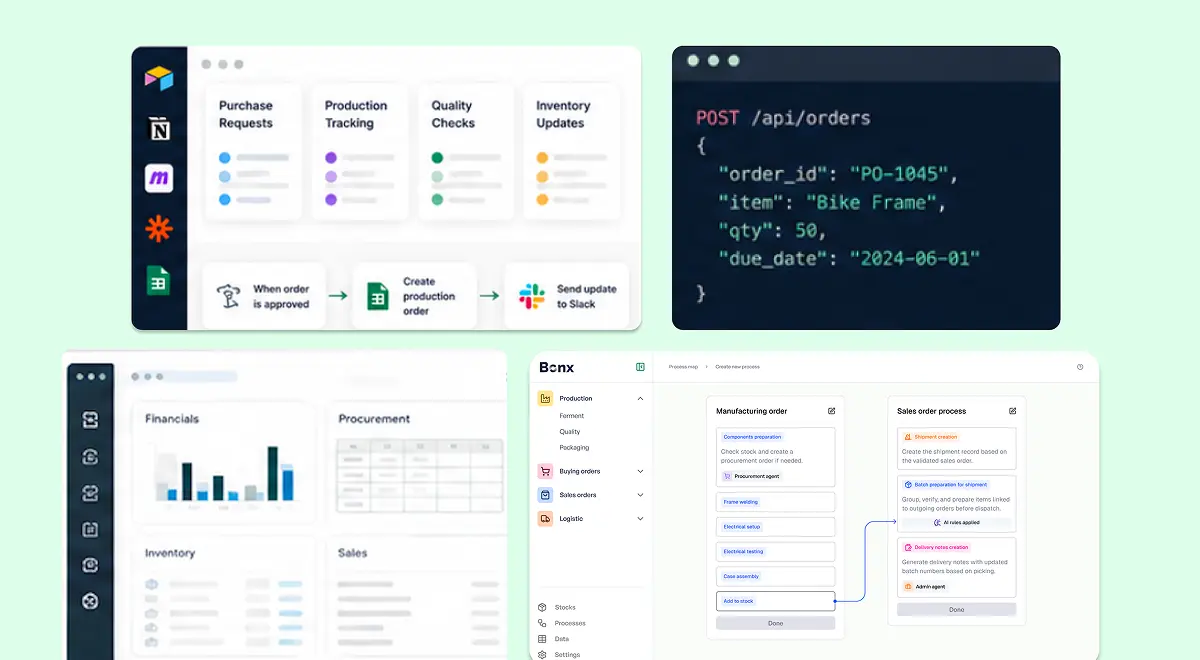
Bonx is an AI-native manufacturing ERP covering order management, inventory, purchasing and supplier management, planning, production, quality, and logistics in one operational system. It also connects with tools already in the stack, including customer relationship management (CRM), e-commerce, and accounting tools, rather than asking the company to replace everything around the ERP.
Bonx customers go live in 1 to 3 months, which changes the ERP selection conversation. A faster deployment does not mean skipping operational detail, but it does mean starting with the situations that matter and building from there instead of spending months writing a document that may already be stale by the time implementation begins.
For example, Feroce went live with Bonx in 42 days without interrupting operations, before a national TV appearance multiplied orders tenfold. Additive manufacturer Something Added deployed Bonx in two months with a native integration to HP 3D printers, so orders could be grouped, manufacturing orders generated, and jobs assigned to machines based on production rules. L'Atelier du Ferment connected production planning, batch traceability, Sidely, and Pennylane with Bonx, while Bonx helps generate manufacturing orders and procurement suggestions based on sales, shelf life, and cold storage capacity.
The right ERP is not the one with the longest module list. It is the one your team can trust when an order changes, stock moves, a supplier is late, production gets rescheduled, quality blocks a batch, or sales needs an answer now.
Put operations at the center, with finance in the room. Gather three to five operational situations your current system cannot handle well. Then test vendors against those scenarios instead of letting the buying process collapse into a feature checklist.

Contact us
So were we. That's why we built Bonx, the AI-native manufacturing ERP.