Bonx product updates for June 2026
Welcome back to the monthly Bonx product roundup! If you missed the first edition, you can catch up on everything Bonx shipped in May. Here are the five most impactful updates the team made in June, plus a few other improvements to look out for.
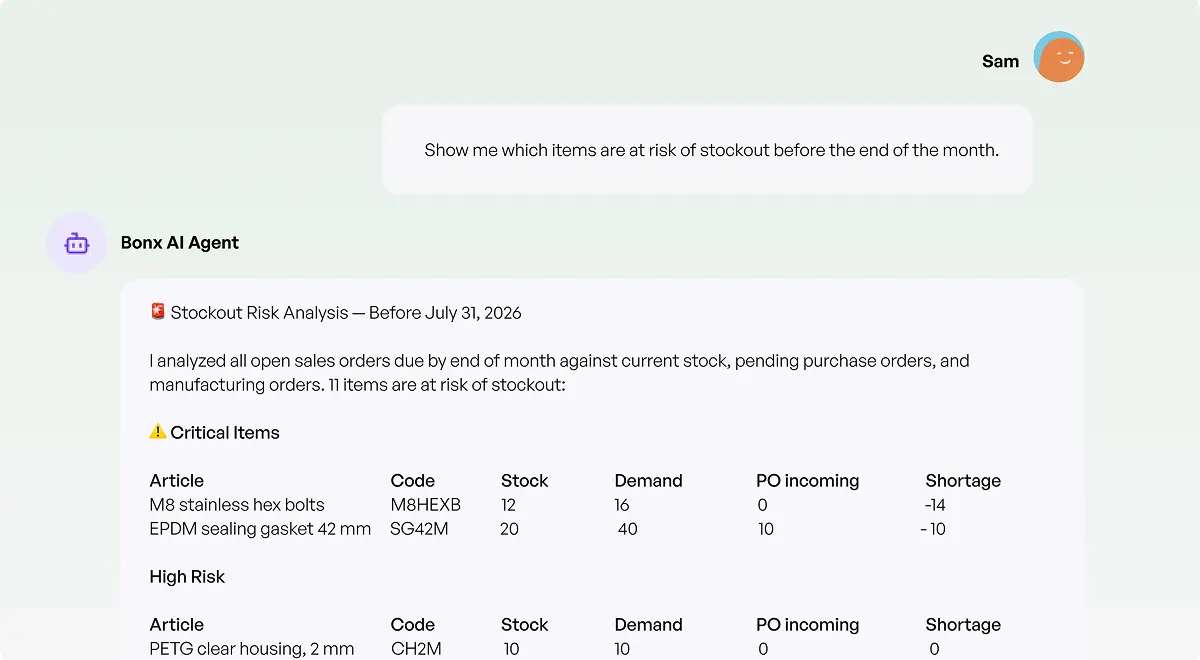
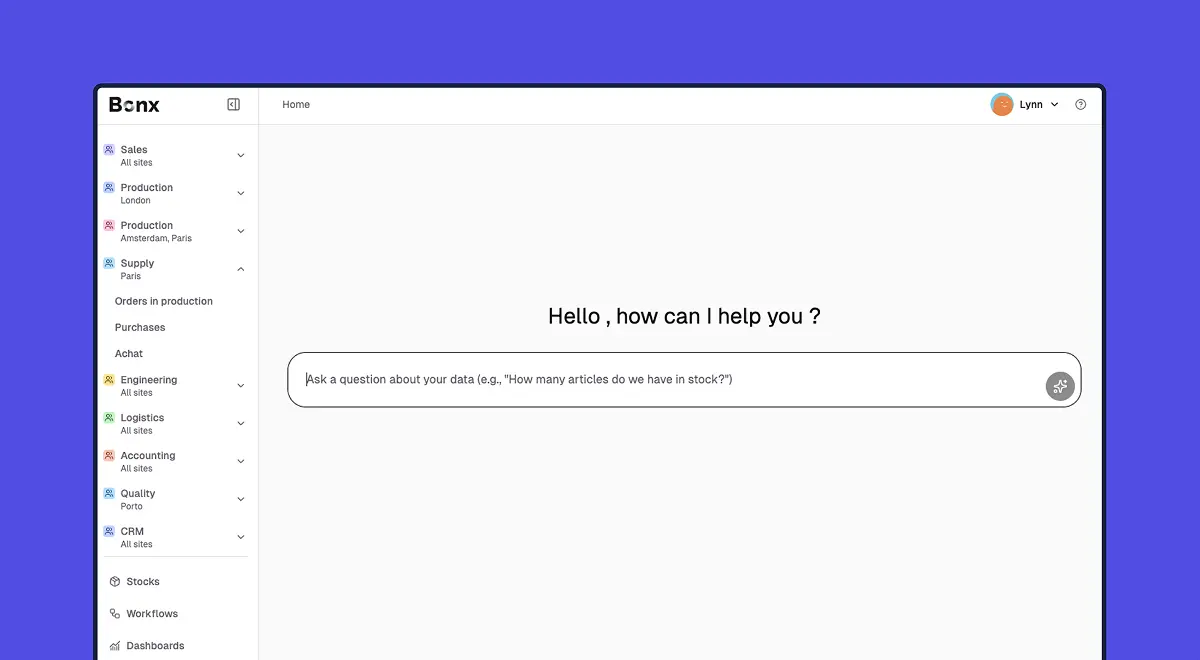
The Bonx AI Assistant is now available for every user. You'll find it in the main sidebar for questions, and in the AI tab on any record page when you want it to work with your data.
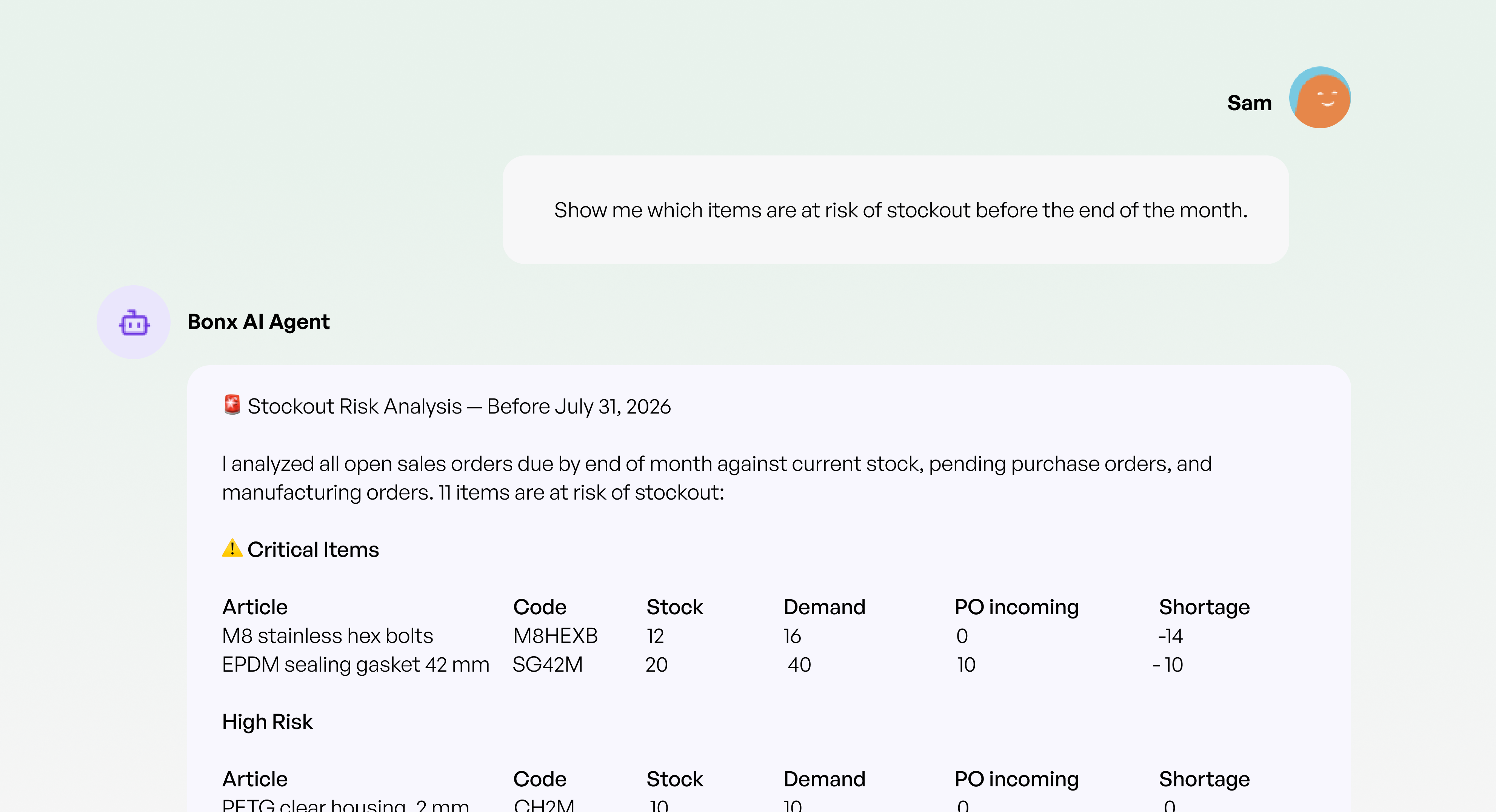
We’ve also added additional capabilities. For example, the AI assistant can now read from and write to your custom data tables, declare quality defects on transactional records, and create quality controls, organizations, and addresses straight from the chat. It also sees supplier-specific prices when analyzing items, so its purchasing answers reflect what you pay.
Every action the assistant takes shows up as an inline validation card, so you can see exactly what it's about to do before it does it.
AI document extraction took a big step forward in June. When you attach a receiving slip to a record, Bonx now automatically links each line to the corresponding purchase order line. Item recognition is sharper, especially for variants with attributes like size or packaging, and the system handles VAT, currency, and discounts more reliably. The assistant can even fill in variant attributes when the specific variant doesn't exist in your system yet.
In addition, managers can now write custom instructions per document type, so extraction adapts to a specific supplier's format or applies your business rules, like automatically assigning a site or transport mode. And a new feedback mechanism lets you rate the quality of each extraction, so you can flag problems the moment they happen.
We overhauled stock accuracy this month on three fronts. First, backdated stock corrections. You can now set an effective date in the past, and Bonx recalculates every subsequent movement and balance for that lot, keeping your history consistent instead of papering over it. A warning appears if the date lands before a validated inventory count.
Next, we’ve made the stock movements table easier for analysis. On the global page, article tabs, and lot cards, you can now show, hide, and reorder columns, filter by status, date, and operation type, and search across lot names, comments, and locations.
And finally, you’ll see a redesigned Stock tab on articles. One hub with at-a-glance cards for available, in-production, incoming, and outgoing quantities, a filterable list of every lot, quick corrections and movements without leaving the page, and a per-location quantity breakdown.
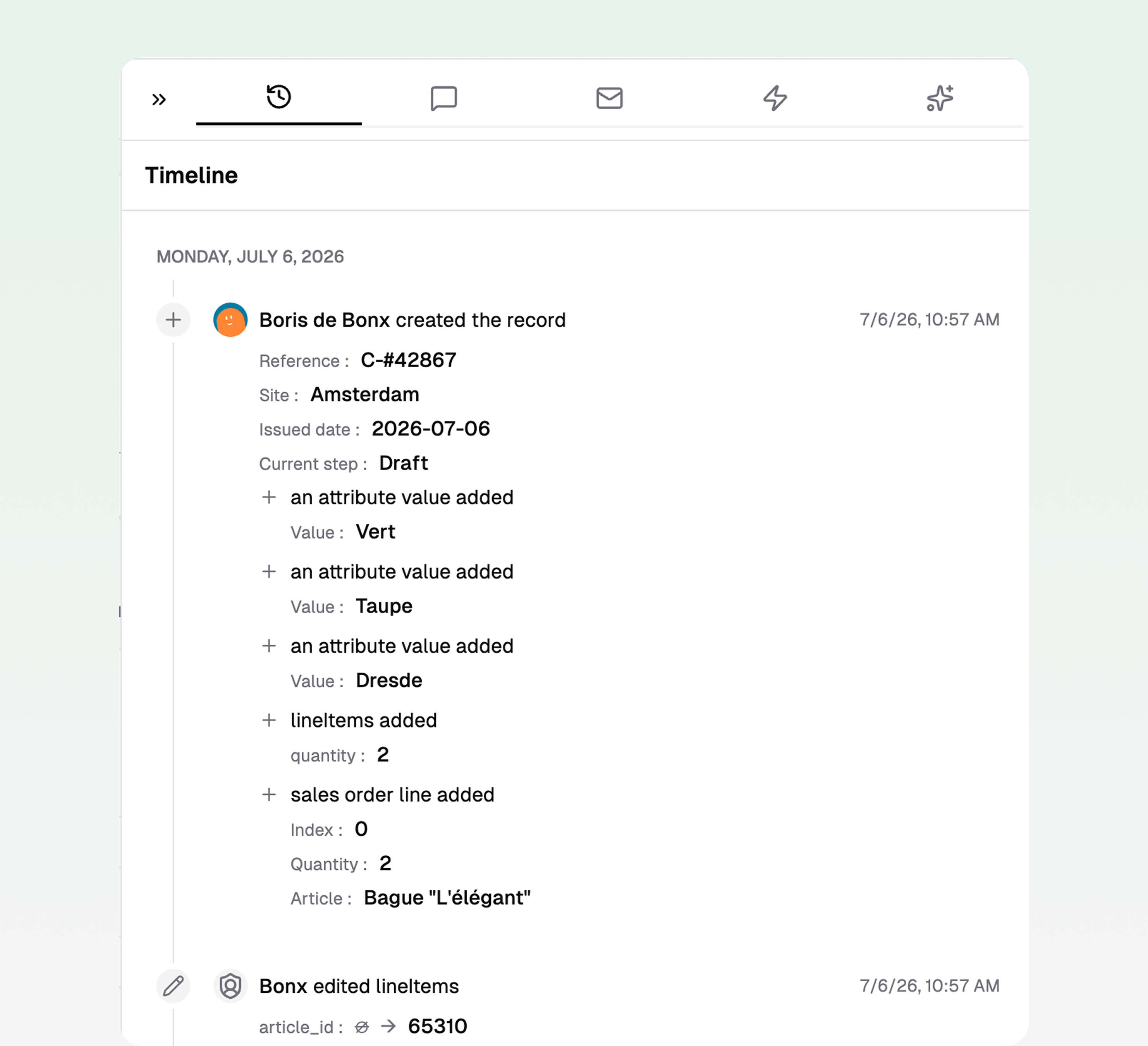
The History tab grew up in June. A detailed, field-by-field change log arrived first on articles, then extended within two weeks to sales orders, purchase orders, shipments, receivings, transfers, manufacturing orders, and more.
For every field, you can see who changed it, when, and what the value was before. When a delivery date moves or a quantity changes, the answer to "what happened here?" now lives in the record itself, not in someone's memory.
Press Cmd+K (or Ctrl+K) anywhere in Bonx and a search palette opens. Find any record, dashboard, or view, jump to any settings page, or start creating a new item, all without touching the mouse. Results appear instantly, and you can open them in a new tab just like in your browser.
A small habit change, but one that removes dozens of clicks a day.
Alongside the five bigger launches above, June brought a wide set of smaller improvements across integrations, admin controls, daily workflows, and operations.
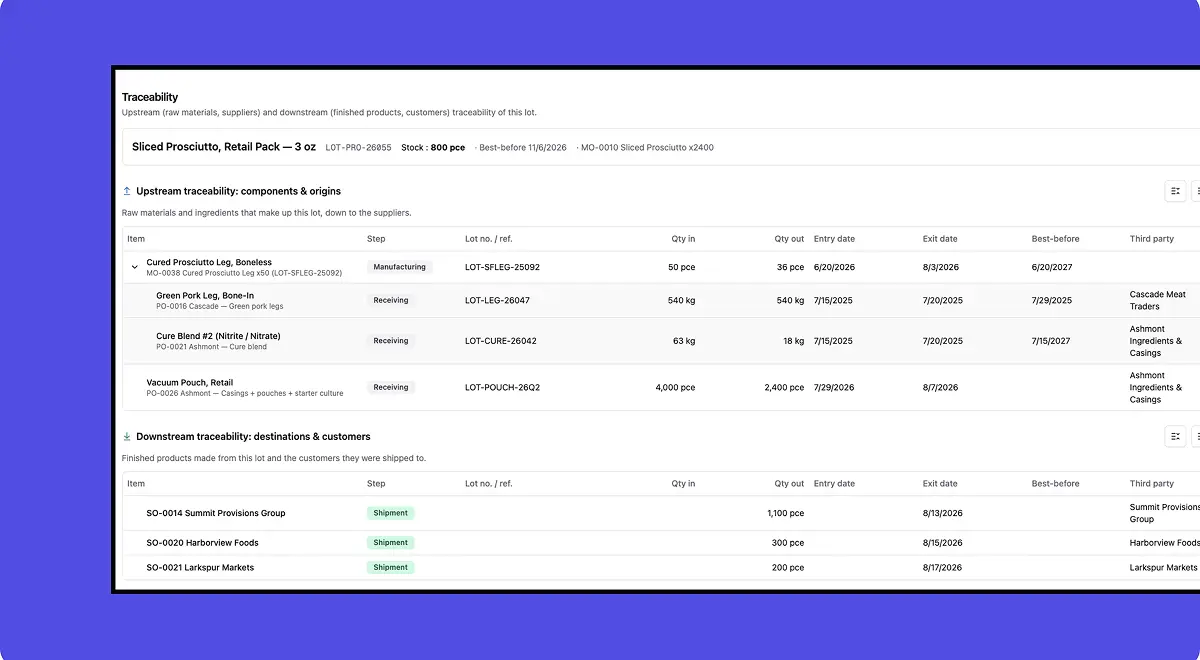
The Bonx integration engine kept expanding, with improvements to the Shopify and Odoo syncs as well as EDI refinements and a new way to filter records by whether they are linked to an integration.
Managers also gained more control around integrations from settings: they can now create and revoke API tokens, and disable user accounts with all active sessions revoked immediately.
Teams can tailor Bonx more closely to how they work. For example, record page tabs can be reordered or hidden, short article codes can replace long names across the interface, and the full app is now available in Spanish, including generated documents. Mobile views also got easier to use, with tables that adapt into cards and key filters kept within reach.
Everyday record handling is smoother, too. Files now open in a unified viewer where you can preview, rename, and print them. Dropdowns for items, contacts, and addresses are more context-aware, so they show the entries most relevant to the order you are working on.
The address book was also redesigned with archiving and smarter associations, and records can now be linked in parent-child relationships to track connected operations, such as a manufacturing order feeding a sales order.
Quality controls now have their own record type, with lines and statuses, and can be switched on or off per process step. The processes page moved from cards to a sortable, filterable table, lot name templates can pull data from the document that created the lot, and orders now support global discounts alongside named VAT rates per jurisdiction.
Bonx is not a financial ERP, and your accounting tool remains the system of record. But June made the handoff cleaner: invoices now exist as a dedicated record type under the Sales menu, and managers can store the company’s bank accounts in settings. That means more complete operational data in Bonx, and cleaner syncs with accounting tools like Pennylane.
And a few quiet fixes operators will feel immediately: the picking form now warns you before you leave unsaved changes, and barcode scanning gives clearer visual feedback, with a new settings page to test scanner hardware.
All of that shipped in one month, without a version upgrade to plan around or an annual release you pay a consultant to install. Bonx just keeps geting better while you work.

Contact us
So were we. That's why we built Bonx, the AI-native manufacturing ERP.